
What a proper rebuild changes
Most WordPress sites that feel slow and fragile are not a WordPress problem. They are a heavy theme and a long list of plugins nobody chose on purpose.
- 01
A lean custom theme instead of a heavy multipurpose one
- 02
Fewer plugins, each one with a reason to be there
- 03
Block editor patterns your team can reuse
- 04
Content, URLs and rankings carried over
- 05
Faster pages, especially on phones
- 06
Hosting, admin and licences in your name
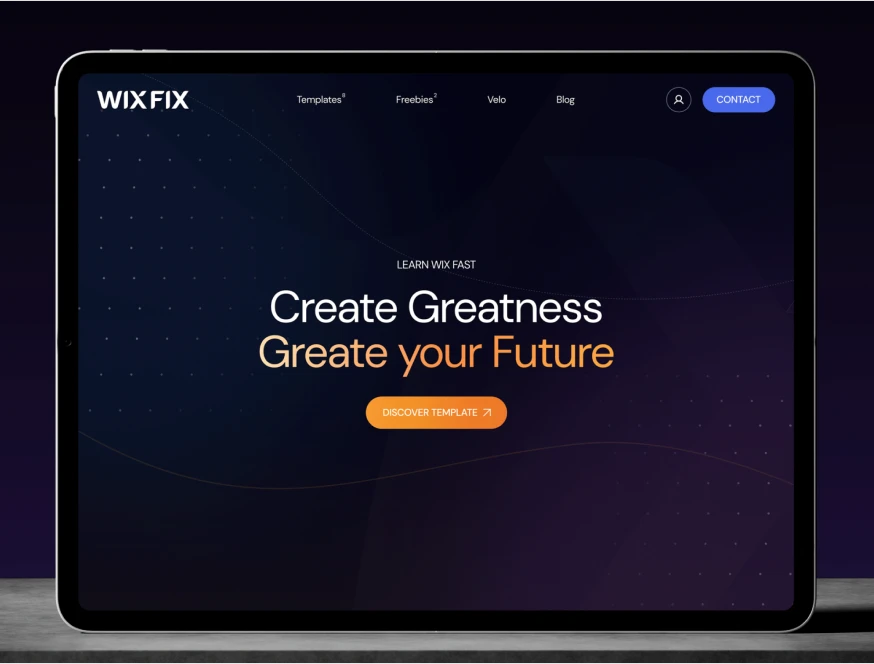
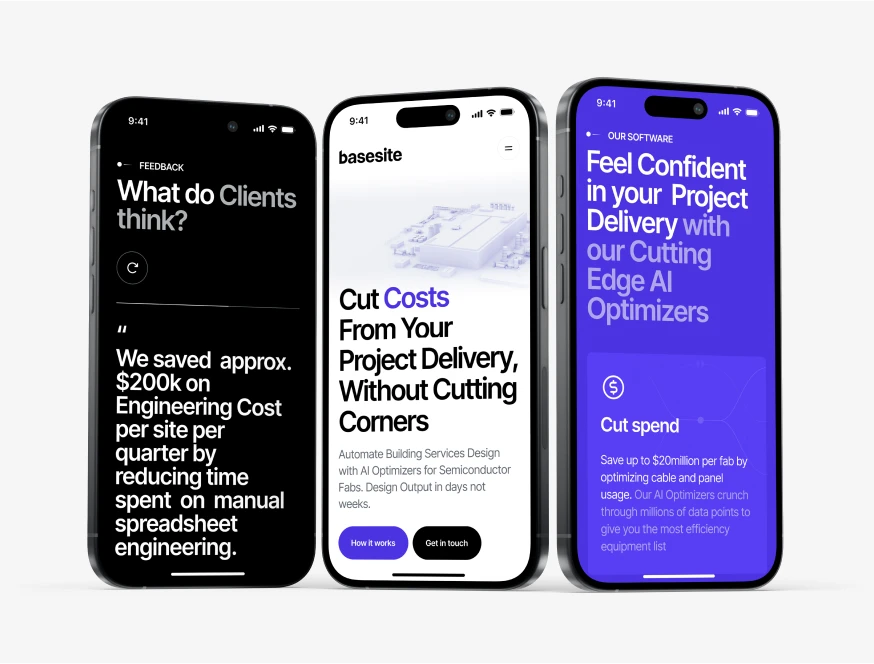
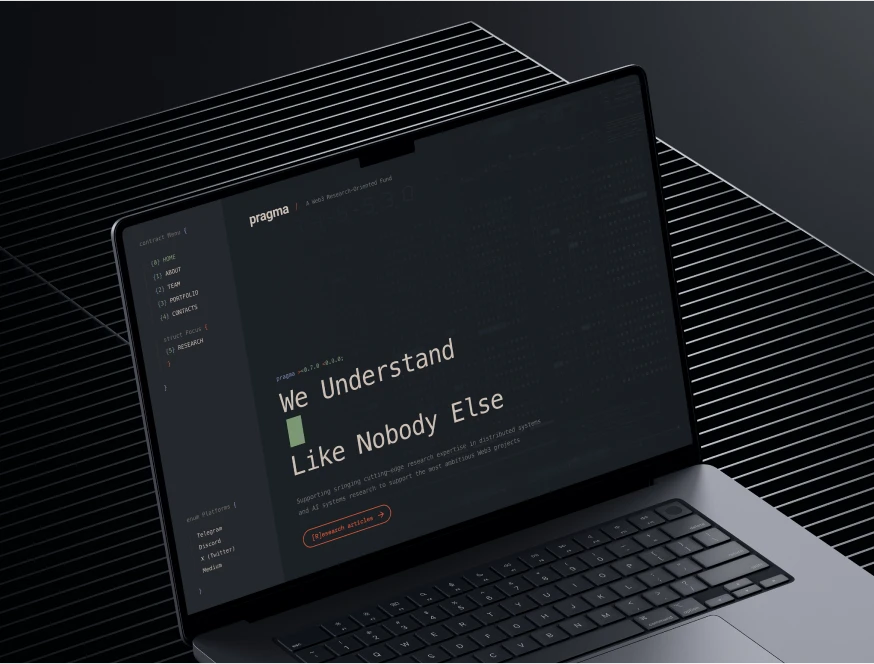
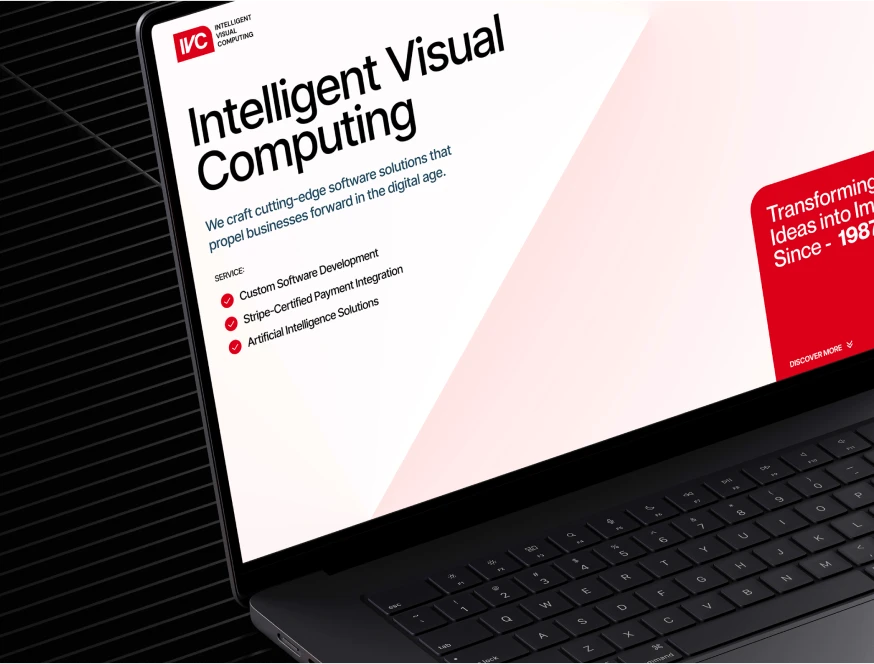
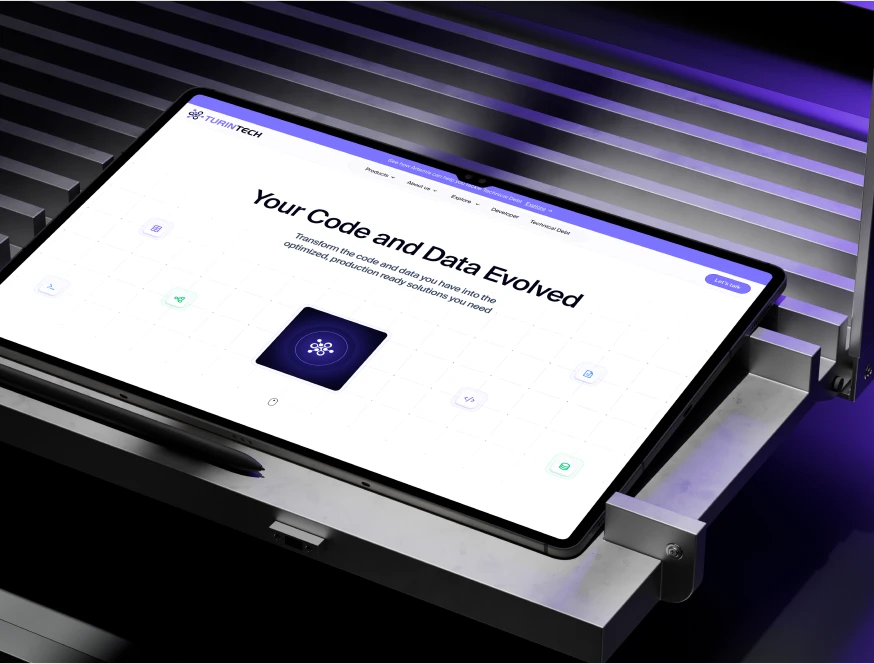
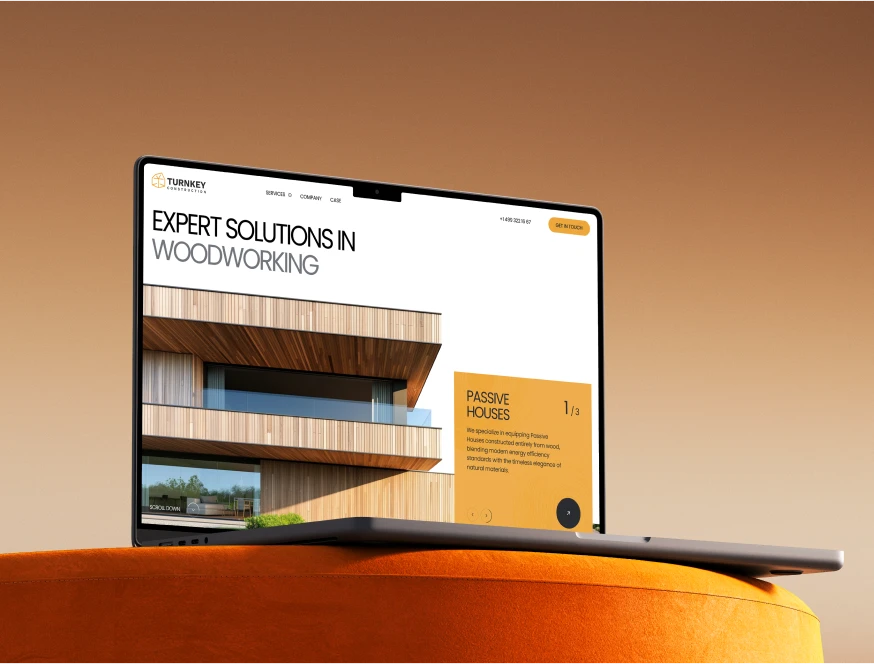
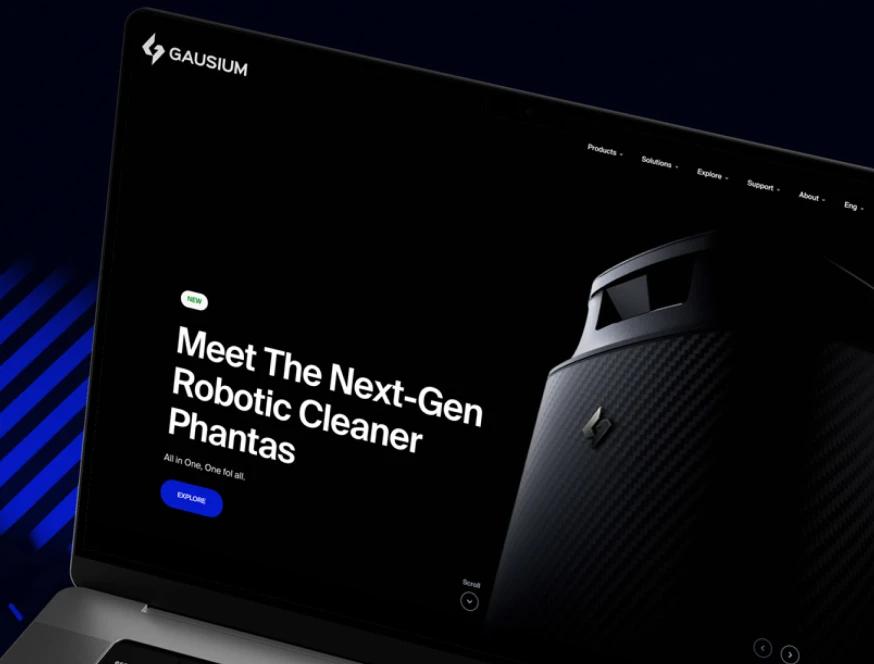
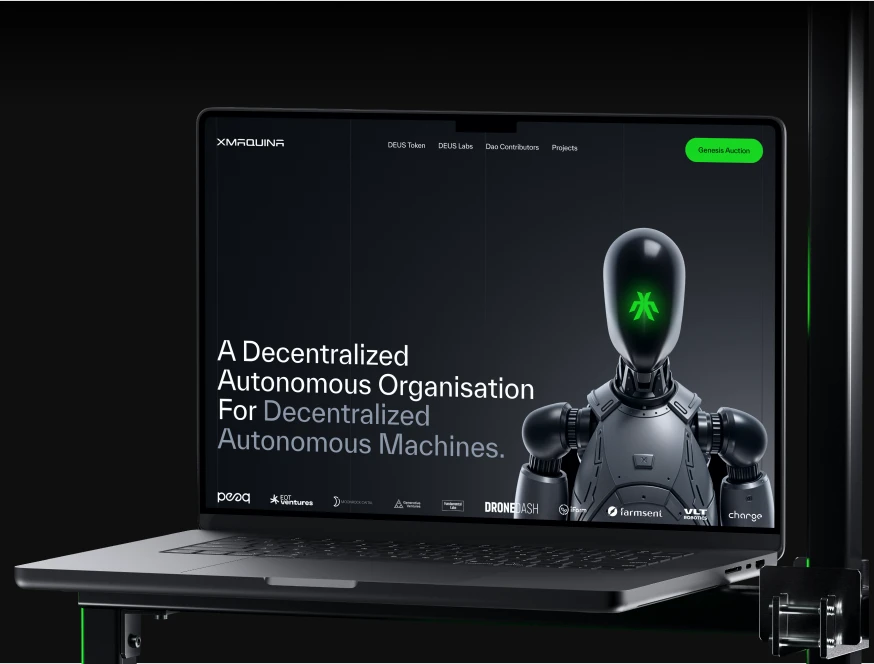
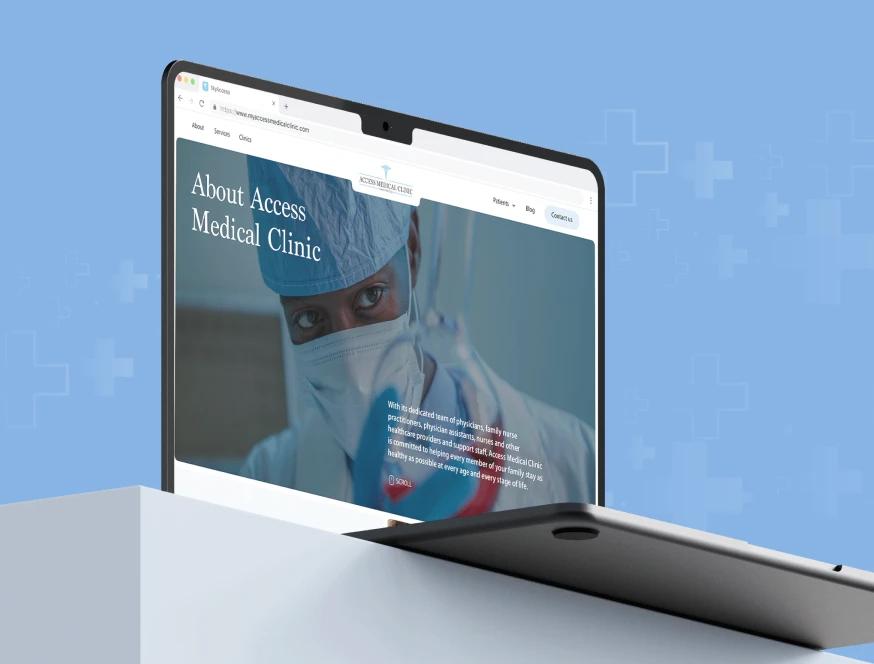
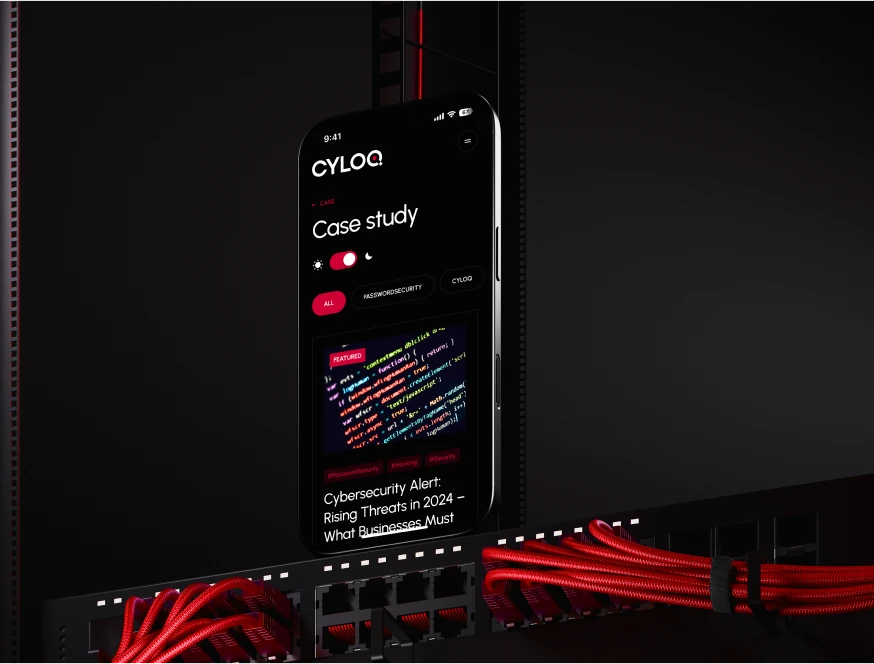
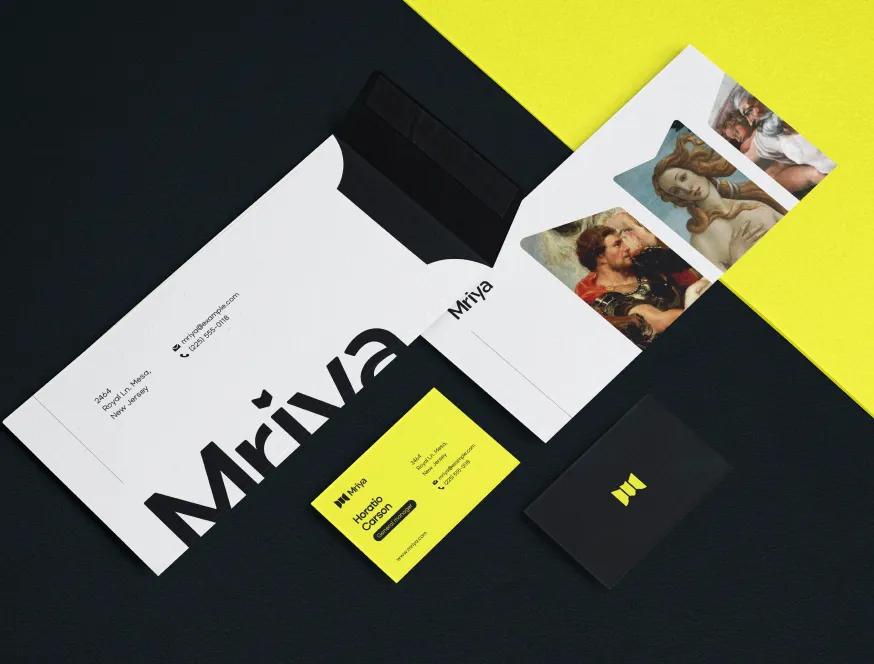
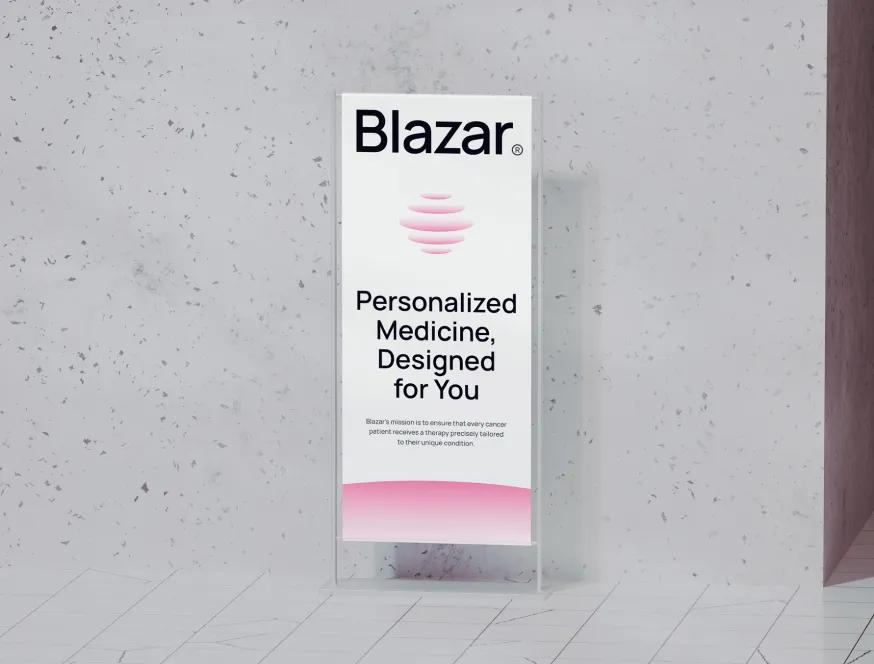
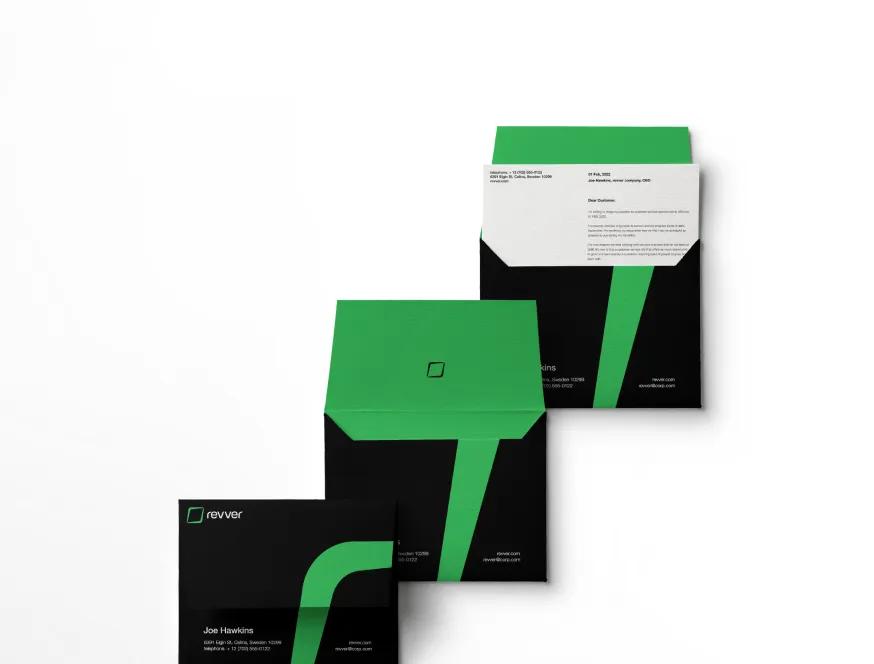
Designs Worth Remembering
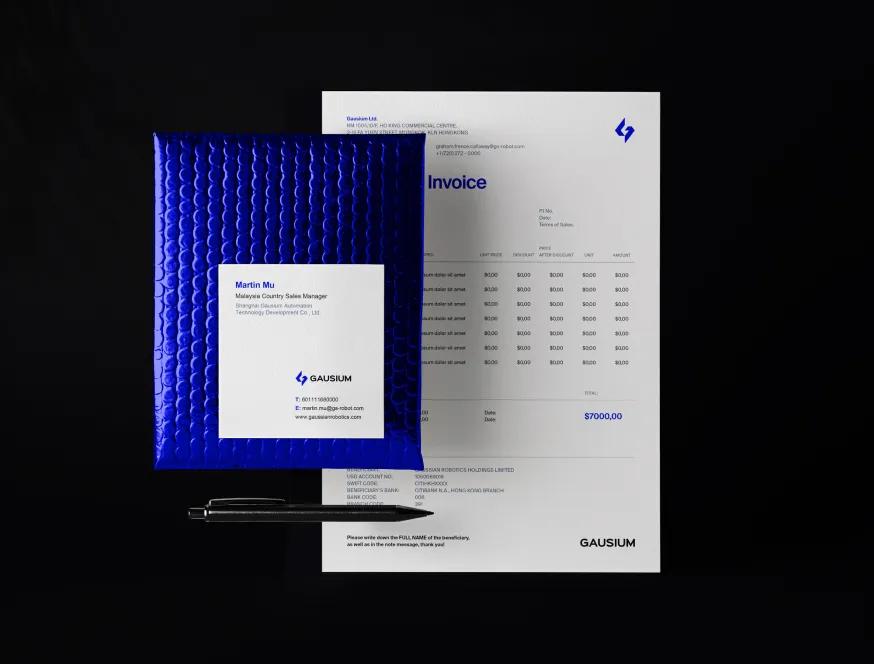
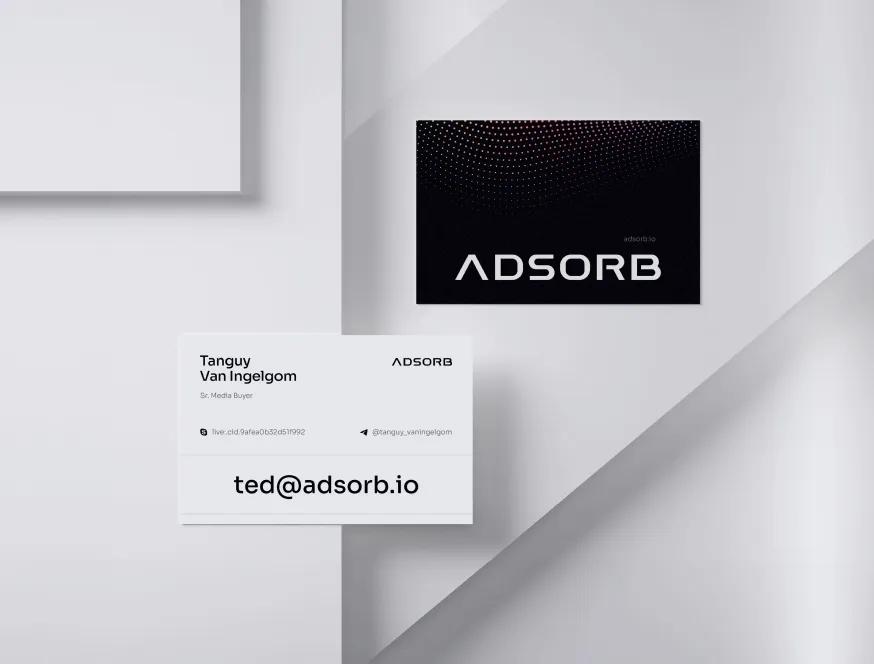
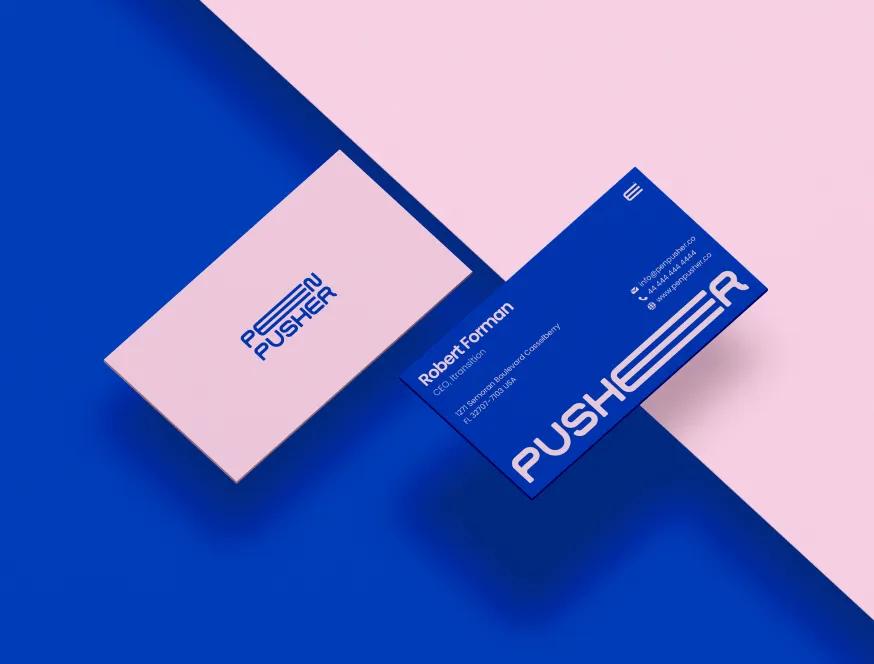
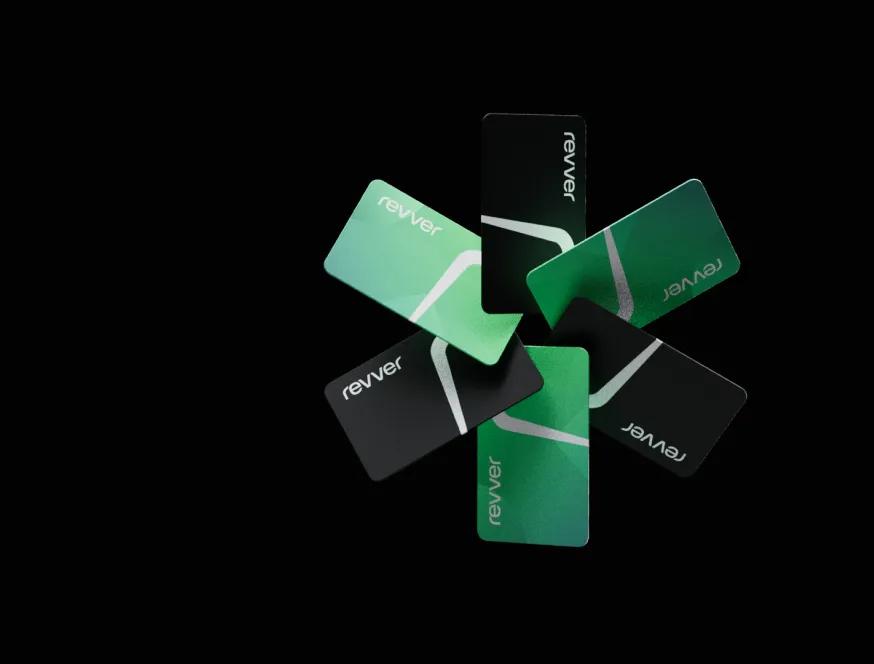
A curated mix of visuals that speak louder than words — bold, refined, and uniquely crafted.



How we redesign a WordPress site
Your current site stays live until the new one is ready.
Audit
We list every page, plugin, form and integration, check the theme and page builder, and export your current rankings. You see what is worth keeping and what is only adding weight.
Stay or move
For most sites, WordPress is still a sensible home. If it no longer fits, because of security work, editing pain or performance, we say so and show you the alternatives. The decision is yours.
Design and build
A new design, built as a custom theme with block patterns for each section. Editors put pages together from approved blocks, so new pages stay on brand without a developer.
Launch and hand over
Content moves across, every changed URL gets a redirect, and metadata and Search Console are checked before and after launch. Your team gets a walkthrough of the editor.
A WordPress site you actually own
WordPress is open source. Your site should be just as open to you.
Yours, top to bottom
The theme code, the hosting account, the admin login and every premium licence are in your name. If you prefer, we host it for you, and you can still take it elsewhere any time.
Milestones you approve
Design, build and launch are separate milestones, each signed off by you. Fixed scope, hourly or a monthly retainer, after a free audit and estimate.
Someone to call after launch
Your named contact stays the same after the site goes live. Replies come the same or next business day, and ongoing updates are available if you want them.

More ways we can help

Website rescue
Your developer stopped answering. We recover access, put everything in your name and keep the site running.
Website fix
One-off repairs on a site someone else built: broken layouts, forms, mobile issues and errors.
Website not converting
Visitors come and leave without getting in touch. We find out why, then rebuild the pages that matter.
Webflow redesign
Redesign or rebuild a Webflow site with a clean class system, a sensible CMS and an editor your team can use.
Redesigning a WordPress website: rebuild or move on?
WordPress runs a large share of the web, and it can run a fast, tidy site. What usually goes wrong is the way it was built. Here is what a good WordPress redesign looks like, and how to tell whether you should stay.
Signs your WordPress site needs a rebuild, not a refresh
- Every update breaks something, so updates get skipped.
- A page builder adds layers of markup and scripts to every page.
- There are dozens of plugins, and nobody knows what half of them do.
- Simple edits, like changing a heading size, are impossible without a developer.
- The site is slow on phones even with a caching plugin.
What we change in a WordPress rebuild
A custom theme
A theme written for your site only, with no unused features from a multipurpose template. Less code means fewer things to break and faster pages.
Fewer plugins
We keep plugins that earn their place and replace the rest with a few lines in the theme or with nothing at all. Each remaining plugin is maintained and documented.
The block editor
Your sections become block patterns. Editors build pages from them, with real previews, and the design stays consistent from one page to the next.
Clean content
Old shortcodes and page-builder markup are converted into blocks, so your content is no longer tied to a plugin.
Keeping your rankings
- Every existing URL is listed, and every one that changes gets a permanent redirect.
- Titles, descriptions and structured data are carried over and checked.
- Search Console is monitored before and after launch.
- Email keeps working, because mail records are left alone.
Questions to ask before you hire anyone
- Will the theme be written for my site, or is it a template with my logo on it?
- Which plugins will you keep, and why?
- Whose name are the hosting account and premium licences in?
- What do I get in writing before work starts, and what are the milestones?
- Who do I contact after launch, and how quickly will they reply?
When it makes sense to leave WordPress
If your team spends more time patching than publishing, or you need the speed and security of a site with no PHP server, moving may be the better long-term choice. See Migrate from WordPress for moving to Astro or Next.js with a headless CMS, or WordPress to Webflow if your team wants a visual editor. The audit covers both options, so you can decide with the facts in front of you.