

Control first, design later
Before anything is redesigned, you get the keys back. Every account is listed, moved into your name and written down, so you never have to chase anyone for them again.
- 01
Domain, DNS and hosting moved into your name
- 02
CMS and admin logins handed to you
- 03
Analytics, Search Console and Tag Manager ownership
- 04
Email kept working throughout
- 05
Malware cleanup first, if the site was hacked
- 06
A written list of every account and who owns it
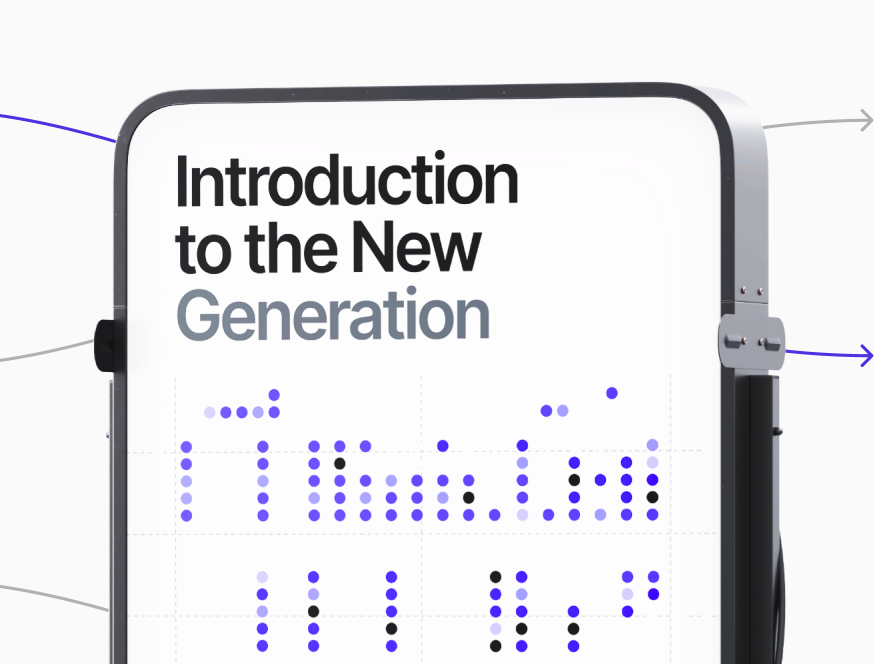
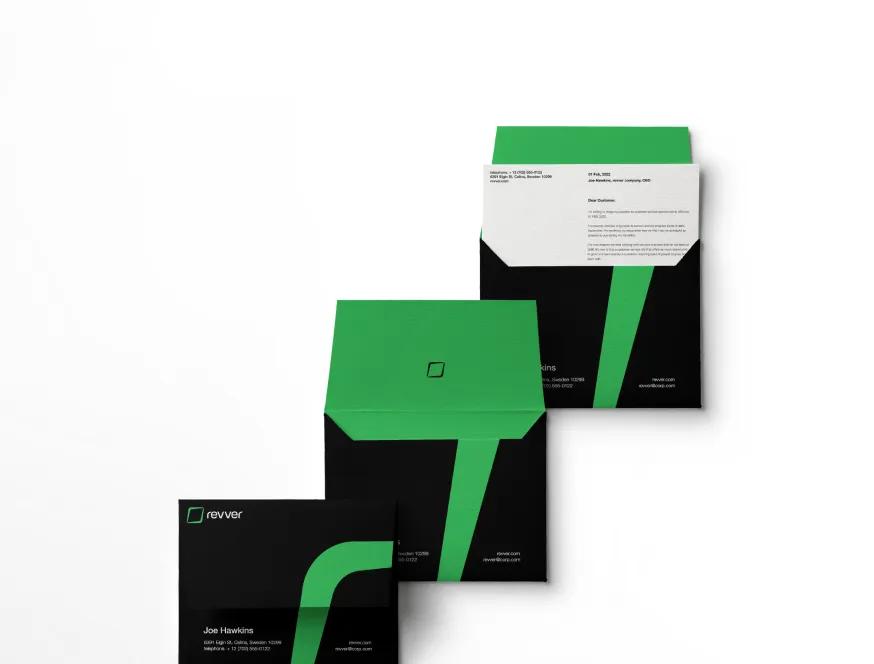
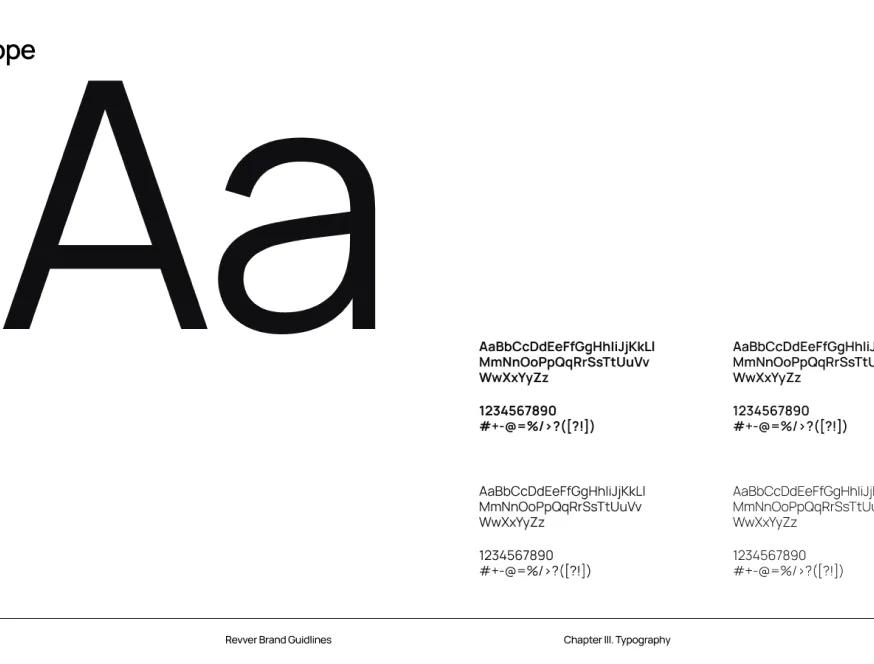
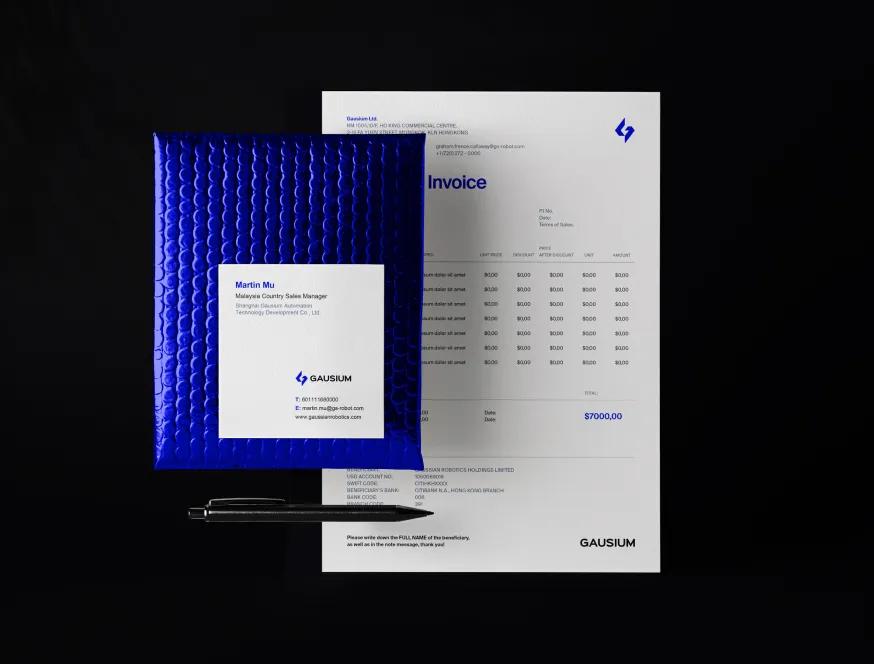
Designs Worth Remembering
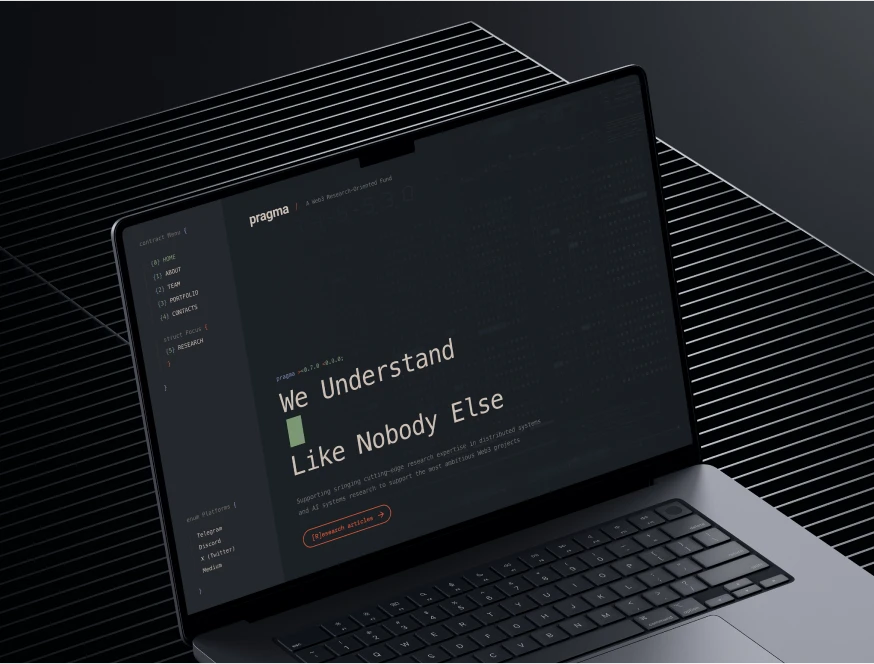
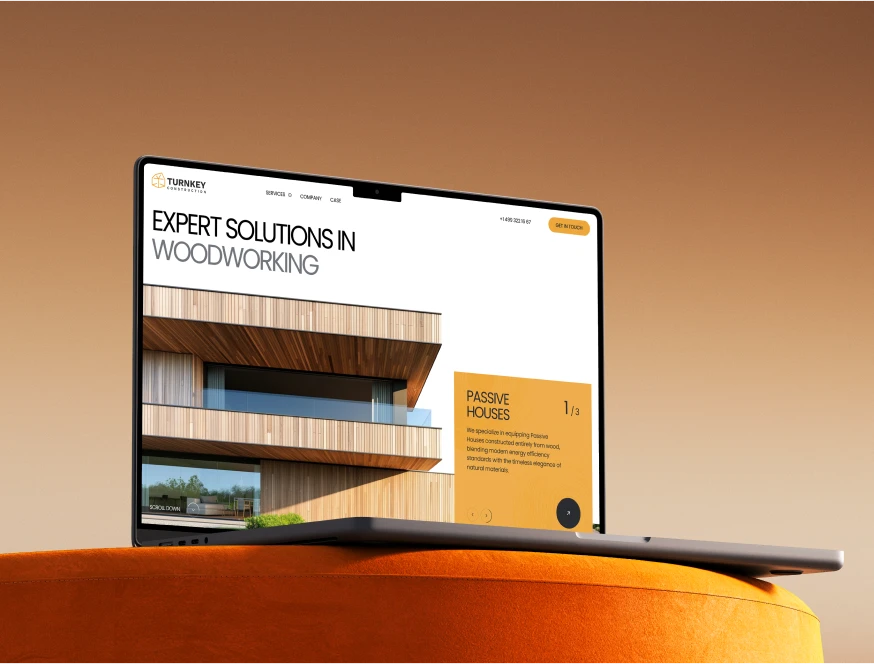
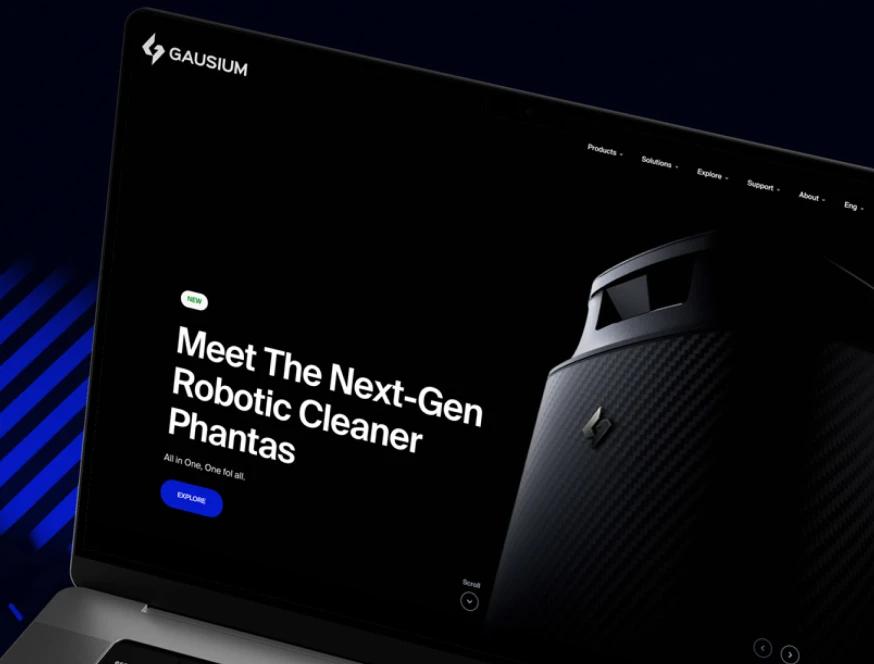
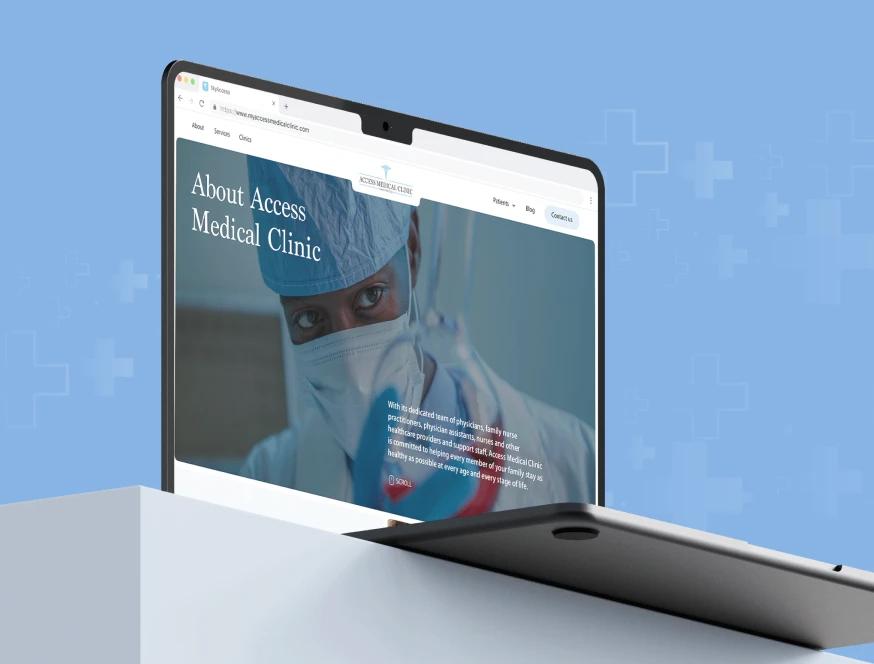
A curated mix of visuals that speak louder than words — bold, refined, and uniquely crafted.














How a takeover works
Four short steps. Each one is confirmed with you before the next one starts.
Map what exists
We find out where the domain is registered, where the site is hosted, which CMS runs it and which outside services it depends on. Most of this is visible from the outside, so you do not need any passwords to start.
You get the list in plain language: what you control today, and what you do not.
Recover access
We help you reclaim each account with the registrar, host or platform, using your proof of ownership. If your old developer is reachable, we send a polite, specific handover request. Most people hand things over once someone asks clearly.
Make it safe
Backups come first. Then expired SSL, broken forms and outdated software. If the site was hacked, we clean it up before anything else. The site and your email stay up while we work.
Decide what is next
Once the site is safe and in your name, we look at it together. Some sites need a few fixes, some need a redesign, some just need someone to look after them.
You choose. You can also take everything and leave.
So this does not happen again
The problem is rarely the design. It is that someone else held the keys.
Everything in your name
Domain, hosting, code, CMS and logins are registered to you, not to us. If you would rather we host the site, the accounts are still yours.
Leave whenever you want
No lock-in and no files held back for a fee. If you decide to move on, you get a full handover: code, content, logins and notes on how it all fits together.
A person who answers
You get one named contact who knows your site. We reply the same or next business day, including when the news is not good.

More ways we can help
Website fix
One-off repairs on a site someone else built: broken layouts, forms, mobile issues and errors.
Website not converting
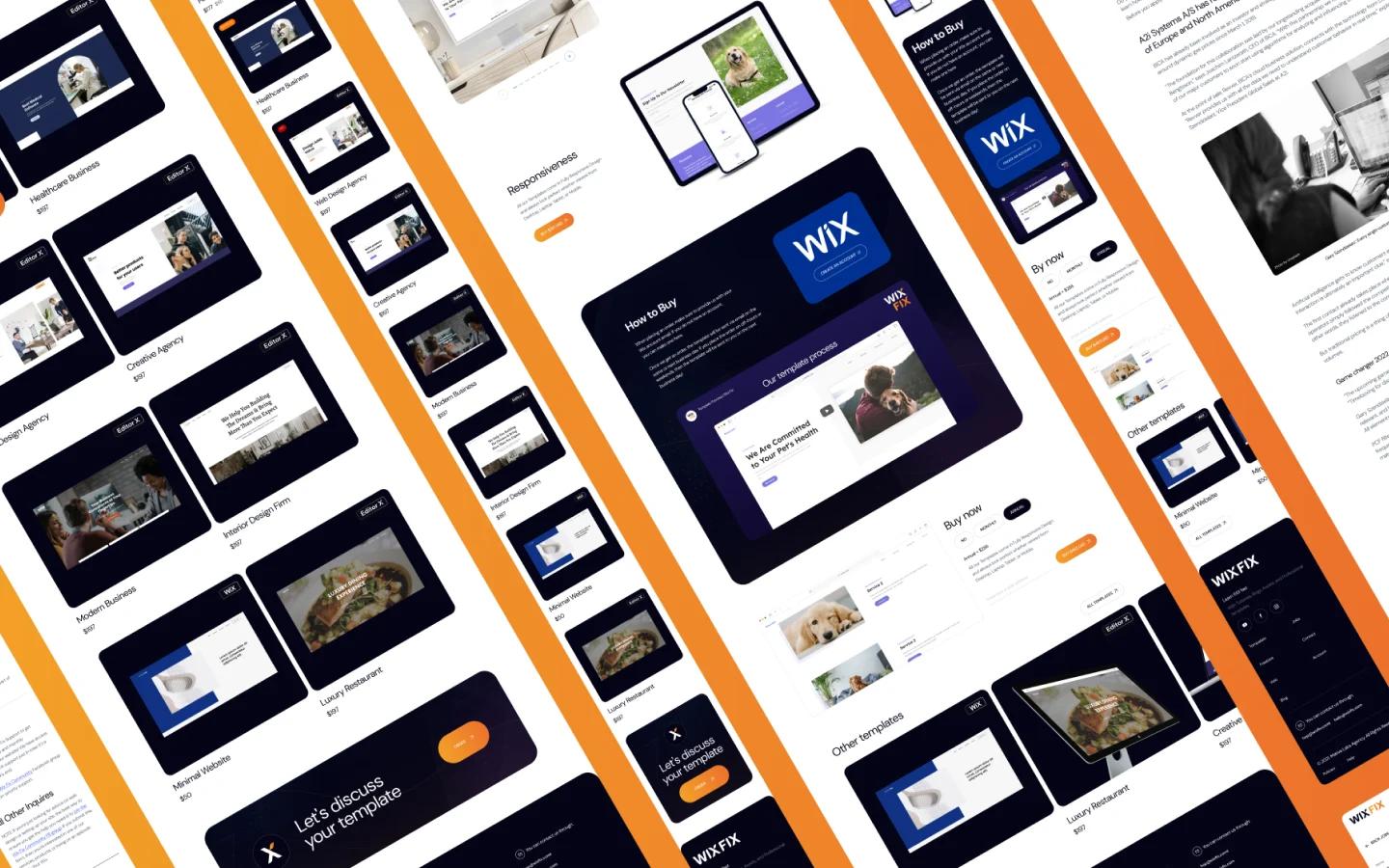
Visitors come and leave without getting in touch. We find out why, then rebuild the pages that matter.
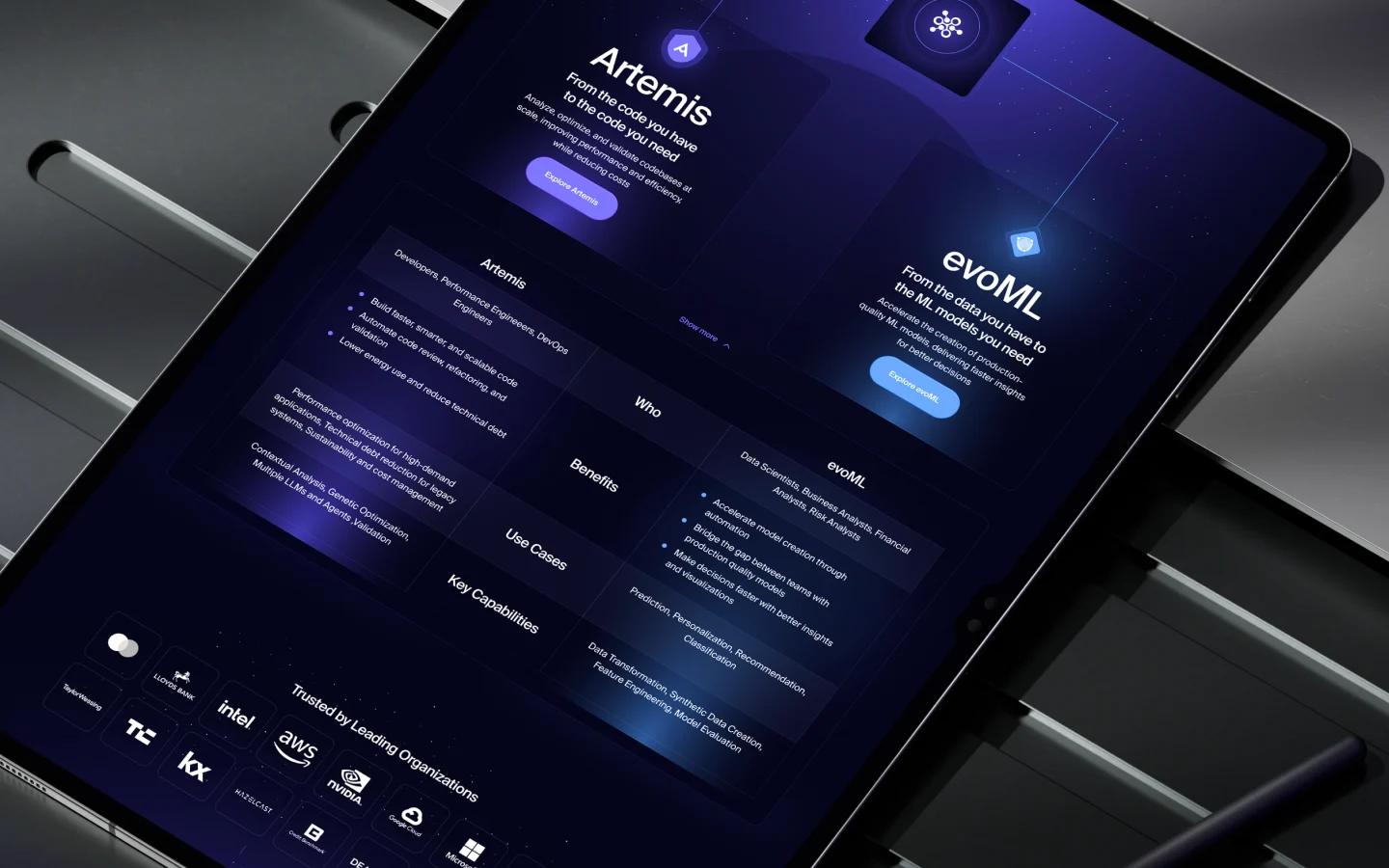
WordPress redesign
Redesign and rebuild your WordPress site on a clean theme with fewer plugins, or decide to move on.
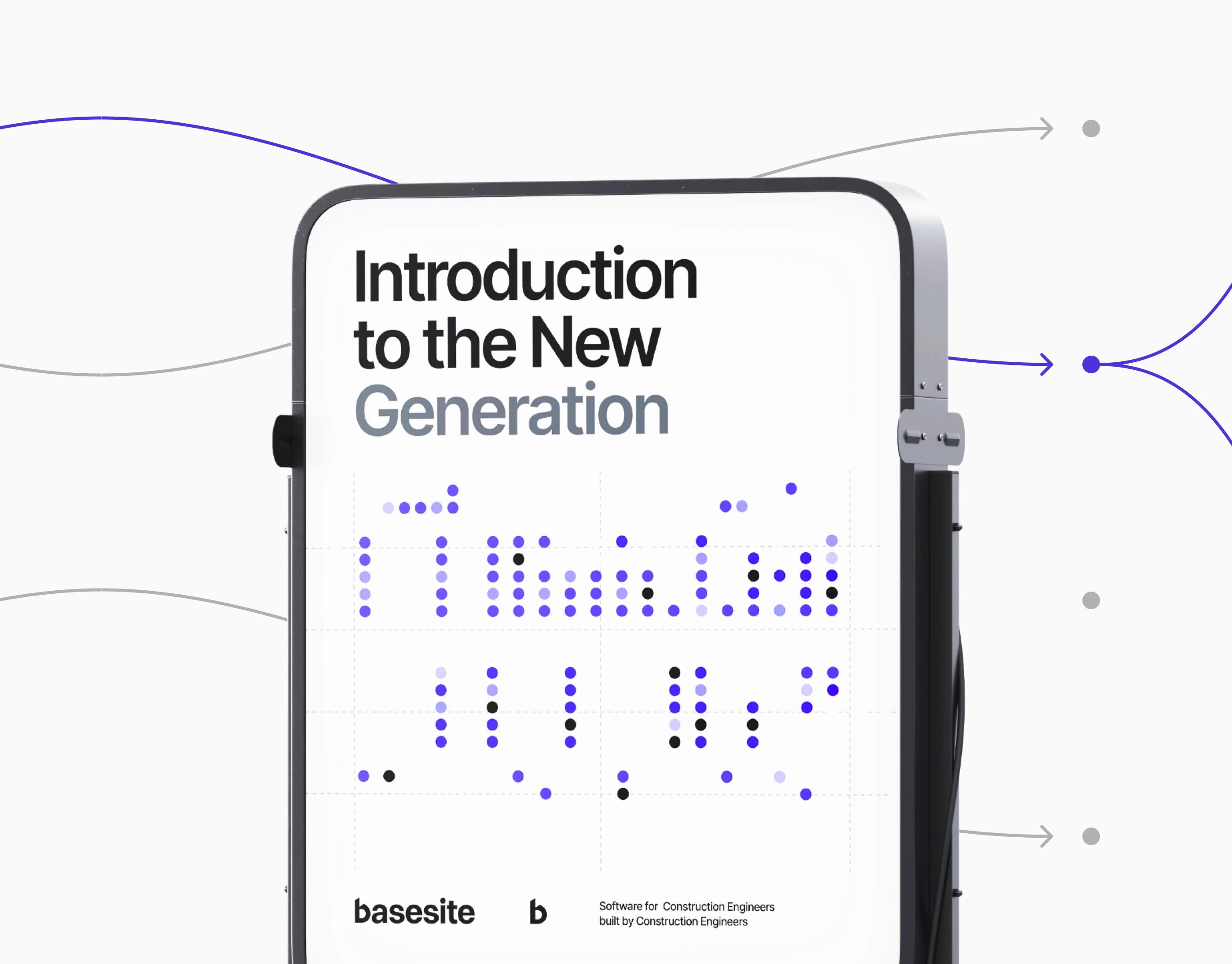
Webflow redesign
Redesign or rebuild a Webflow site with a clean class system, a sensible CMS and an editor your team can use.
Website handover checklist: how to take ownership of your website
If your web developer has gone quiet, the first job is to find out what you already own. Work through this list. Anything you cannot tick is something to recover.
The accounts that make up a website
Domain name
- Find the registrar with a WHOIS lookup on your domain.
- The registrant should be you or your company, with an email address you control.
- To move the domain, you need the account login or a transfer authorisation code (often called the auth or EPP code), and the domain must be unlocked.
DNS
- DNS may be managed at the registrar or somewhere else, such as Cloudflare. Note where.
- Export or screenshot every record before changing anything. Your MX records are what keep email working.
Hosting
- The hosting account, cPanel or server login, and the billing contact.
- If the developer pays for hosting on their own account, ask for the site to be moved to one in your name.
CMS and admin
- An administrator login for WordPress or any other CMS, under your own email address.
- Remove admin users you do not recognise once you have your own.
Webflow
- A Webflow site built in a freelancer’s workspace belongs to that workspace until it is transferred. Ask for a site transfer to your own workspace, and for the site plan to be billed to you.
Analytics and search
- Google Analytics: you should be an administrator on the account, not only a viewer.
- Google Search Console: add yourself as an owner. You can verify ownership through DNS without the developer.
- Google Tag Manager: admin access to the container.
- Who runs your mailboxes (Google Workspace, Microsoft 365, the host) and who holds the admin login.
- Keep the MX records unchanged during any move, or email will stop arriving.
SSL, backups and everything else
- Check the SSL certificate renews automatically. An expired one shows visitors a security warning.
- Ask for a full backup: files, database and media.
- List third-party accounts and licences: premium themes and plugins, fonts, forms, maps, payment and booking tools. Licences bought in the developer’s name may need to be bought again in yours.
If the developer will not cooperate
- Ask once, in writing, for specific items: domain transfer, hosting access, admin login, backup.
- Contact the registrar’s support directly. With proof that the business is yours, such as invoices, company registration or a domain-matched email, registrars can often update the registrant.
- Hosts and platforms have similar ownership processes. Analytics and Search Console can be re-verified through DNS once the domain is yours.
- If content is lost, the Wayback Machine at web.archive.org often holds copies of old pages and images that can be used to rebuild.
Once you have everything back
Keep the list somewhere safe and update it when anything changes. Whoever works on your site next, including us, should be added as a user on your accounts, not the other way around. If you would like someone to look after the site from here, see Website support.