
Why a site stops bringing leads
It is rarely one big thing. Usually it is a few small frictions adding up, and most of them can be seen in your data.
- 01
It looks outdated, so visitors doubt the business
- 02
The first screen does not say what you do
- 03
The contact form is long, hidden or broken
- 04
Pages are slow or awkward on phones
- 05
No proof: real work, reviews, people
- 06
Visitors land on pages that do not match what they searched
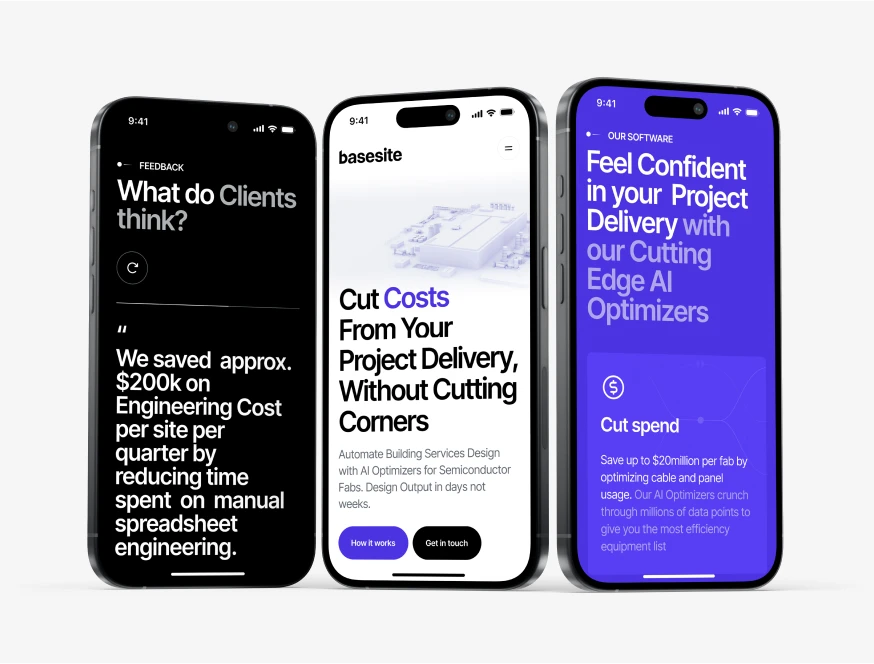
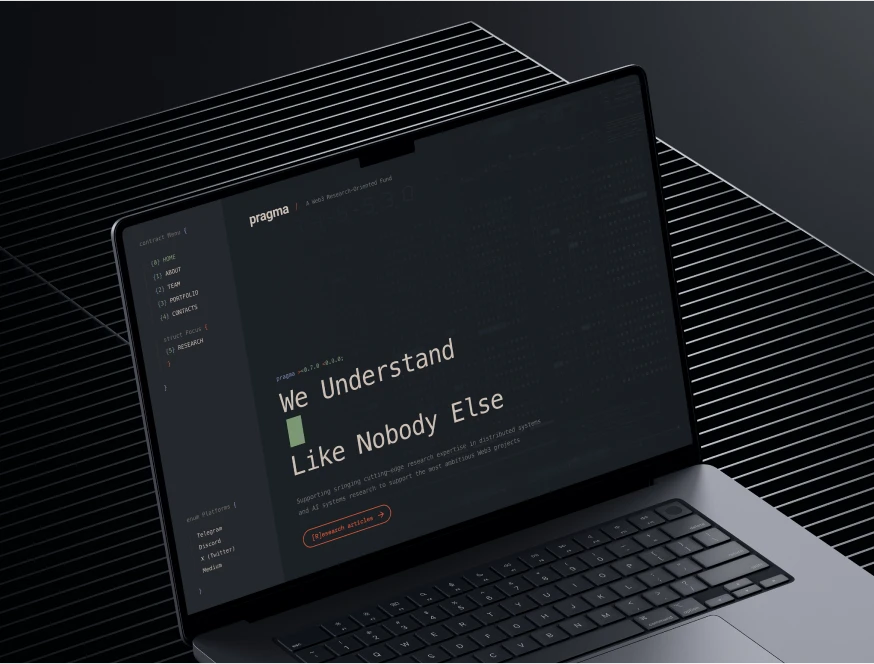
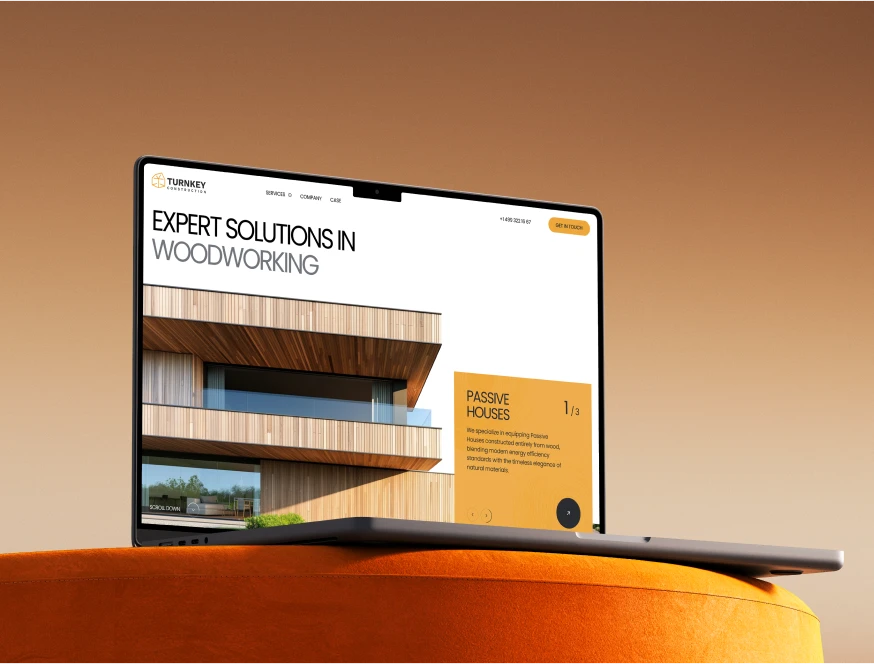
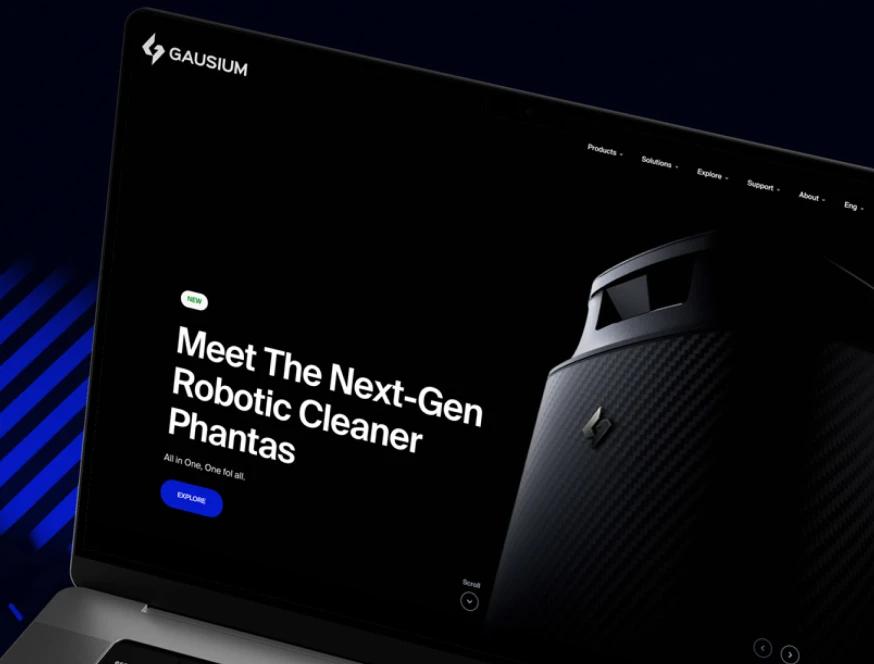
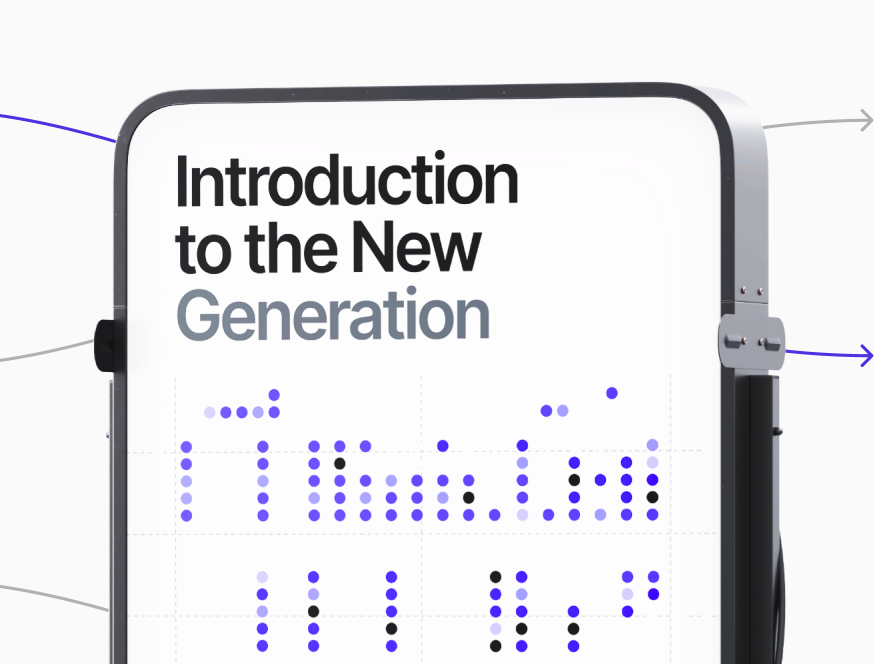
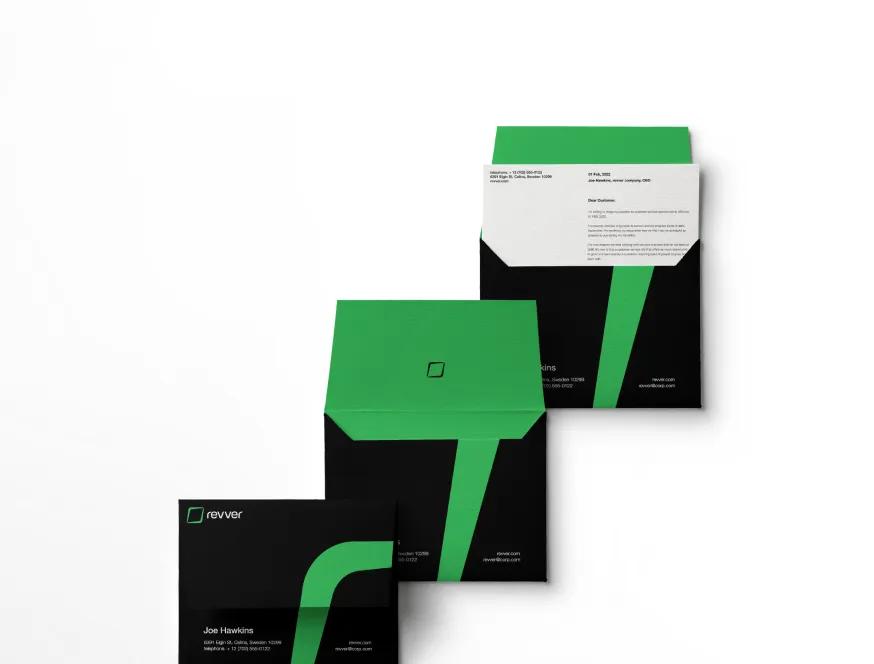
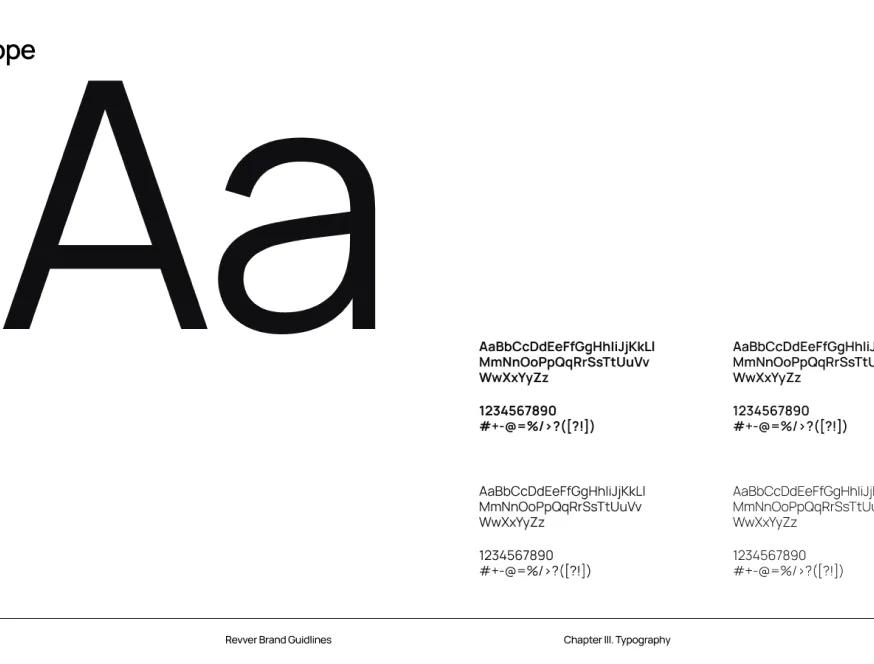
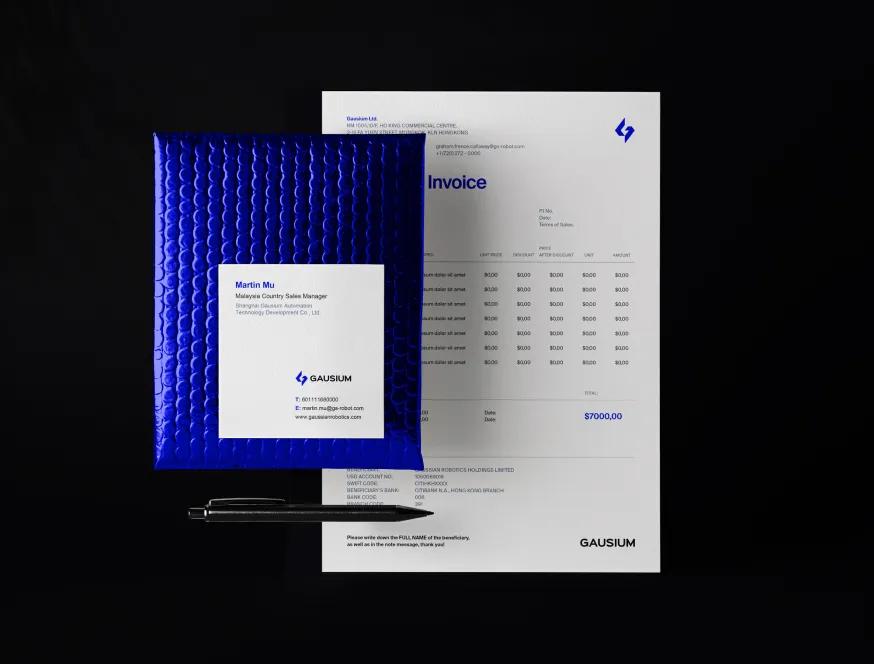
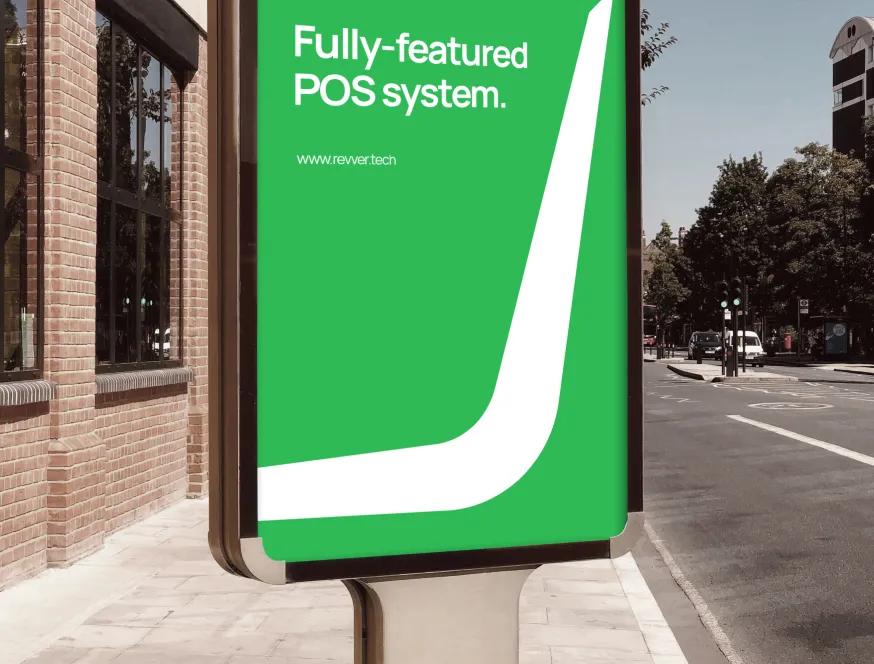
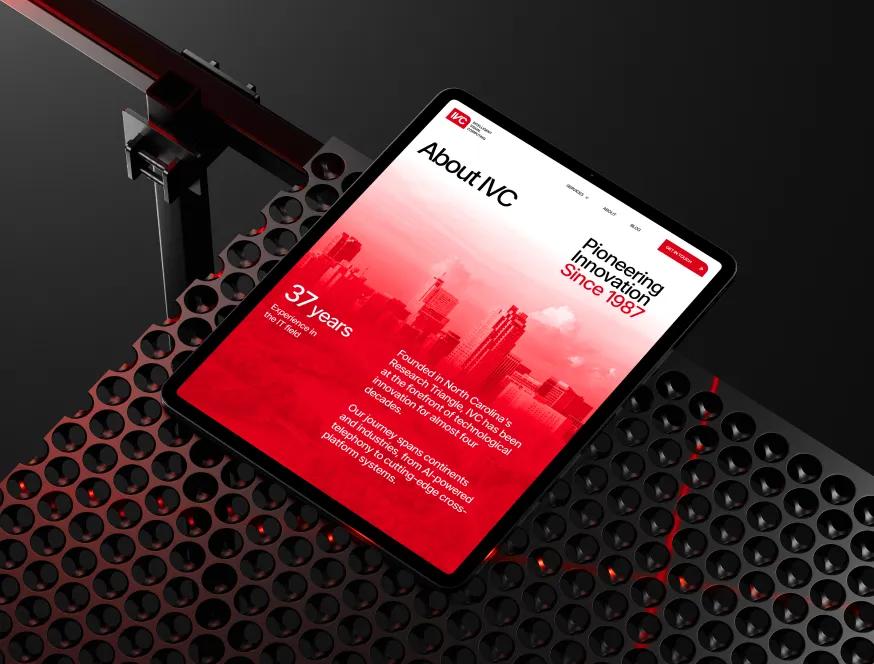
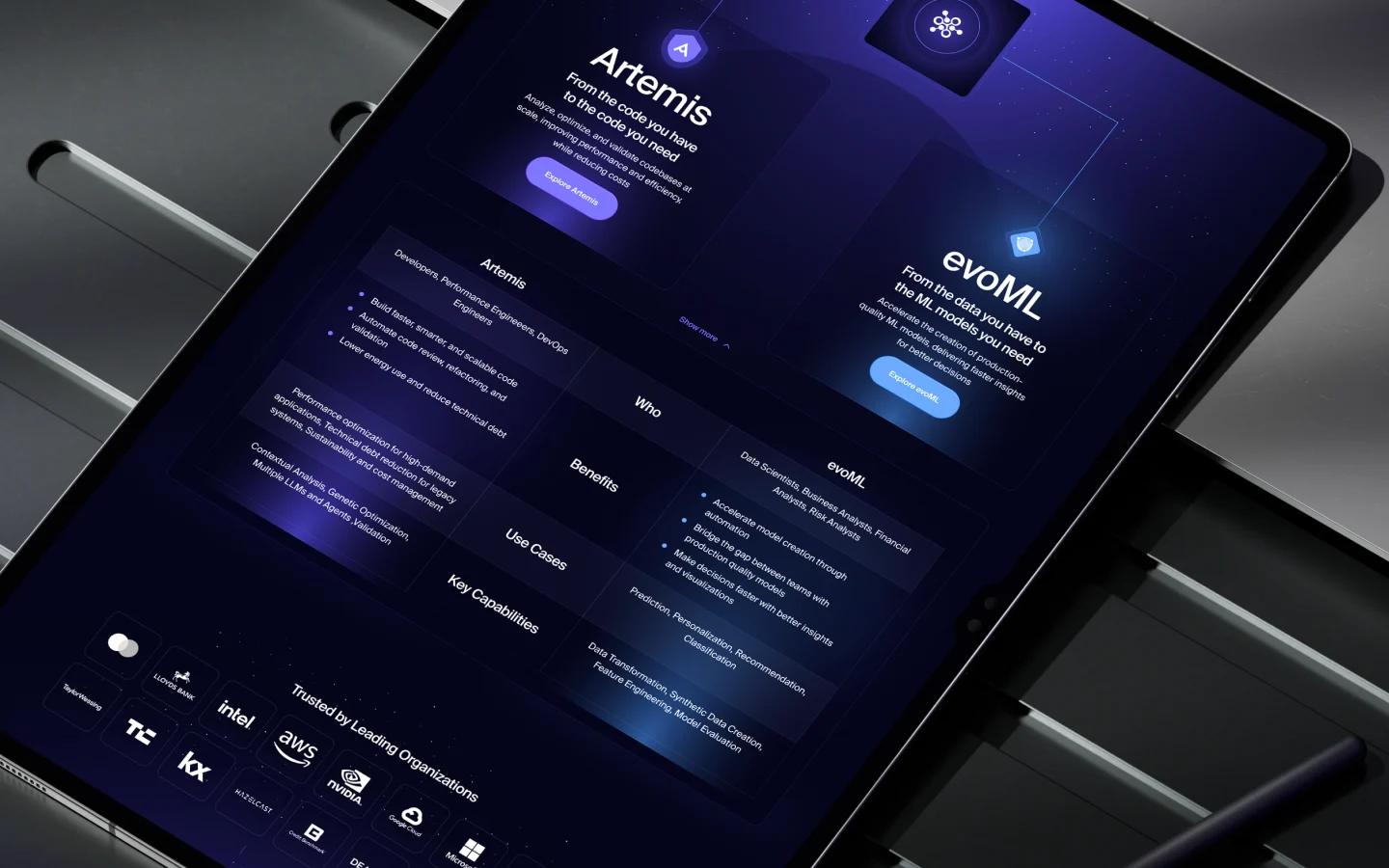
Designs Worth Remembering
A curated mix of visuals that speak louder than words — bold, refined, and uniquely crafted.














From audit to rebuild
We start with what your visitors actually do, not with a new colour palette.
Read the numbers
We go through Google Analytics and Search Console with you: where visitors come from, which pages they land on, where they leave. If tracking is missing or broken, we fix that first, because everything else depends on it.
Review the key pages
Home, services, pricing, contact: we check each one for message, layout, trust, speed and how it works on a phone. You get a written list of problems, ranked by how much they are likely to matter.
Redesign and rebuild
We redesign around what the audit found, then rebuild on the platform that fits: Webflow, WordPress, or Astro or Next.js with Sanity or Payload. Your rankings are protected with a redirect map and metadata checks before and after launch.
Measure after launch
We compare the same numbers before and after, so you can see what changed. If something still underperforms, we adjust it, once or on an ongoing basis.
No promises we cannot measure
You have probably heard big numbers before. We would rather show you yours.
Your data, not our guesses
We do not promise a percentage. We show you what your analytics say before the work and after it. The analytics accounts are in your name, so you can check them yourself.
Scope you sign off
The audit comes first and is free. Then a fixed scope with milestones you approve, hourly, or a monthly retainer. Your choice, and nothing added without asking.
One contact, start to finish
The person who reads your numbers stays with you through the rebuild. Replies come the same or next business day.

More ways we can help

Website rescue
Your developer stopped answering. We recover access, put everything in your name and keep the site running.

Website fix
One-off repairs on a site someone else built: broken layouts, forms, mobile issues and errors.
WordPress redesign
Redesign and rebuild your WordPress site on a clean theme with fewer plugins, or decide to move on.
Webflow redesign
Redesign or rebuild a Webflow site with a clean class system, a sensible CMS and an editor your team can use.
Why is my website not converting?
A website that gets visits but no enquiries is frustrating, and it is common. Before you rebuild anything, it helps to know which kind of problem you have. Here is how to check.
Rule out the basics first
- Send yourself a message through every form on the site. Check that it arrives, and how long it takes.
- Check that analytics is installed on every page and that form submissions are tracked as events or key events.
- Open the site on your own phone over mobile data. Try to get in touch in under a minute.
A surprising number of sites are not losing leads at all. The form is broken, or the leads are going to an inbox nobody reads.
Common reasons a site does not convert
The message is unclear
Visitors decide quickly whether they are in the right place. If the first screen talks about you rather than the problem you solve, many will not scroll to find out.
It looks outdated
An old design suggests an old business. Visitors may wonder whether you are still operating, or whether you are as careful with their project as with your site.
There is no proof
Case studies, reviews, client logos and real photos of the team do more than adjectives. Stock photos and vague claims do the opposite.
Getting in touch is hard
- The contact link is buried in the footer.
- The form asks for more than it needs.
- There is no phone number or email for people who prefer them.
It is slow, especially on phones
Slow pages lose people before they read a word. Check your key pages in PageSpeed Insights and look at the mobile result.
The traffic does not match the page
In Search Console, look at which searches bring people to each page. If visitors arrive looking for something the page does not offer, they leave.
How to read your own data
- In Google Analytics, open the landing pages report. Pages with many visits and few engaged sessions are where to look first.
- Compare mobile and desktop. A large gap often points to a layout problem.
- In Search Console, check queries and pages together to see whether the right people are arriving.
Fix or rebuild?
If the problems are a few pages and a form, targeted fixes may be enough. If the message, structure and design all need to change, a rebuild is usually faster and cheaper than patching. Either way, a rebuild should keep what already works: your URLs, metadata and rankings, protected with redirects and checks before and after launch. If you also want to change platform, see Website migration.