
When a Webflow site needs a rebuild
Webflow makes it easy to build quickly. It also makes it easy to build in a way that is hard to change later. If any of this sounds familiar, the build is the problem, not you.
- 01
Hundreds of one-off classes nobody can follow
- 02
Changing one style breaks another page
- 03
CMS collections that do not match your content
- 04
Interactions that stutter or conflict
- 05
The site lives in someone else’s workspace
- 06
Editors afraid to touch anything
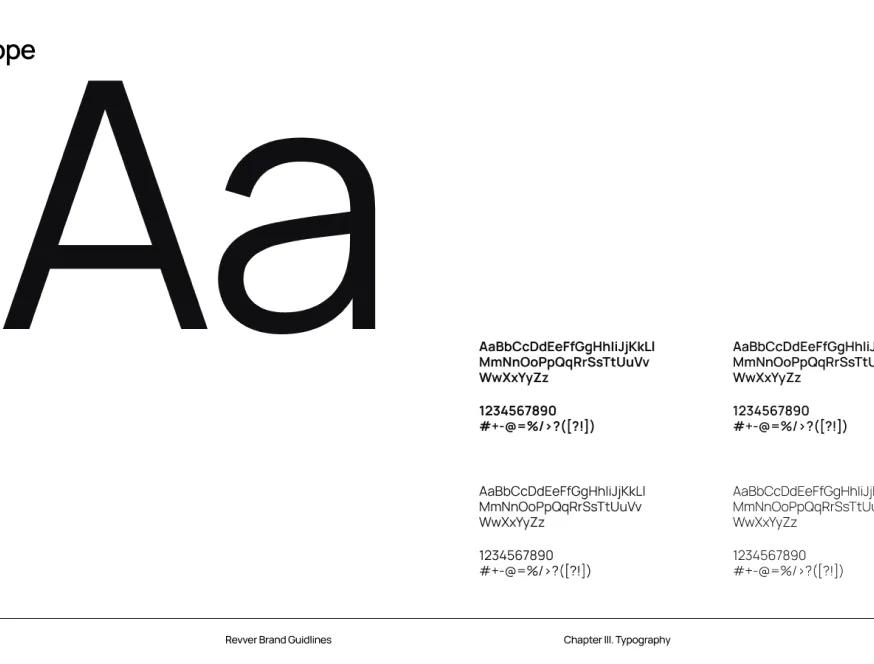
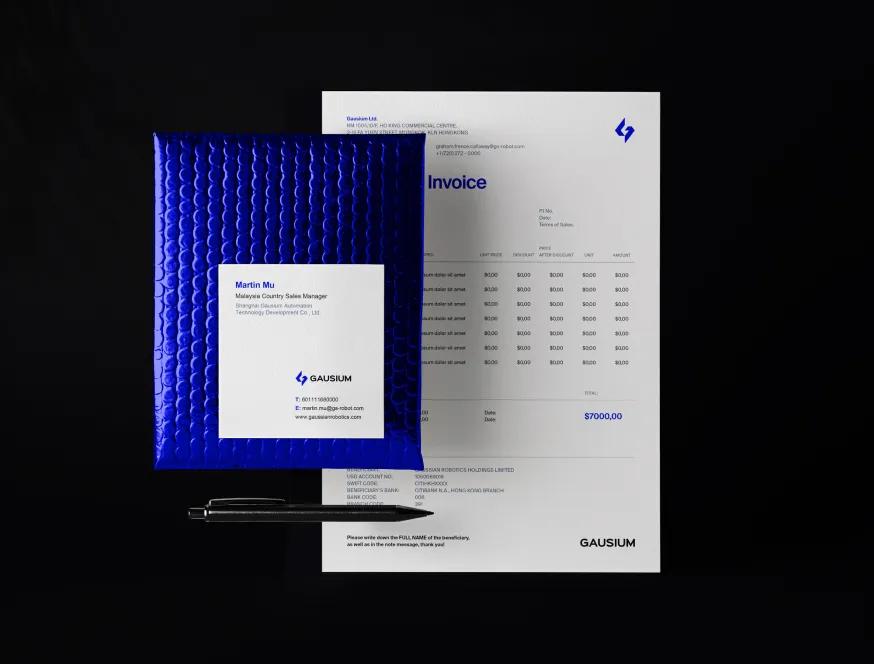
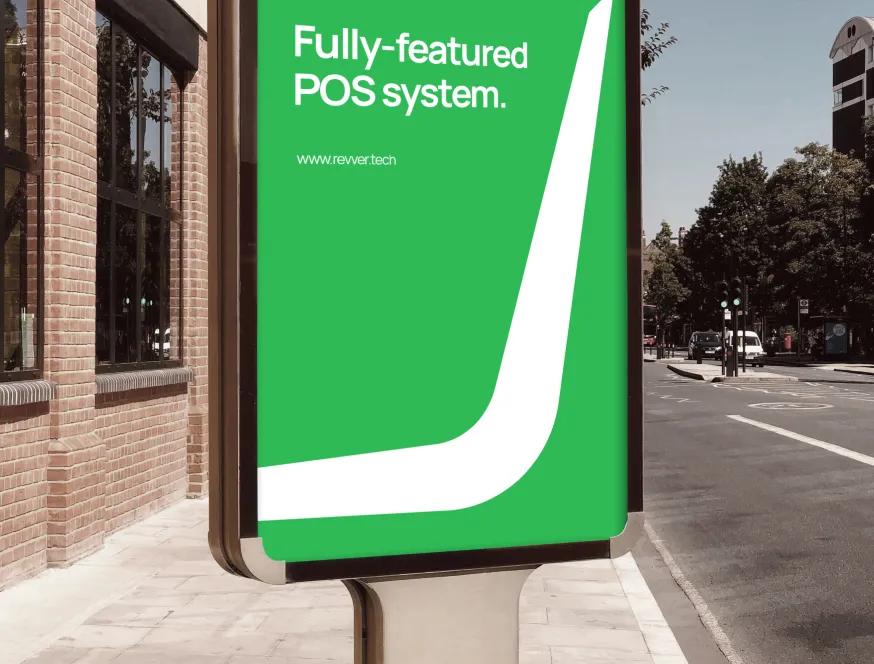
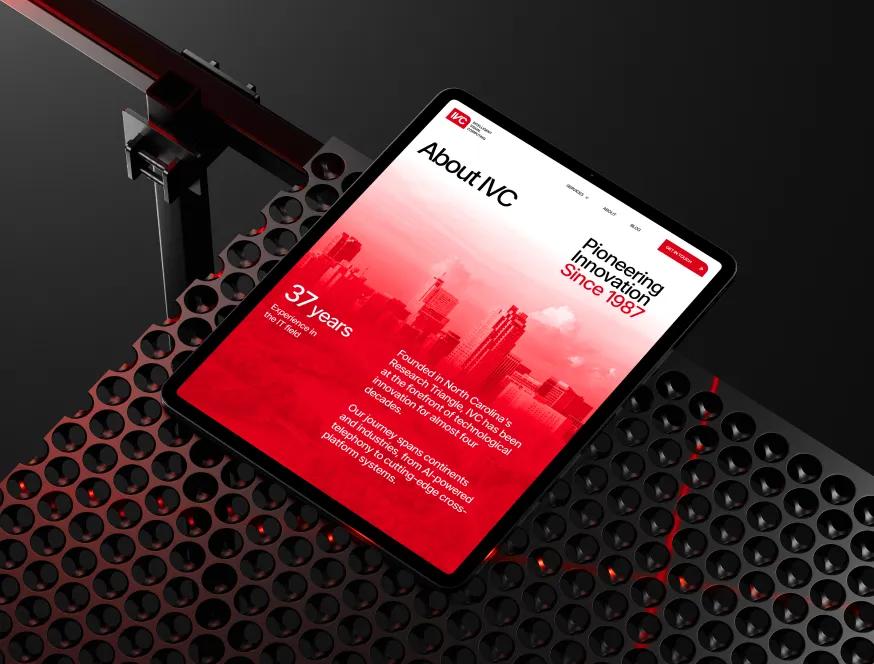
Designs Worth Remembering
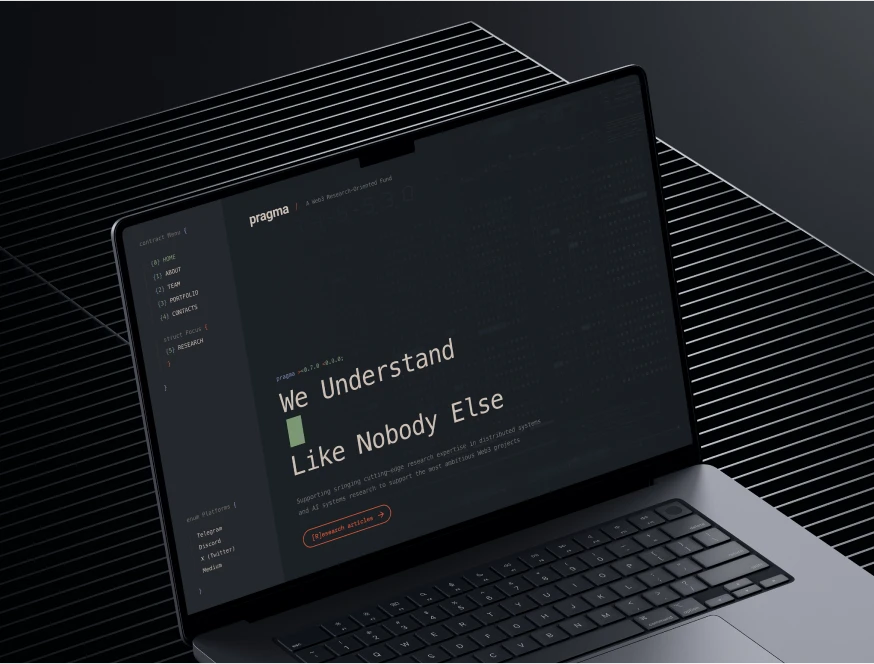
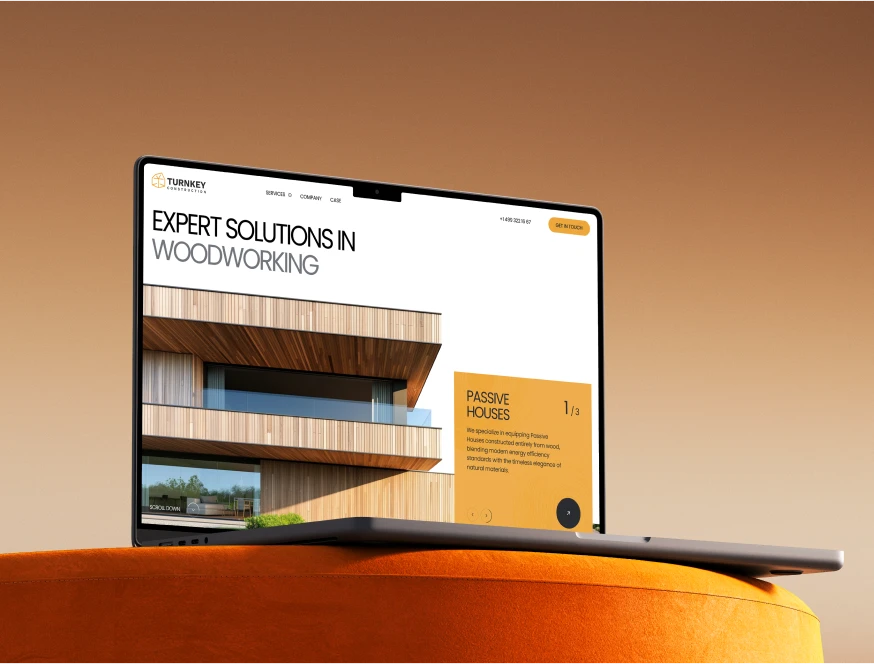
A curated mix of visuals that speak louder than words — bold, refined, and uniquely crafted.

















How we rebuild a Webflow site
The current site stays live until the new one is published.
Audit the build
We go through the class system, components, CMS collections, interactions and custom code, and check your rankings. You get a plain summary of what can be kept and what needs rebuilding.
Design
A refreshed or new design, depending on what you need. We design with the build in mind, so every section becomes a reusable component.
Rebuild cleanly
A consistent class system and variables, components for repeated sections, CMS collections shaped around your content, and interactions that are light and respect reduced motion.
Publish and hand over
Redirects for changed URLs, metadata and Search Console checked before and after launch, and a walkthrough of the Editor for your team.
Your Webflow site, in your workspace
A Webflow site belongs to whichever workspace it sits in. We make sure that is yours.
Your workspace, your plan
The site lives in your Webflow workspace, on a site plan billed to you, with your domain. We join as collaborators and leave whenever you want.
Clear scope, clear stages
A free audit and estimate first. Then a fixed scope with milestones you sign off, hourly work, or a monthly retainer for ongoing changes.
One contact who knows Webflow
You talk to one named person who knows the build inside out. Replies come the same or next business day.

More ways we can help

Website rescue
Your developer stopped answering. We recover access, put everything in your name and keep the site running.

Website fix
One-off repairs on a site someone else built: broken layouts, forms, mobile issues and errors.

Website not converting
Visitors come and leave without getting in touch. We find out why, then rebuild the pages that matter.
WordPress redesign
Redesign and rebuild your WordPress site on a clean theme with fewer plugins, or decide to move on.
Webflow redesign: what a clean rebuild looks like
Many Webflow sites start well and get harder to change with each update. New classes pile up, CMS fields drift away from the content, and eventually nobody wants to touch it. A rebuild resets that.
Signs your Webflow build needs work
- The style panel lists hundreds of classes like "div-block-47" or "heading-copy-2".
- Editing a style on one page changes things on another.
- The same section is built differently on each page.
- Rich text holds content that should be separate CMS fields, or the other way around.
- Custom code snippets are scattered across pages and nobody knows what they do.
- The site loads slowly because of large images and heavy interactions.
What a clean Webflow rebuild includes
A consistent class system
We use one consistent class naming system, with utility classes and variables for colour, type and spacing. Anyone who knows Webflow can pick it up, including your next developer.
Components
Headers, footers, cards and repeated sections become components with properties, so a change is made once and appears everywhere.
A CMS shaped around your content
Collections and fields match how your team works: services, case studies, team, articles. Reference fields link them, so content is entered once and reused.
Interactions that earn their place
Motion that supports the content, not decoration on every element. Interactions are kept light and respect visitors who prefer reduced motion.
An editor-friendly site
Editors change text, images and CMS items in the Editor without risking the layout.
Ownership on Webflow
A Webflow site belongs to the workspace it is built in. If a freelancer built yours in their own workspace, it stays theirs until they transfer it. Before a rebuild, we help move the site into your workspace and the site plan into your billing.
Hiring a Webflow developer
- Ask to see live Webflow sites they built, and how they name classes.
- Ask whose workspace the site will live in.
- Ask what happens to your rankings when URLs change.
- Ask what you get in writing before work starts, and how the work is split into milestones.
- Ask who you will talk to after launch, and how quickly they reply.
- Ask whether your team will be able to edit the site without them.
If you have outgrown Webflow
Sometimes the rebuild question turns into a platform question: seat costs, CMS limits or custom logic. If that is where you are, see Migrate from Webflow. For most sites, a clean Webflow rebuild is the simpler answer.