

What we fix
One-off repairs on the site you already have, on WordPress, Webflow and most other platforms. No retainer needed to get started.
- 01
Pages that are broken or will not load
- 02
Layouts that fall apart on phones
- 03
Contact forms that stopped sending
- 04
Expired SSL and browser security warnings
- 05
Slow pages and plugins that crash the site
- 06
Simple edits your editor will not let you make
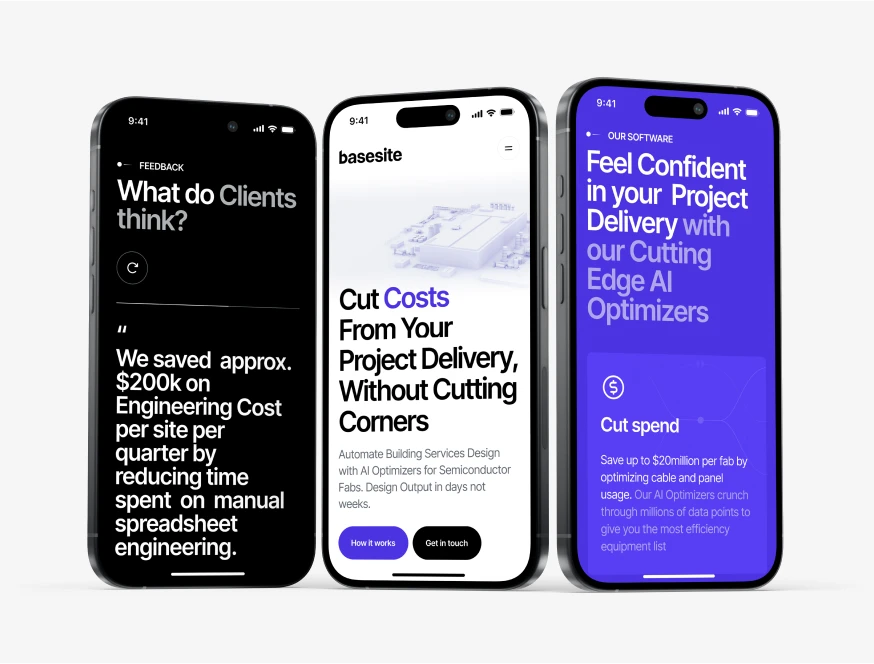
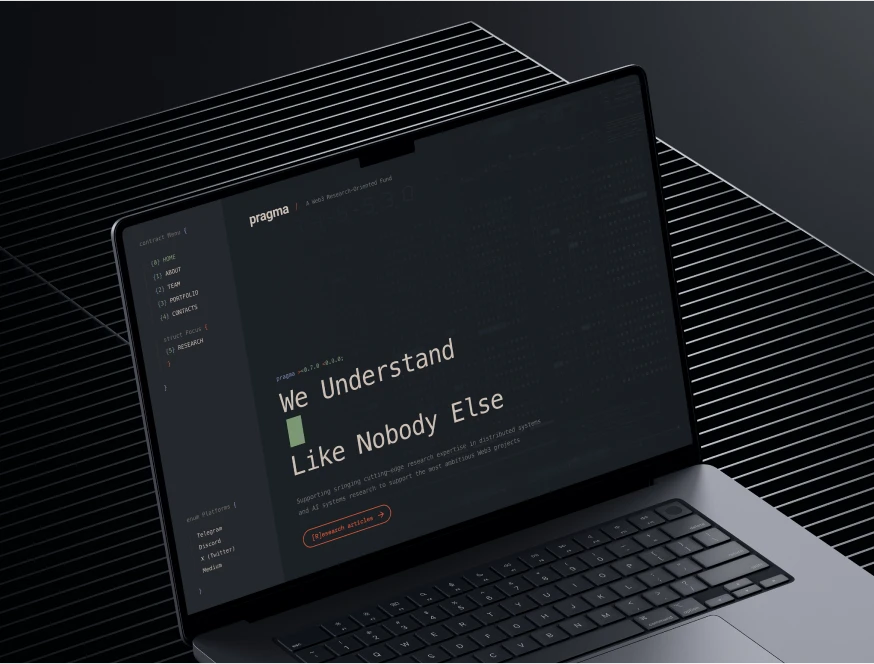
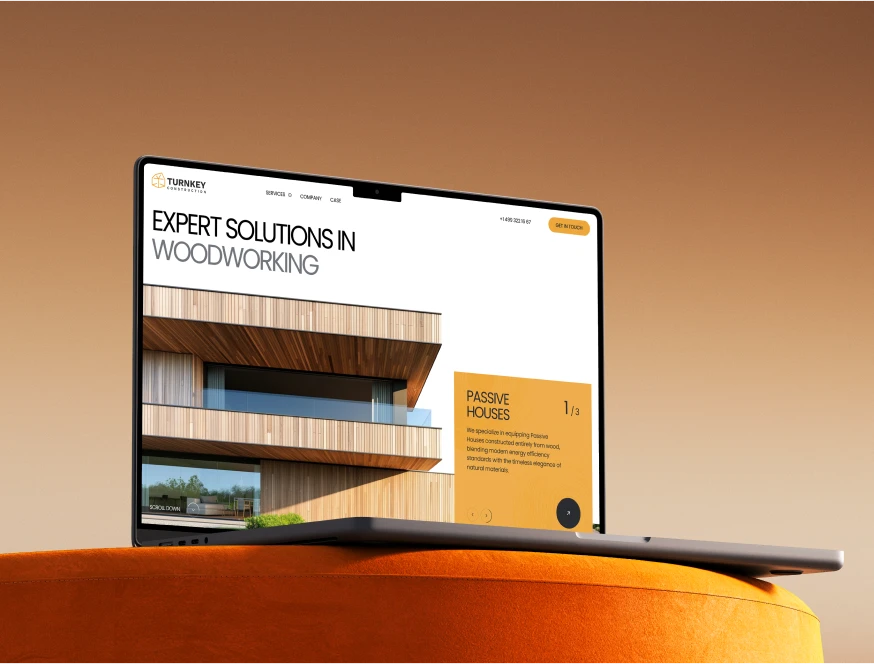
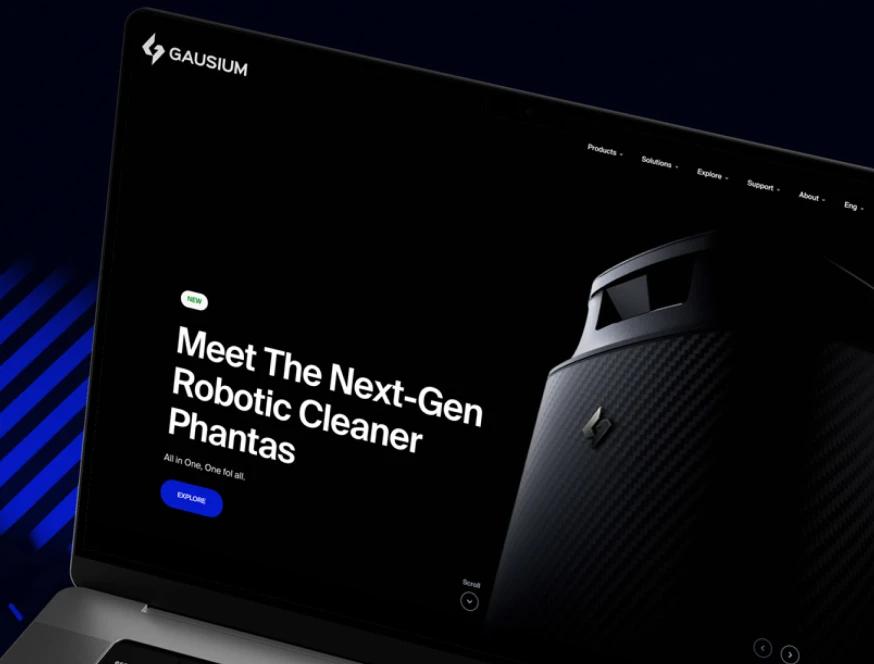
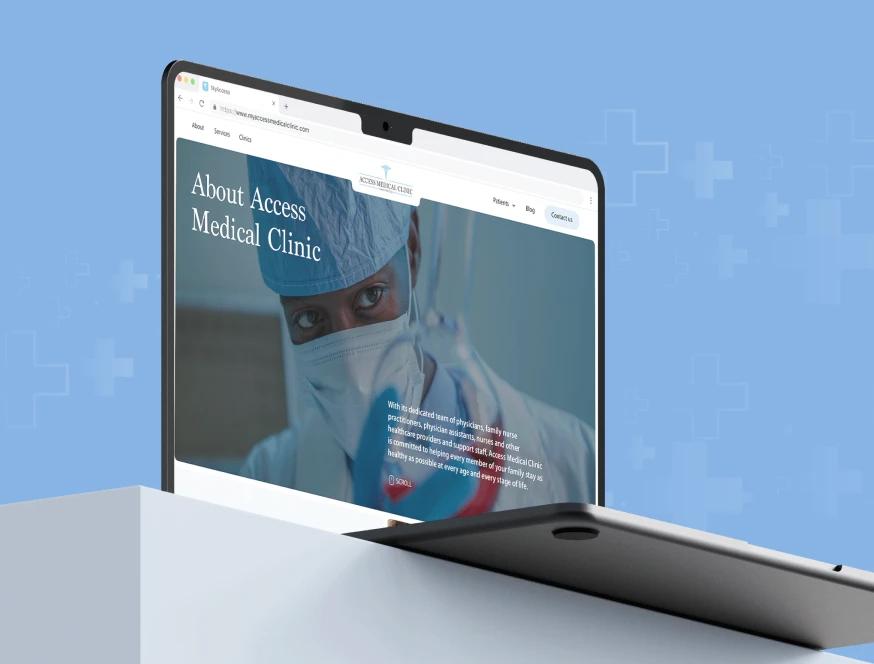
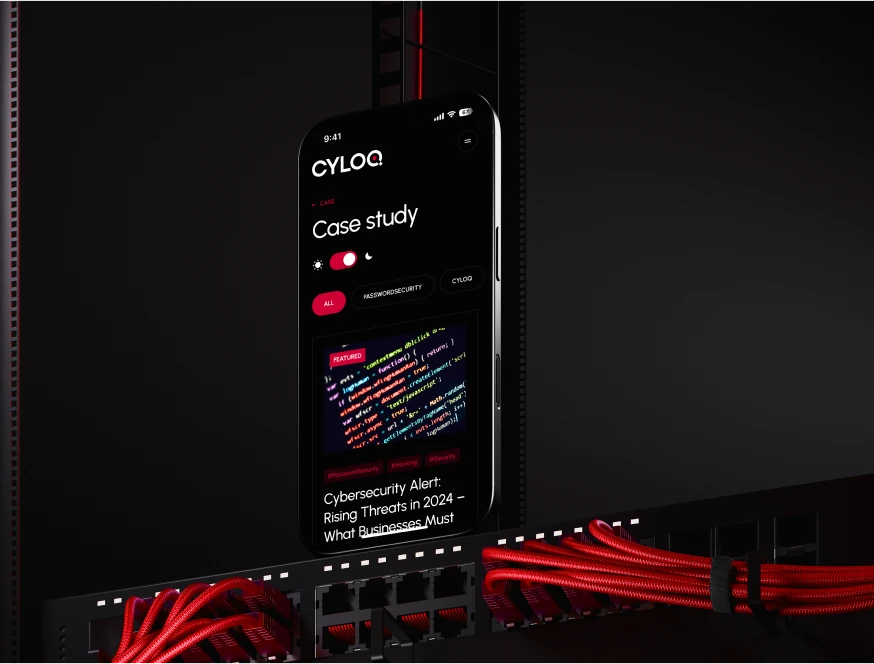
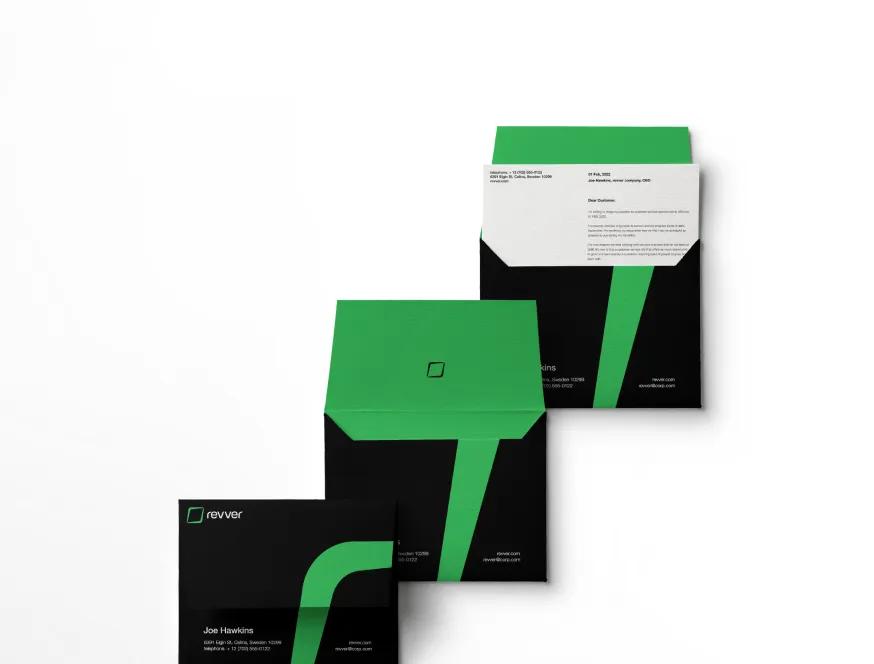
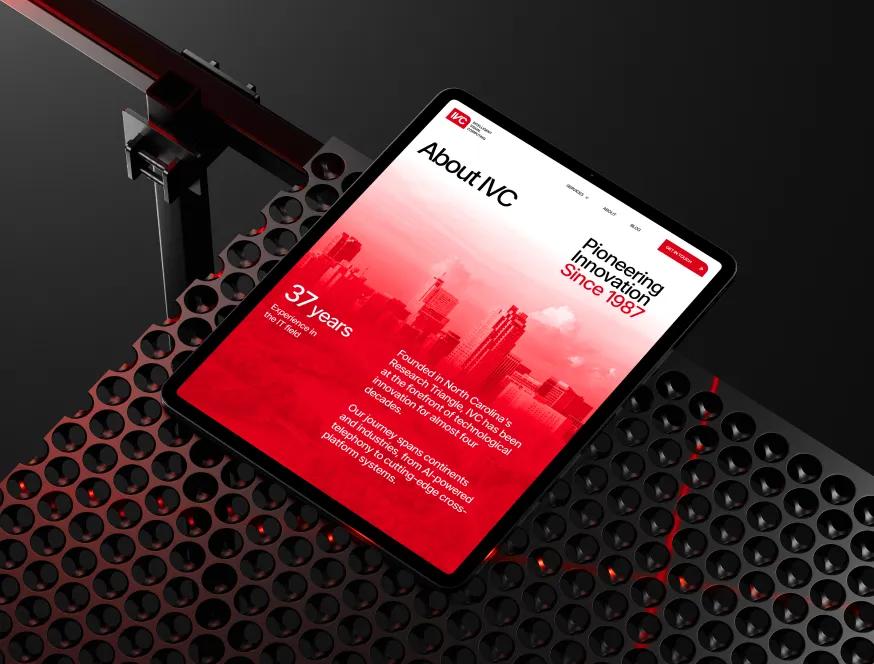
Designs Worth Remembering
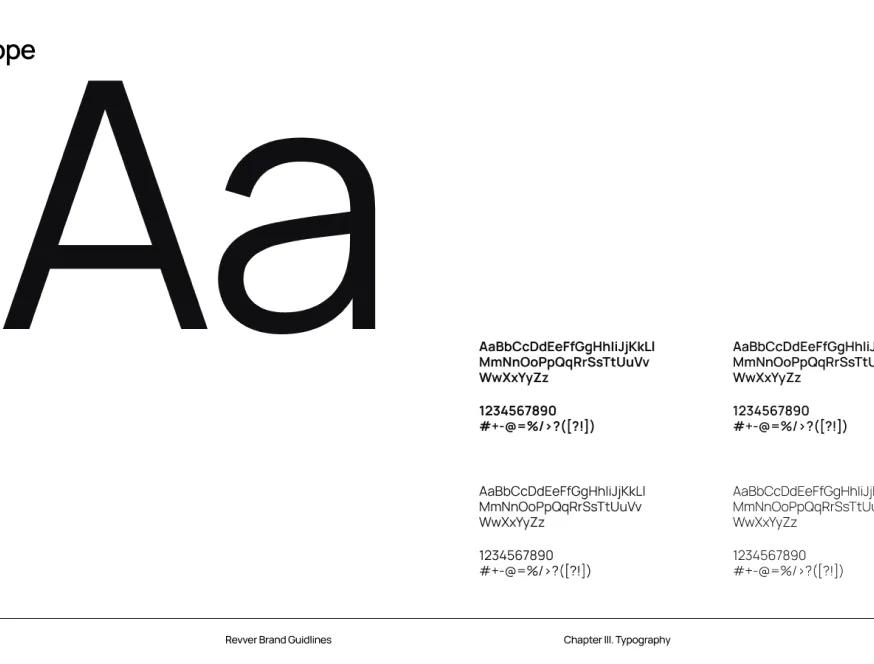
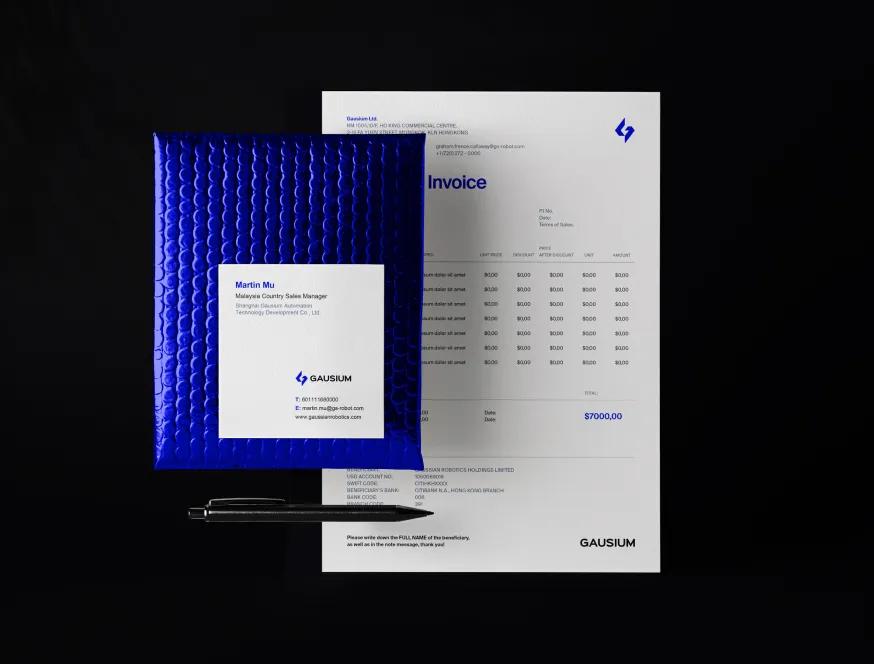
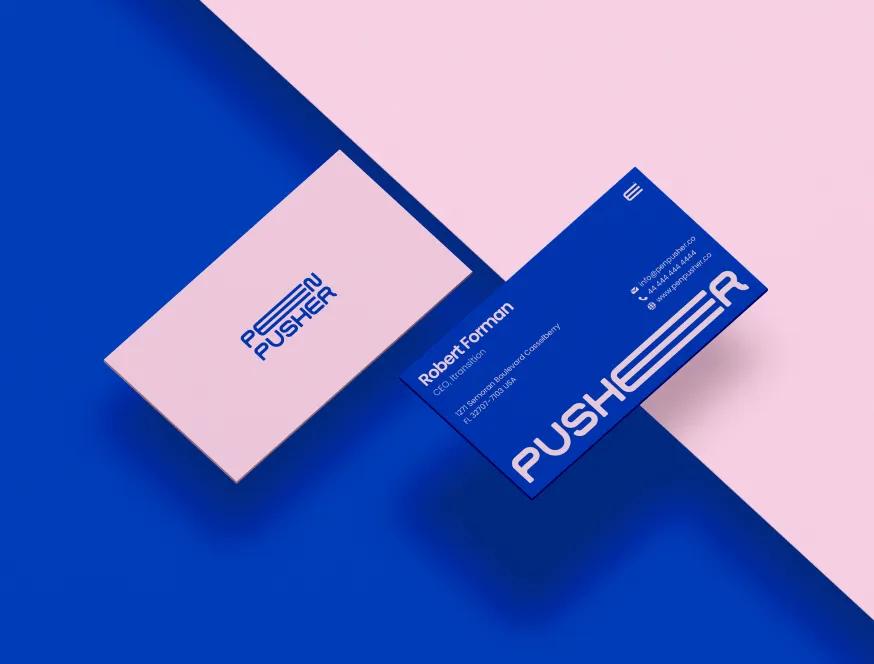
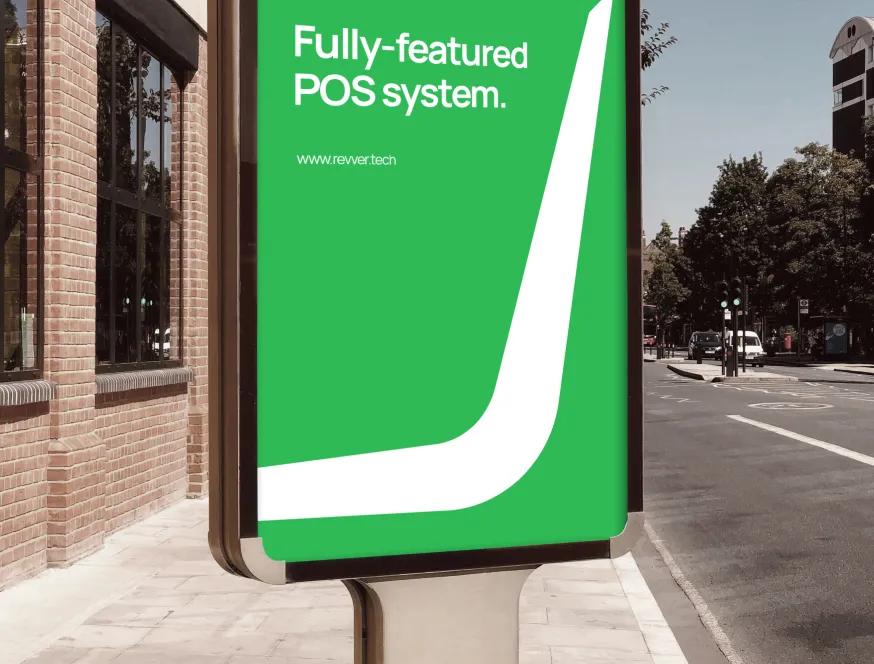
A curated mix of visuals that speak louder than words — bold, refined, and uniquely crafted.











How a fix works
No guessing and no surprises on the invoice.
Tell us what is wrong
Describe the problem the way you see it. A screenshot, the page address and the device you used are plenty. You do not need to know the technical cause.
Free diagnosis and estimate
We look at the site, find the cause and write down what needs fixing. You get a fixed scope or an hourly estimate, whichever you prefer, before any work starts.
Fix it safely
We take a backup first and, where the platform allows, test on a copy of the site. Live changes happen only once the fix works.
Hand it back
You get a short note of what we changed and why, and anything else we spotted along the way. What you do with that list is up to you.
Fixed properly, explained plainly
A small job still deserves a clear answer.
Scope before work
You see in writing what we will fix before we touch anything. Fixed price for the agreed list, or hourly if you prefer. Nothing is added without asking you first.
Your site stays yours
We work inside your own accounts. Give us a user of our own, and remove it when the job is done. We never move your site anywhere without being asked.
Quick, named replies
One person handles your request from start to finish. You hear back the same or next business day.

More ways we can help

Website rescue
Your developer stopped answering. We recover access, put everything in your name and keep the site running.

Website not converting
Visitors come and leave without getting in touch. We find out why, then rebuild the pages that matter.
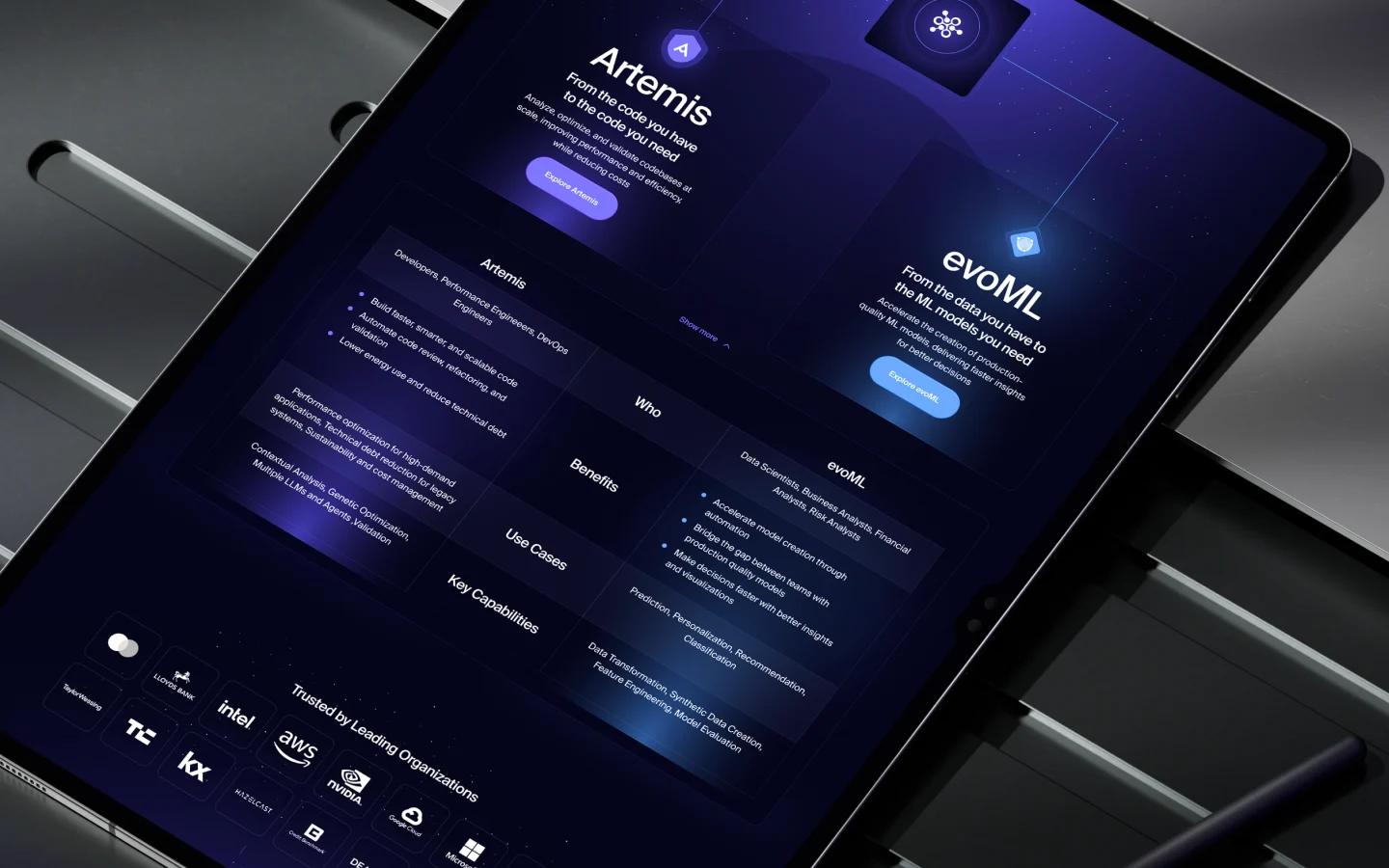
WordPress redesign
Redesign and rebuild your WordPress site on a clean theme with fewer plugins, or decide to move on.
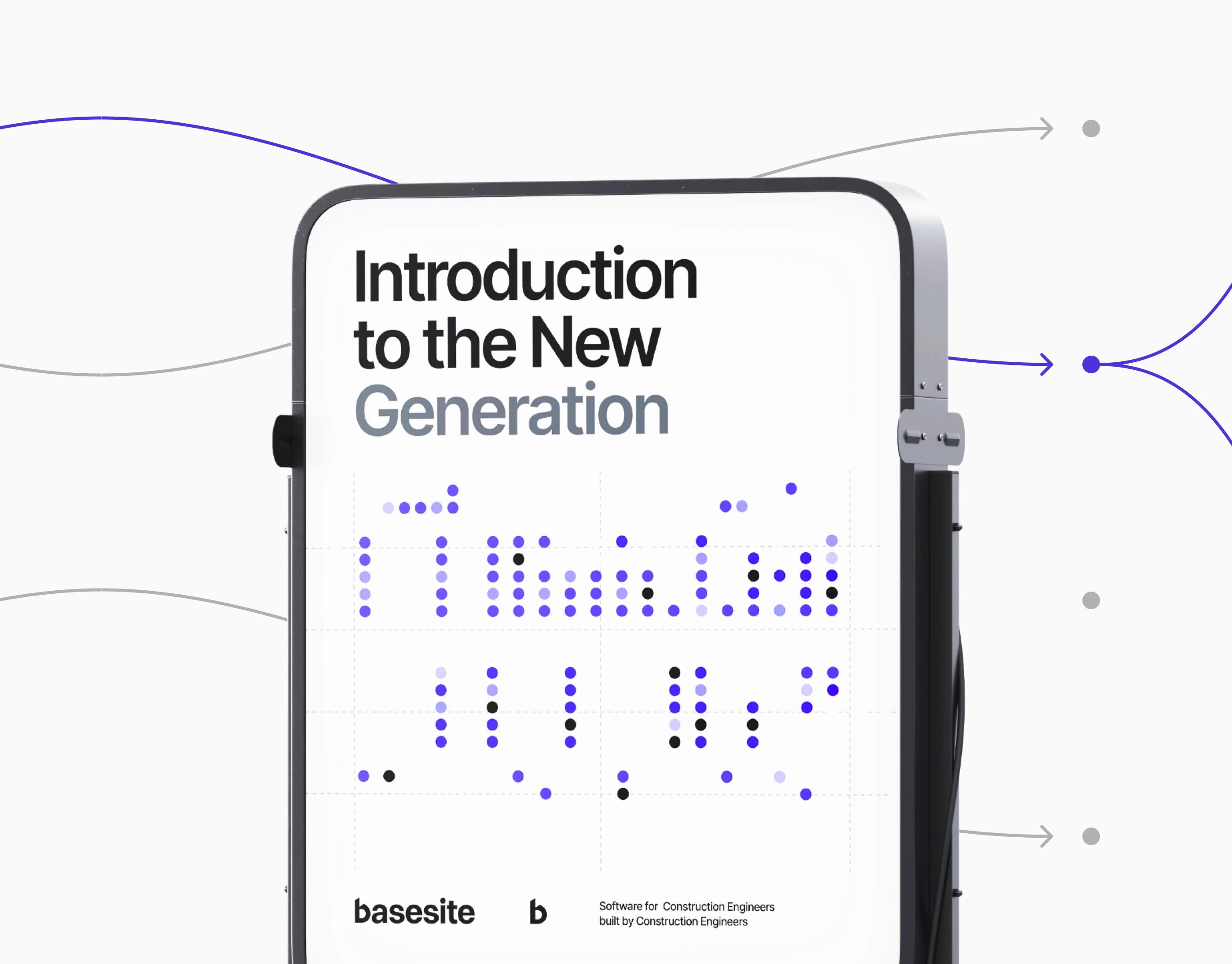
Webflow redesign
Redesign or rebuild a Webflow site with a clean class system, a sensible CMS and an editor your team can use.
Fixing a website someone else built
Most sites do not break all at once. A plugin updates, a certificate expires, a form provider changes something, and nobody is around to notice. Here is what usually goes wrong, and what to have ready when you ask someone to fix it.
Common problems and their usual causes
The site is down or shows an error
- Hosting or domain renewal lapsed, often because the card or account belonged to someone else.
- A plugin or theme update conflicted with the rest of the site.
- The server ran out of space or memory.
Security warning in the browser
- The SSL certificate expired or was never set to renew.
- Some images or scripts still load over plain http.
- In worse cases, the site was flagged as hacked and needs a cleanup.
The site is not mobile friendly
- The theme or template was built for desktop first, and fixed widths break on small screens.
- Menus, tables and embedded content overflow the screen.
- Text is too small and buttons too close together to tap.
Forms stopped sending
- Emails go to an old address or land in spam because the domain is not set up to send them.
- A spam filter or form plugin update blocked real submissions.
You cannot edit your own site
- Content is hard-coded in templates instead of the CMS.
- Styles are tangled, so changing one font size changes it everywhere, or nowhere.
WordPress fixes
On WordPress, most breakages come from plugins, themes and PHP versions falling out of step. We update carefully, replace plugins that are no longer maintained, and fix the theme rather than piling another plugin on top.
Webflow fixes
When a Webflow site is not working, the cause is usually in the build: tangled classes, interactions that conflict, CMS templates bound to the wrong fields, or custom code that broke after a change. We fix the structure so it stays fixed.
What to have ready
- The page addresses where you see the problem, with a screenshot if you can.
- Which device and browser you used.
- Who has the logins for the domain, hosting and CMS. If nobody does, start with website rescue.
One-off fix or ongoing care?
A one-off fix suits a site that is mostly fine with a few clear problems. If things break every month, the site likely needs regular updates and someone keeping an eye on it. That is what Website support is for. And if every fix uncovers two more, a redesign may cost less than repairs over time. The free diagnosis will tell you which one you are looking at.