
Performance Optimization
Webflow performance optimization for live sites — image and font work, third-party script discipline, interaction trimming — with measurable Core Web Vitals improvements. We benchmark first against real CrUX field data, identify the actual bottlenecks, then ship until LCP, INP, and CLS clear the green thresholds in production. Typical engagement: LCP from 4.2s to 1.6s, INP from 380ms to 120ms.

Webflow Speed Optimization Targeting Core Web Vitals
Webflow makes it easy to ship sites — and easy to ship slow ones. Heavy hero videos auto-playing on mobile, eight Marketing-team Tag Manager scripts loaded blocking, oversized PNG hero images, and a Lottie animation that thrashes the main thread for 600ms after load. We audit against actual mid-range Android field data, prioritize fixes by impact-per-effort, and ship until the green Core Web Vitals scores hold across the 75th percentile of real visitors — not just the local Lighthouse run.
- 01
PageSpeed Insights + CrUX field-data audit identifying the actual bottlenecks
- 02
Image pipeline rework — WebP/AVIF conversion, responsive srcset, lazy-load below the fold
- 03
Third-party script audit — defer, async, or remove low-value tags blocking the main thread
- 04
Animation tuning — Lottie sizing, reduced-motion fallbacks, removing layout-thrashing transitions
- 05
Font loading strategy — subsetting, preconnect, font-display: swap, preload critical weights
- 06
Before/after benchmark report with 28-day field-data validation post-deploy
Designs Worth Remembering
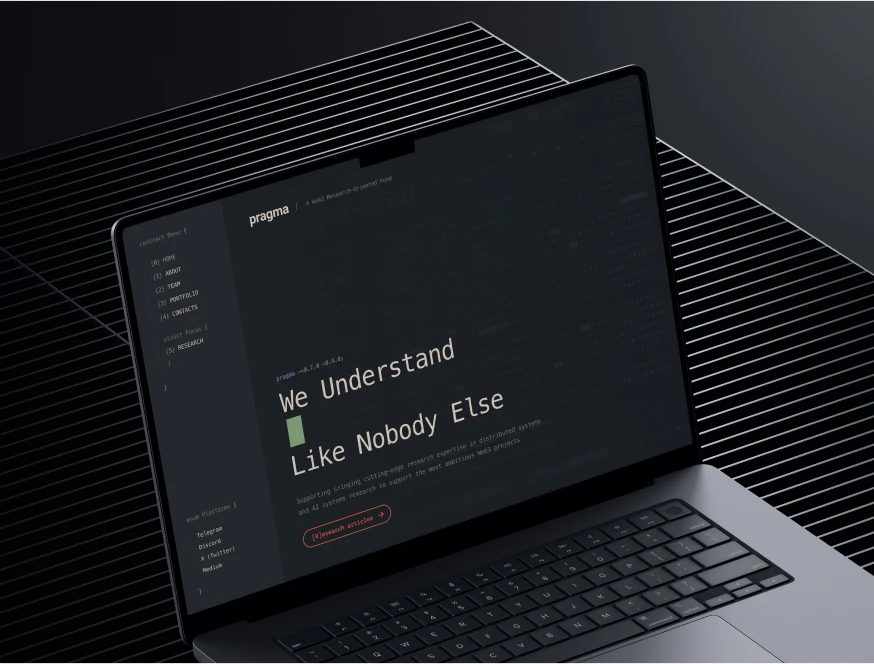
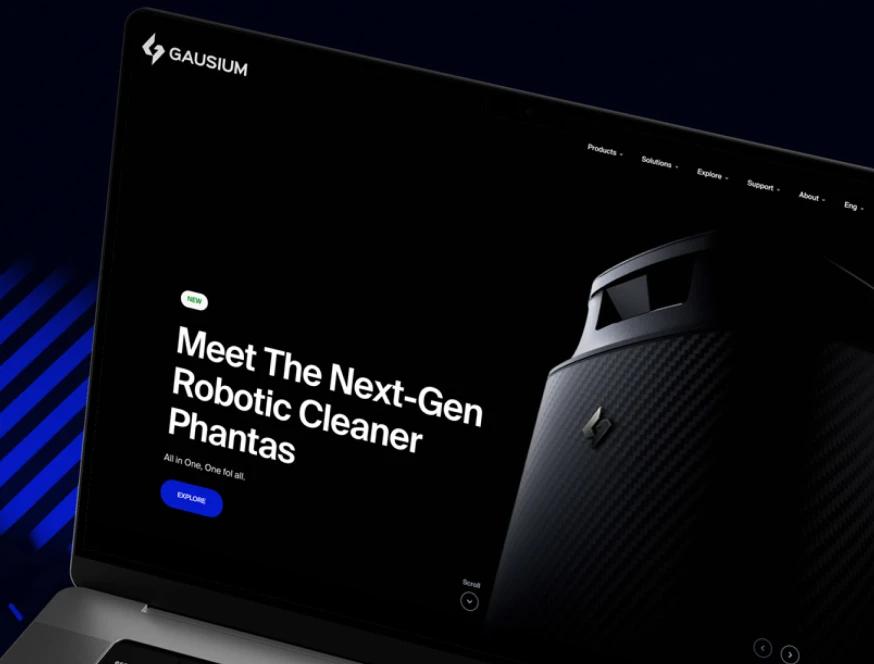
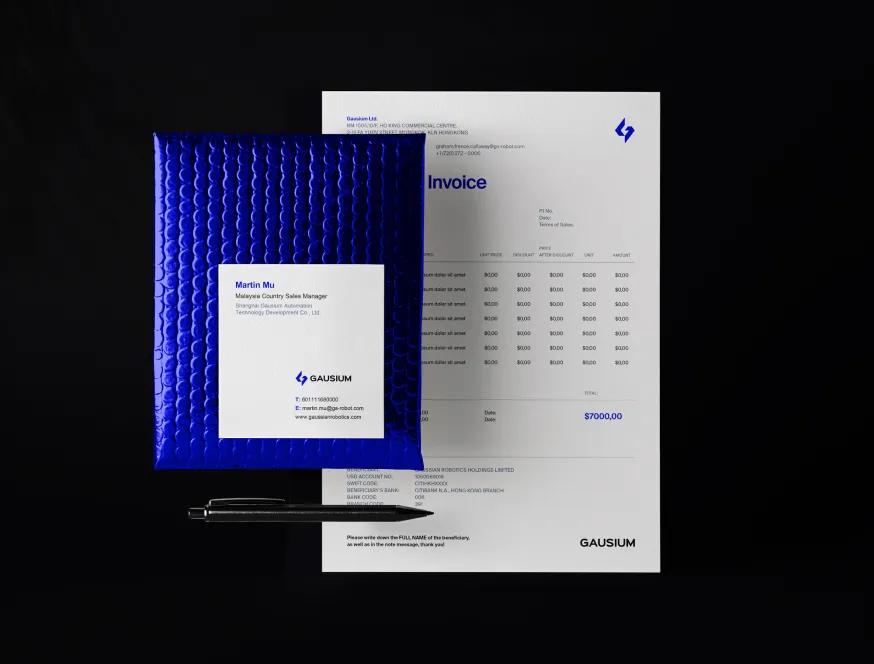
A curated mix of visuals that speak louder than words — bold, refined, and uniquely crafted.


















How We Move Webflow Core Web Vitals From Red to Green
Most Webflow performance work is theater — one local Lighthouse run, a generic "optimize images" recommendation, no follow-through against real visitors. Our process is built around 28-day CrUX field data and per-fix measurement, because field data is the only thing Google's ranking signal actually cares about. Four operating choices keep the optimization grounded, measurable, and provably tied to revenue rather than aesthetic scores.
Field data first, lab data second
We pull the last 28 days of CrUX data from PageSpeed Insights for your top 5–10 pages, segmented by mobile vs desktop. That's the data Google actually uses for ranking — the local Lighthouse run is a debugging tool, not the scoreboard. Sites that look fine in lab and tank in field usually have one of three issues: heavy third-party scripts loaded conditionally, inconsistent CDN performance, or hero images that hit cold cache. We surface which.
Image pipeline rework, not just "compress the heroes"
Webflow auto-serves WebP for static assets above a size threshold, but most CMS-bound images get uploaded as 4MB JPEGs and the platform can only do so much. We rebuild the pipeline: WebP/AVIF source uploads, responsive srcset across 4–5 breakpoints, lazy-load on everything below the fold, dimensions-set on every img to eliminate CLS. Typical hero LCP improvement on this alone: 1.2–2.0 seconds.
Third-party script triage, not just deferral
We list every external script — GTM containers, chat widgets, analytics, A/B tools, marketing pixels — and rank them by main-thread time vs business value. Average inherited Webflow site has 12–18 third-party scripts; 4–6 of them contribute negligible value and 200–500ms of blocking time each. We defer what stays, async what can be, and document what to remove. INP improvement on a typical site: 250–400ms.
Per-fix benchmarking, not big-bang deploys
Each fix ships independently and gets measured against the same 28-day window. If image work moves LCP from 4.2s to 2.1s but CLS gets worse because of a mis-sized srcset, we catch it in the diff, not three weeks later. Big-bang "performance overhauls" hide regressions. Atomic fixes don't. Final report shows per-fix delta plus aggregate field-data trend.
Meet the Team Behind the Work
Our team brings together specialists from different creative and technical fields — from Webflow developers to creative directors.
Each of us contributes our own perspective, skills, and dedication to deliver thoughtful, high-quality digital solutions for our clients around the world.
Webflow Performance Failures We See on Inherited Sites
Three patterns show up on almost every Webflow site we audit for Core Web Vitals issues. Each is specific to how Webflow renders, caches, and serves assets — not generic web-perf advice. Each has a measurable revenue cost we can quantify before quoting the fix, by mapping field-data percentiles against your conversion funnel.
The auto-playing hero video on mobile
Designer ships a beautiful 8-second hero loop. On desktop with cable internet, it's fine. On a mid-range Android over 4G, it's 4–6MB, blocks the main thread for 800ms while decoding the first frame, and pushes LCP past 5 seconds — which is the "poor" threshold Google penalizes for ranking. The cost: 30–40% drop-off on first paint, 2–3 ranking positions lost on competitive head terms over 90 days. We replace with a 1-frame poster + autoplay-on-desktop-only or remove entirely. Typical LCP recovery: 2.5+ seconds.
The Marketing-team GTM container nobody owns
Over 18 months, four marketers have added five tags each to a single GTM container. Half of them fire on every page. None have a clear owner. Audit reveals a chat widget loading 380KB of JS on pages where it doesn't render, a survey tool firing on pages with no surveys, and three duplicate analytics pixels firing the same event triple. Average INP impact: 200–500ms. Average revenue impact on a checkout page: 1.5–3% conversion drop per 100ms of INP regression past 200ms (per Google's published data).
Layout-shifting CMS-bound sections
Blog cards have variable-height titles. Cards have variable-height summary fields. Designer didn't set min-heights or aspect ratios on the card images. Result: as the page renders progressively, every card jumps as its content paints. CLS hits 0.4 (Google's "poor" threshold is 0.25). On a mobile blog index this single issue can drop ranking visibility by 8–15% on the long-tail keywords those posts target. Fix: set aspect ratios on card media, set min-height on text containers, set explicit width/height on every CMS-bound image.

Other Services We Offer
We also build new sites end-to-end, ship brand identity systems, and run Figma-to-Webflow conversions — see the full picture.



What Webflow Performance Optimization Can and Can't Move
Webflow performance optimization is most valuable when your site already has decent traffic and converts somewhere on it — checkout, demo request, signup, lead form. Every 100ms of LCP and INP improvement maps to measurable conversion gains; every red Core Web Vitals page costs ranking visibility on the keywords that page targets. We benchmark before and after so the value is provable, not asserted.
- You're on Webflow Business or higher (or willing to upgrade). Lower-tier plans cap CDN bandwidth and image transformation features. Some of our optimizations require the upgrade. We'll be explicit about which.
- Your site has at least 3,000 mobile sessions/month. CrUX data needs traffic to be statistically valid. Below that volume we work from lab data, which is directional, not authoritative.
- You can deploy fixes within a 2–3 week window. Performance fixes deploy atomically and need 28 days of field data to validate the recovery. Sites that stage forever lose the ability to attribute the gains.
- You don't need a redesign. If your performance issues are baked into a 2019 build with deeply nested Lottie animations and 12 layers of nested grid, optimization can recover 60–70% of the gap. The rest needs structural redesign — different service.
What Webflow speed optimization moves: Largest Contentful Paint (typical: 4.2s → 1.6s on hero pages), Interaction to Next Paint (380ms → 120ms on checkout / form pages), Cumulative Layout Shift (0.35 → 0.05 on CMS-driven indexes), Total Blocking Time, time-to-first-meaningful-render. These are the metrics Google uses for ranking and the metrics A/B platforms tie to conversion uplift.
What it doesn't move: server-side response time on platforms we don't control, network latency for users in regions Webflow's CDN serves slowly (mostly resolved post-2024 but still regional), and performance gaps caused by structural issues that need redesign rather than optimization. We'll tell you in the audit which bucket your bottlenecks fall in.
When this isn't the right fit: if your site is brand-new and you want SEO and performance baked in from the start, that's our SEO Friendly Web Design Company service under web-design. If your performance problems are downstream of a fundamental structural rebuild needed, optimization will recover only a fraction of the gap. And if you're not on at least the Webflow Business plan, the bandwidth and transformation tooling we rely on aren't available — we'd recommend the upgrade or a different platform conversation first.