
New Feature Development
Webflow feature development on live sites — net-new pages, sections, calculators, gated forms, comparison tables, integrations — slotted in without rebuilding what's already shipping. We match your existing class system, extend the CMS schemas you've already got, and ship the new feature with the same quality bar as the original build. No fork-and-pray, no parallel staging that never re-merges.
Webflow New Features Built into a Live Production Site
Most growing companies don't need a redesign — they need the next thing. A pricing page that supports three tiers and a custom-quote path. A careers section bound to Greenhouse. An ROI calculator that matches the rest of the site. Doing that work without breaking what's live takes care: respecting the existing class conventions, the CMS schemas, the interaction patterns, and the editorial workflow your team already trusts.
- 01
Net-new page builds matched 1:1 to the existing class system and breakpoints
- 02
Section additions on live pages without disrupting current layout or interactions
- 03
CMS schema extensions — new fields, new collections, new reference patterns
- 04
Interactive features: ROI calculators, comparison tables, filtered grids, gated content
- 05
Third-party integrations via embeds or attribute hooks — HubSpot, Calendly, Typeform, Stripe
- 06
Pre-launch QA across breakpoints plus regression check against existing site behavior
Designs Worth Remembering
A curated mix of visuals that speak louder than words — bold, refined, and uniquely crafted.
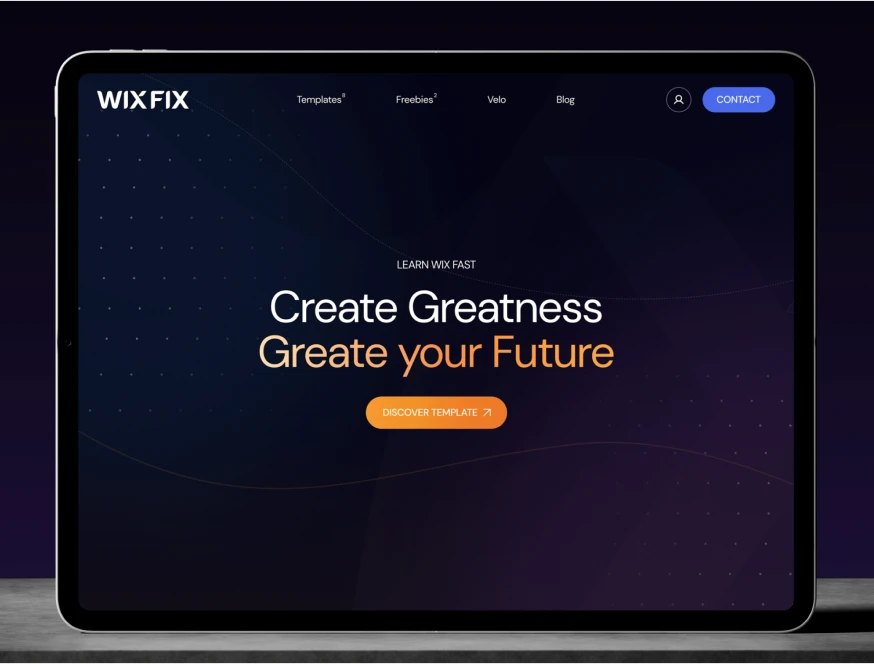
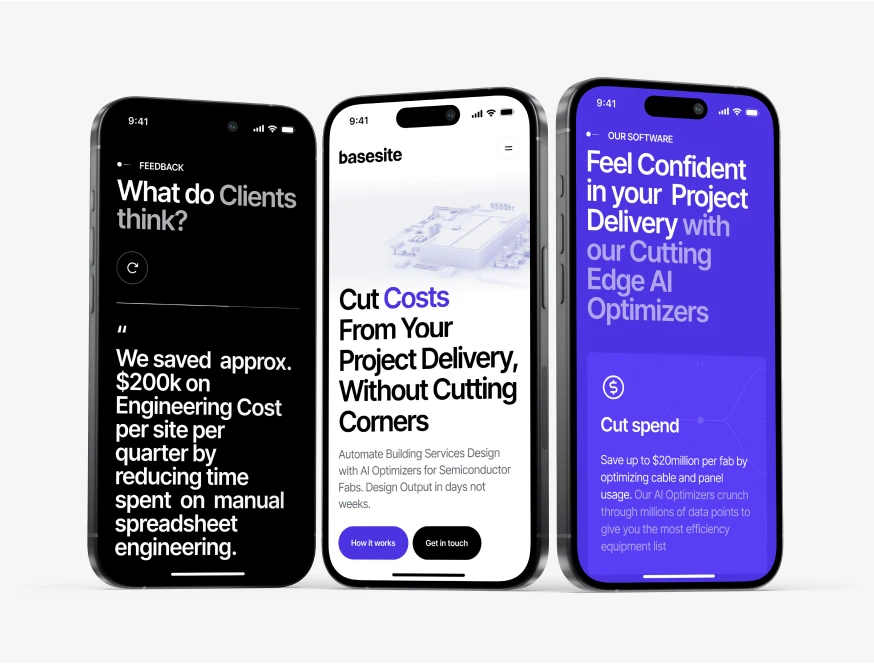



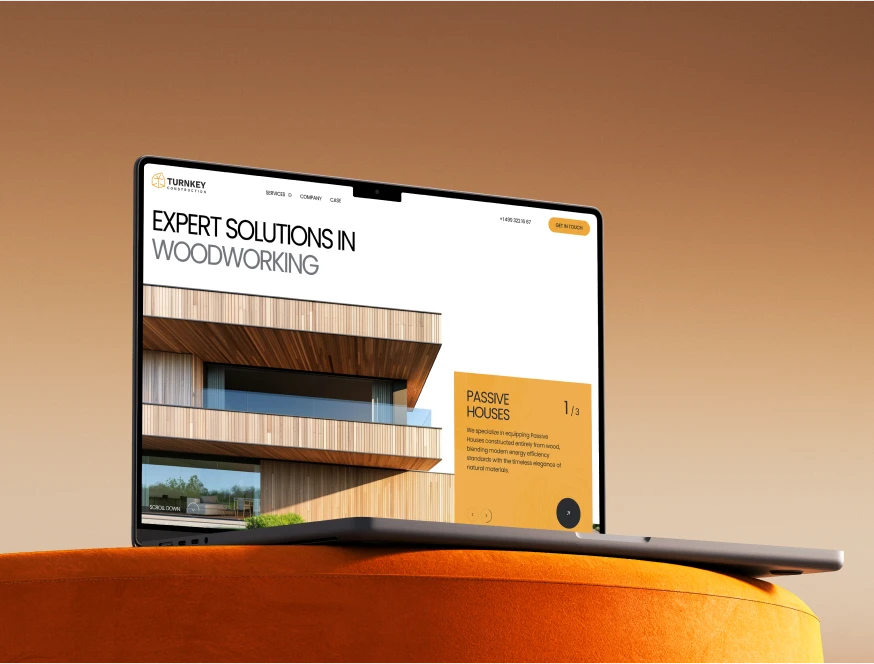













Building New Webflow Features Without Breaking the Old Ones
Webflow feature development on live sites fails in predictable ways: class-system drift, CMS schema bloat, embedded-code conflicts with platform updates, and silent regressions on pages nobody thought to test. Our process is built around catching all four before they reach production. Four operating choices, applied consistently, keep new features additive instead of corrosive — and keep your existing site stable through every deploy.
Class-system audit before any new HTML is written
We open the existing site, document the class conventions (Client-First, Lumos, custom — most sites have a 70/30 mix), and write the new feature using your vocabulary, not ours. A typical 4-section new page reuses 60–70% of existing classes. The remaining 30% gets named to match your patterns, not invented. Three months later when you add another section, the class library is still coherent.
CMS schema extensions, not duplications
You already have a `caseStudy` collection. The new comparison feature needs to reference cases. We extend with a new reference field on the existing collection — we don't create a parallel `comparisonItem` collection that duplicates 80% of the case fields. Sites accumulate schema debt fast: the average inherited Webflow site we audit has 3–5 redundant collections that should have been single-collection plus switch fields. We don't add to that pile.
Staging-first deploys with regression checks
New work goes to a Webflow staging subdomain or a duplicated branch site, gets QA'd against a tracked checklist (existing nav, existing footer, existing CMS-driven sections, all pre-existing forms), and only ships once nothing in the original site has visibly moved. Most agencies push to live and check after; we check first. The cost of skipping this is a 4–6% drop in conversion on an unrelated page nobody thought to test.
Editor handoff with the new fields documented
Every feature ships with a one-page editor doc: which CMS fields drive which UI states, what the switch fields do, what the required image dimensions are, where the OG image binding lives. Without this, the marketing lead publishes the first item, breaks the layout, and emails you at 9pm. With it, they publish the first item without asking. We've seen this single artifact cut post-launch support requests by 60–70% over the first 90 days.
Meet the Team Behind the Work
Our team brings together specialists from different creative and technical fields — from Webflow developers to creative directors.
Each of us contributes our own perspective, skills, and dedication to deliver thoughtful, high-quality digital solutions for our clients around the world.
Where Webflow Feature Development Usually Goes Wrong
Three failure modes show up almost every time we inherit a site that had "a freelancer add a feature" between engagements. Each one is structural rather than personal — bad processes, not bad freelancers. Each carries a real cost: time-to-edit goes up, editor confidence drops, and the next round of changes takes 2–3× longer than the last.
The parallel class system
A new freelancer ignores your existing classes and ships the new section with their own naming convention. Now you've got `padding-section-large` from the original build alongside `section-padding-xl` from the new section. Six months and three more freelancers later, your class panel has 400 utility classes and editing any spacing change requires testing 12 places. The cost: every future change takes 2–3× longer, and your class panel becomes the bottleneck on every revision. Average remediation cost when we inherit this: $6–12K for a class-system audit and rename pass.
Embedded code that breaks on Webflow updates
A custom calculator gets dropped in as a 2,000-line embed block, no documentation, no fallback. Webflow ships an interactions update, the embed's parent flexbox gets a new default, and the calculator silently overflows on iPad. Nobody notices for two weeks because nobody tested iPad after the update. Lost form fills during that window: 8–15% of mobile-tablet traffic on that page. We always wrap custom code in container guards, document the dependency, and add it to the post-Webflow-update QA checklist.
The CMS collection that should have been a switch field
You wanted three pricing tiers with slight layout differences. Someone built a `pricingTier` collection with 3 items. Now adding a fourth tier requires a developer (it's structured), removing one requires checking 14 references, and the page renders with an inconsistent grid because nobody enforced consistent field counts. A switch field on a single CMS item would have shipped in 2 hours instead of 14 and stayed editable. We retro-fit this often: typical refactor saves 20+ hours/year of editor time per affected feature.

Other Services We Offer
We also build new sites end-to-end, ship brand identity systems, and run Figma-to-Webflow conversions — see the full picture.



When Webflow Feature Work Beats a Full Rebuild
The right time to add new Webflow features to a live site is when the existing build is structurally healthy — class system is coherent, CMS is sensibly modeled, performance baseline is acceptable — and the new feature is genuinely net-new rather than a rewrite of something already there. We extend; we don't fork.
Most "we need a new feature" requests we get fall into three categories: a new page (careers, resources hub, a vertical-specific landing page), a new section on an existing page (testimonials reel, comparison table, integrated calculator), or a CMS-driven capability (a glossary, a customer directory, a templated case-study generator). All three are good candidates for feature development on a live site — assuming the site itself is in shape.
- Your existing site is healthy. If your class panel has 400+ classes and three naming conventions, fix that first. New features on a broken foundation just make the foundation worse faster.
- The feature is genuinely additive. If you need to "redo the whole homepage and also add a calculator," that's a redesign, not feature work. Different scope, different timeline.
- You have an editor or marketer who'll own it post-launch. A calculator no one knows how to update becomes a liability. We build with editor-handoff in mind, but someone has to receive the handoff.
- The integration target is real. "We might use HubSpot" isn't a spec. We build against the actual instance, with the actual API keys, against the actual lifecycle stages your team uses.
Common Webflow new features we've shipped: ROI / pricing calculators in custom embeds, gated content with HubSpot list-bound forms, careers pages bound to Greenhouse or Lever, comparison tables driven by switch fields, multi-language landing-page variants, ecommerce add-ons, and integration layers (Calendly, Typeform, Stripe Checkout, Tally, Cal.com).
When this isn't the right fit: if your site needs a redesign rather than additions, start with our Custom Web Design service. If you need ongoing small fixes rather than net-new builds, that's a Webflow Maintenance Plans retainer. If the new feature requires custom backend logic that exceeds Webflow's capabilities (multi-tenant accounts, complex auth, persistent user state), Webflow isn't the platform — we'll tell you that on the discovery call rather than two months in.