
Webflow Animations
Animation work for Webflow sites that already exist — Lottie compositions, hero motion, scroll-driven sequences, and the polish layer that turns a static template into something that feels designed. We design the motion, build it inside the existing class system, and ship it under a strict mobile performance budget so Lighthouse scores survive the upgrade.

The Polish Layer for Webflow Sites That Feel Static
Static-feeling Webflow sites lose to competitors with even modest motion — but heavy or distracting motion costs more than no motion at all. We design Webflow animations specifically for your content: which sections deserve reveals, where Lottie earns its weight, when CSS-only is plenty. Then we build it editor-safe and benchmark before-and-after on mid-range Android, not just a M2 MacBook.
- 01
Hero animations — Lottie, scrubbed video, or layered CSS depending on the surface
- 02
Section reveal motion calibrated per content block, not blanket fades
- 03
Webflow scroll animations using native triggers or GSAP where the panel falls short
- 04
Page-load and route-change transitions that hide the Webflow flash-of-unstyled-content
- 05
Lottie integration with sized JSON, not 4 MB drops from After Effects
- 06
Mobile-first benchmarking on Pixel 4a and iPhone SE — green vitals or it doesn't ship
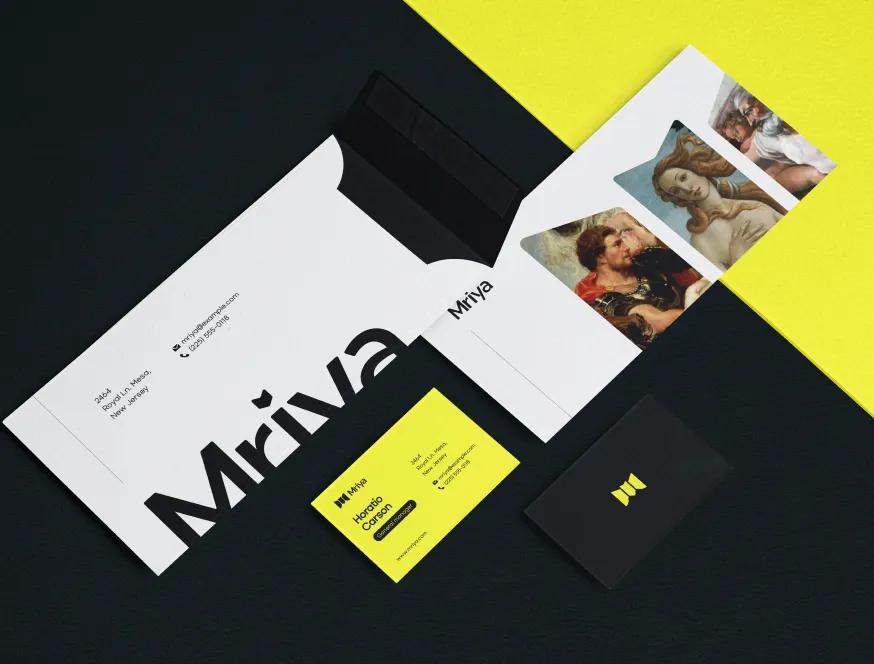
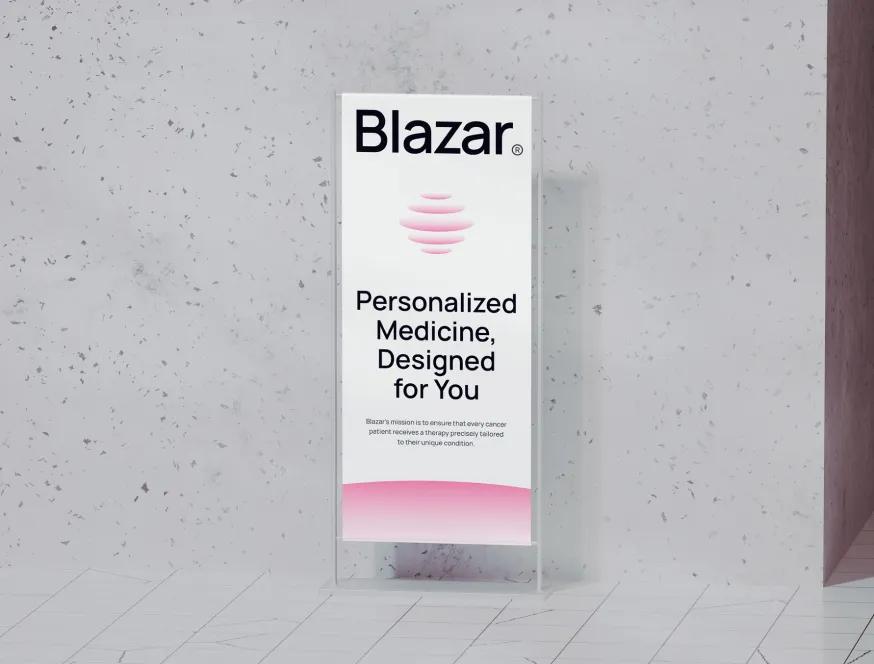
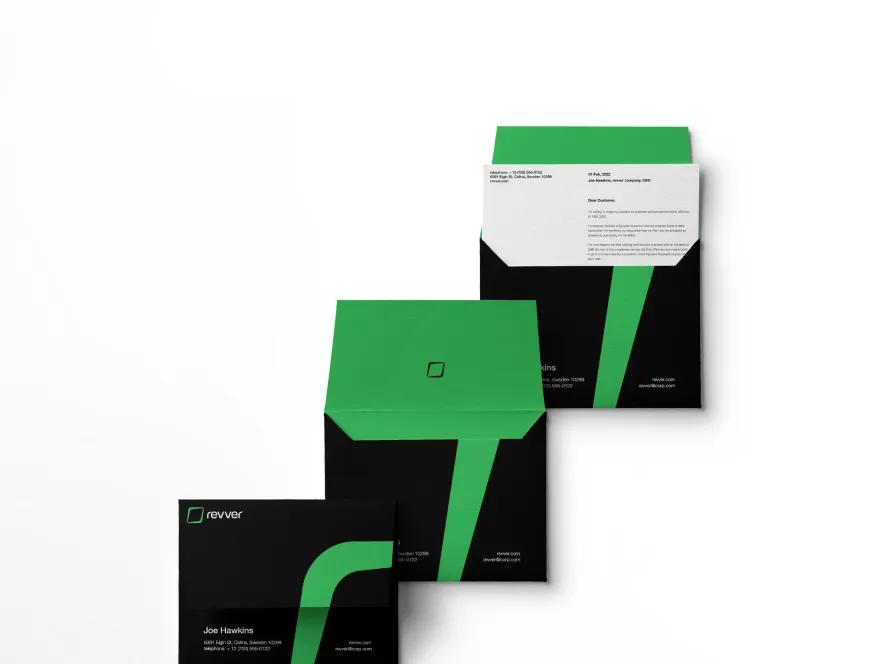
Designs Worth Remembering
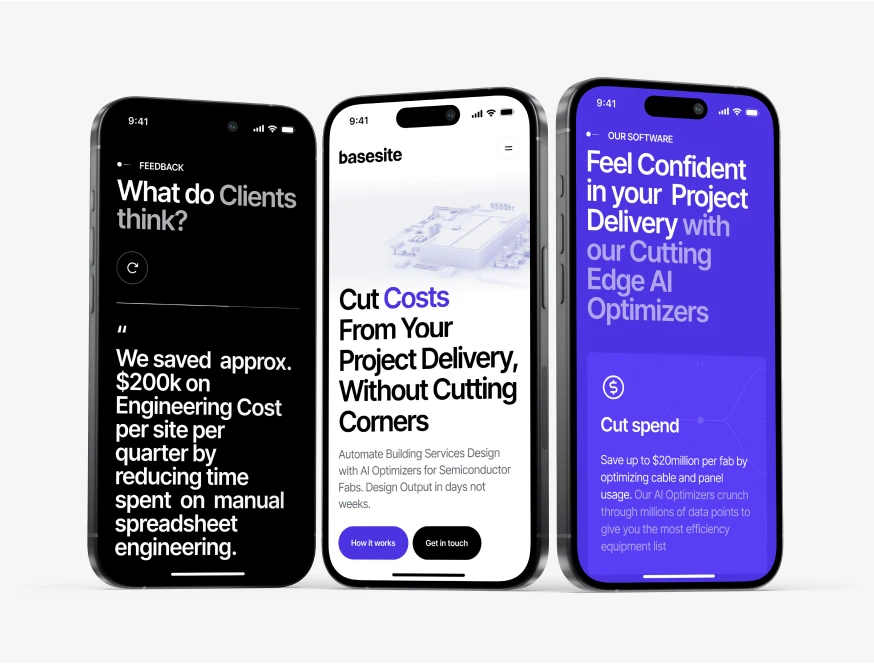
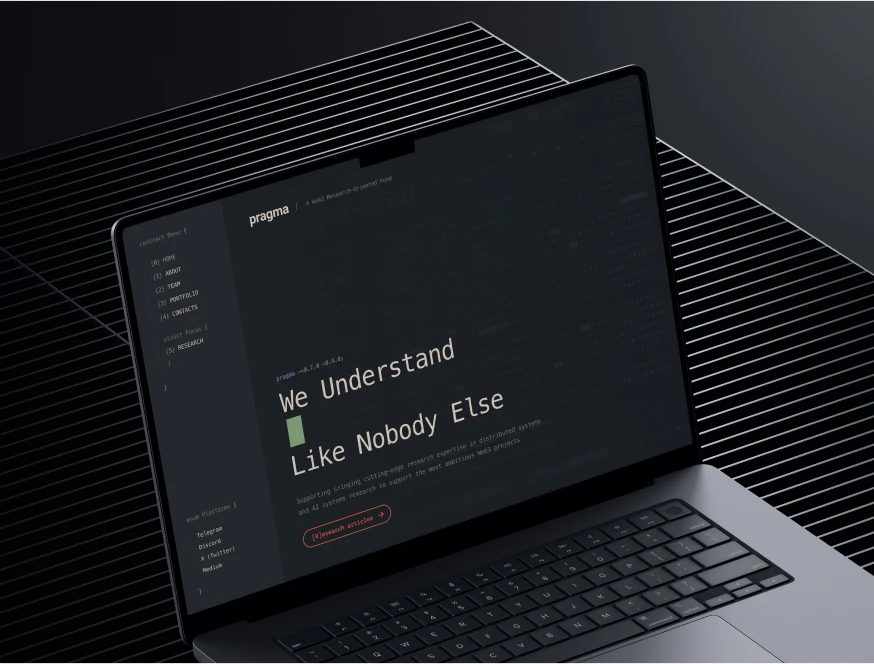
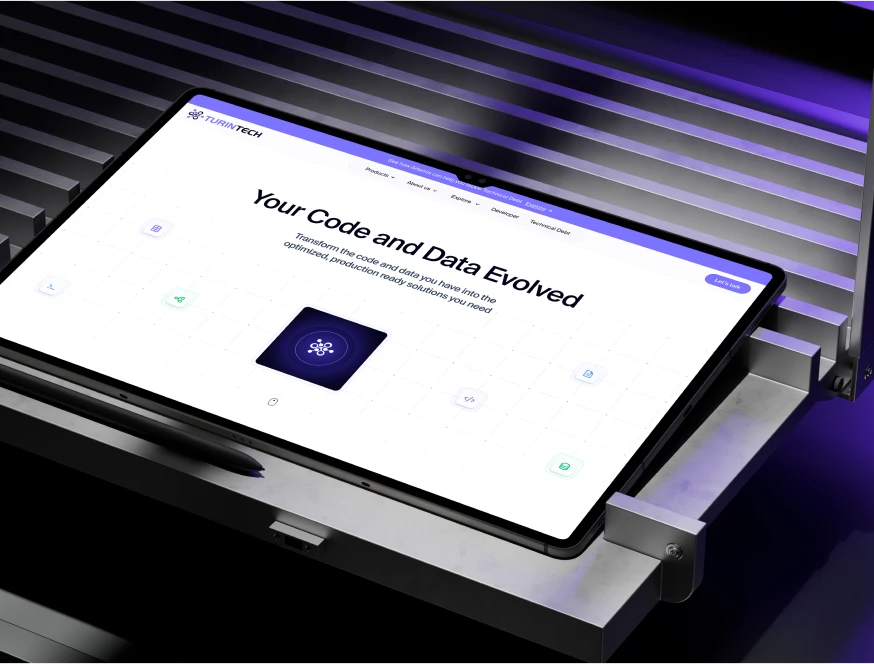
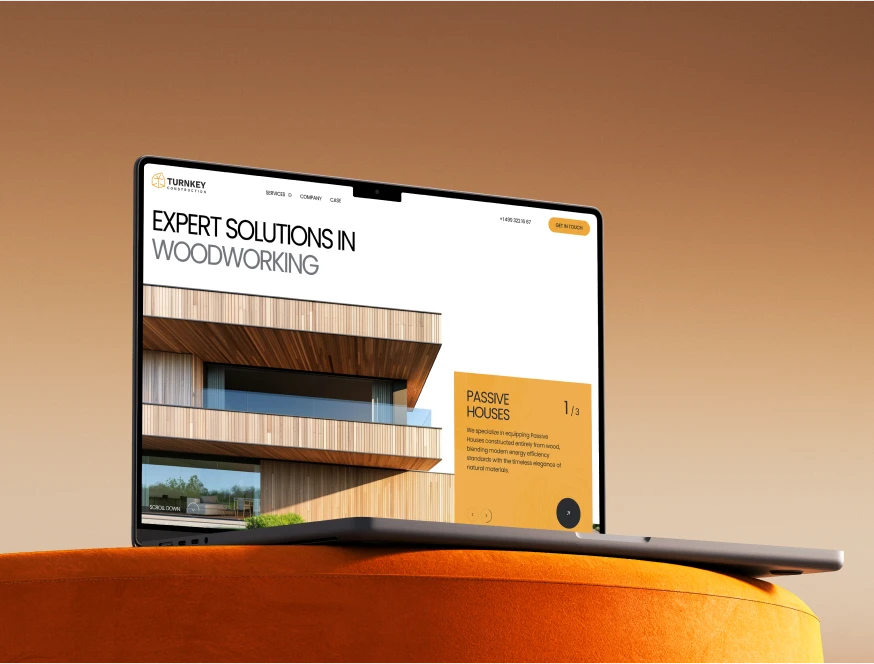
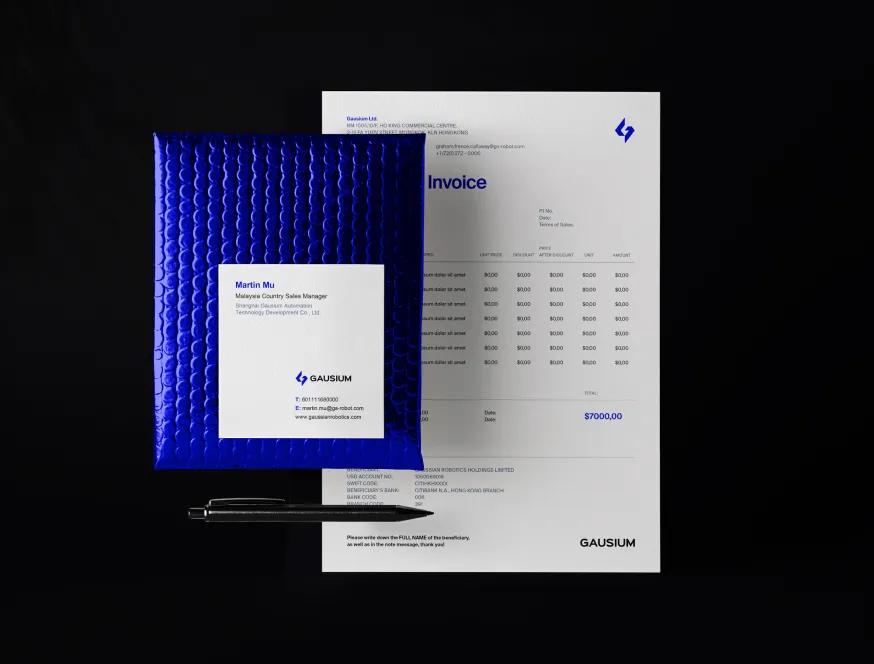
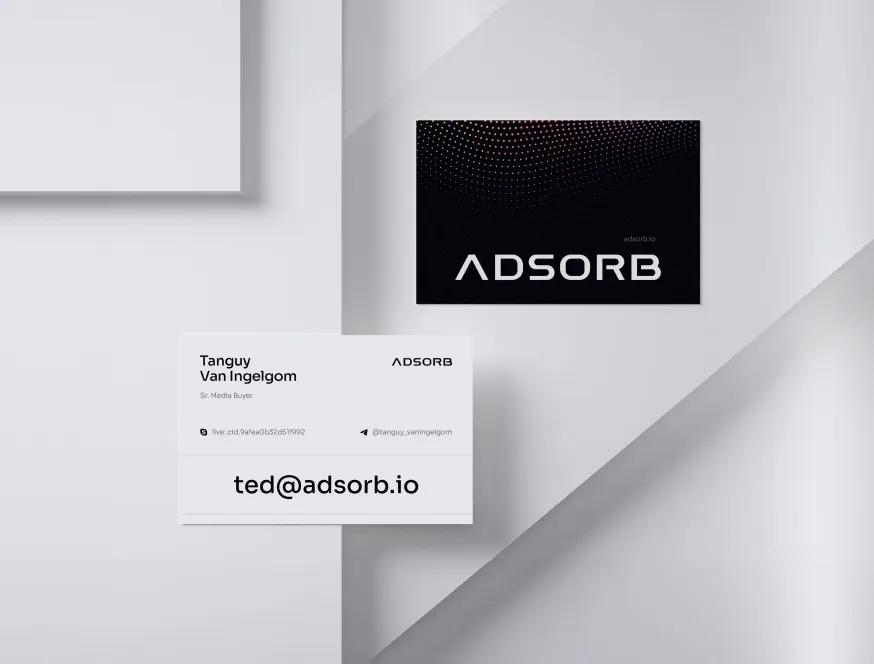
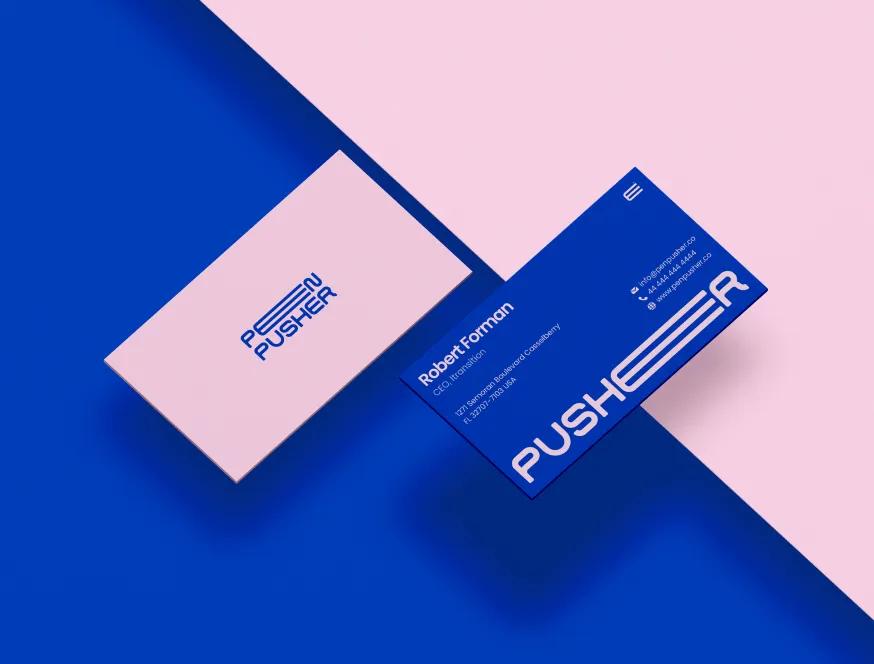
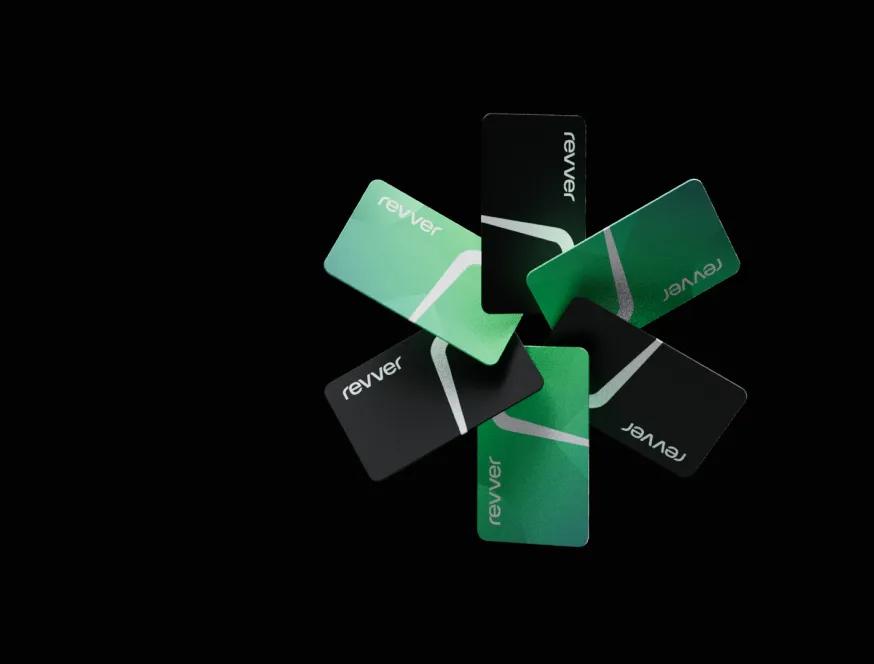
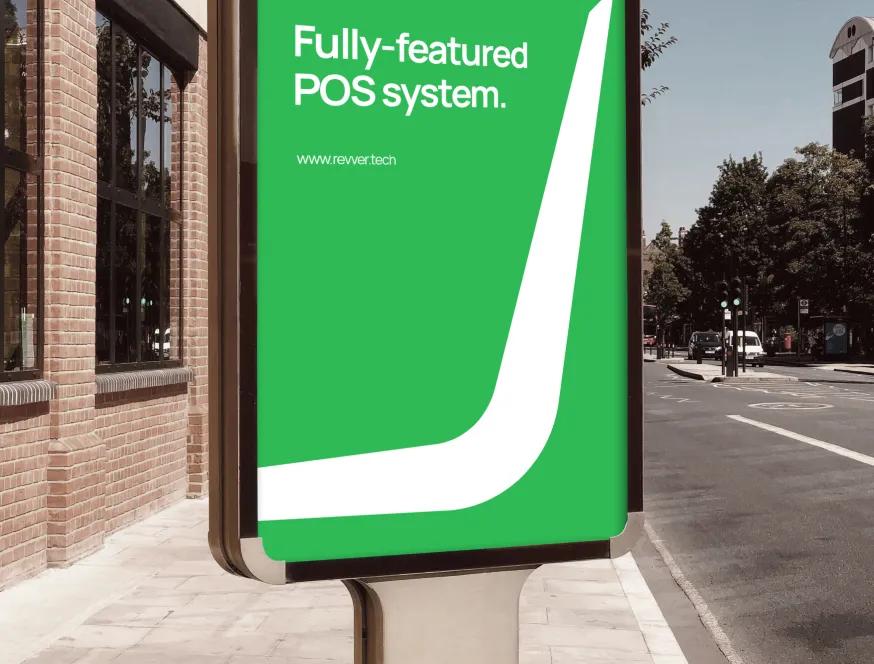
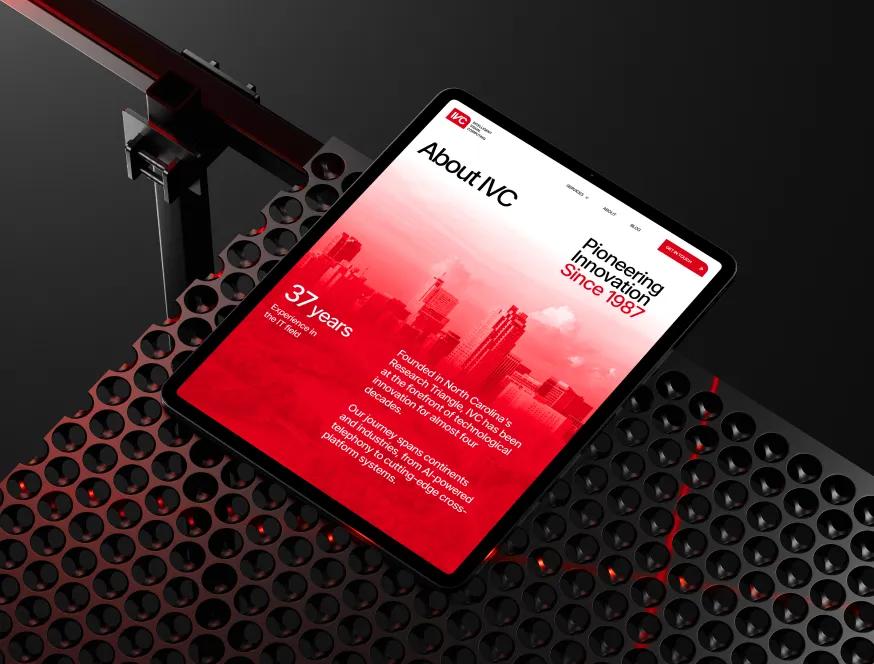
A curated mix of visuals that speak louder than words — bold, refined, and uniquely crafted.






How We Design Webflow Animations That Stay Performant
Adding motion to a live Webflow site without breaking it takes more discipline than building motion in greenfield. Three habits we never skip when working on existing sites.
Motion audit before any animation lands
We catalog every existing animation, identify what works, what's redundant, and what's silently costing performance. One e-commerce site we picked up had 11 separate scroll animations on the homepage; only 3 served a purpose. We kept those, deleted the rest, and the page dropped from 4.2 MB total weight to 2.1 MB before we added a single new piece of motion.
Lottie sized like a real asset, not a designer's export
Default After Effects-to-Lottie exports often land at 800 KB to 4 MB JSON. We round-trip through LottieFiles' optimizer, strip unused frames and layers, and target under 80 KB for hero loops, under 30 KB for inline icons. One client's hero animation went from 2.4 MB to 64 KB without visible quality loss — LCP improved by 1.8 seconds on 4G.
Native interactions first, custom code second
For 80% of webflow scroll animations, the native panel is the right tool — it ships in the page bundle, it's editor-friendly, and it respects reduced-motion when configured. We only reach for GSAP when the design genuinely needs chained timelines or scrubbed sequences. Sites we audit usually use custom code for things the panel handled fine.
Mobile vitals as the acceptance criterion
Every animation gets benchmarked on a Pixel 4a and an iPhone SE before delivery. LCP must stay under 2.5 s, INP under 200 ms, CLS under 0.1. If a new hero animation pushes any of those past the threshold, it gets simplified or replaced. "Looks great on Vad's MacBook" is not a launch criterion.
Meet the Team Behind the Work
Our team brings together specialists from different creative and technical fields — from Webflow developers to creative directors.
Each of us contributes our own perspective, skills, and dedication to deliver thoughtful, high-quality digital solutions for our clients around the world.
Where Webflow Animations Quietly Hurt Sites
We've benchmarked dozens of animation-heavy Webflow sites. Three failure patterns repeat, and each carries a quantifiable conversion cost.
Hero video that tanks LCP on mobile
An autoplaying hero video sounds great until you realize it pushes LCP from 1.8 s to 5.4 s on 4G, your mobile bounce rate climbs from 38% to 61%, and Google quietly stops sending the page traffic. We've replaced two-dozen autoplay heroes with poster-image-plus-Lottie this year. Median LCP improvement: 2.3 seconds. Median mobile bounce drop: 14 points. The cost of leaving the video in: roughly the same as paying for the conversion work, every month, in lost organic traffic.
Scroll animations stacked without a budget
Each section reveal looks fine on its own. By the time the page has 9 sections, each with a fade-up, the browser is running 9 IntersectionObservers on every scroll event. INP on Android Chrome climbs past 400 ms. Tap-to-action feels laggy. Users don't articulate "laggy interactions," they just bounce. We've cut animation count by 60–70% on multiple sites and seen mobile conversion improve by 8–15% without changing a single piece of copy. The cost of stacking: a homepage that feels broken to users you'll never hear from.
Reduced-motion ignored or treated as opt-in
Roughly 12% of visitors have reduced-motion enabled at the OS level — vestibular issues, ADHD, focus needs, or just preference. If your animations don't honor that, you're shipping a site that physically discomforts one user in eight. We've audited Webflow sites where reduced-motion broke the page entirely (sections never revealed because the JS depended on the animation playing). The cost beyond accessibility liability: bounce rates among reduced-motion users sitting 25–30 points higher than the site average. They show up, can't use it, and leave.

Other Services We Offer
We also handle full brand identity, custom web design, and ongoing Webflow maintenance — see how the rest of our work fits together.
When Webflow Animations Earn Their Place — and When They Don't
Webflow animations are easy to add and hard to add well. The right motion sharpens hierarchy, signals interactivity, and makes the brand feel intentional. The wrong motion bloats the page, distracts from conversion, and breaks for the visitors who need it most. Knowing the difference is most of the work.
- Hero motion earns its weight only if it tells the product story. A 2.4 MB Lottie of an abstract loop adds nothing — replace it with a 40 KB poster image. A scrubbed video showing your product mid-use across the hero scroll, sized properly, can lift signup by 15–20%. Specificity matters more than polish.
- Scroll animations work when they're calibrated, not blanket. A subtle fade-up on the testimonials section is fine. The same fade-up on every section is noise. We pick 3–5 sections per page that genuinely benefit, leave the rest alone, and total animation count rarely exceeds 8 across the site.
- Page transitions belong on multi-step flows, not marketing sites. A route transition between checkout steps reduces perceived load. The same transition between marketing pages adds 200–400 ms before the user can interact. We turn them off on marketing surfaces unless there's a specific brand reason to keep them.
- Lottie is a tool, not a deliverable. A Lottie that's 800 KB and slows LCP is worse than a static SVG. We optimize every Lottie file through the LottieFiles compressor, target sub-80 KB JSON, and re-render with shape-only paths where the original used effects.
Webflow scroll animations are particularly worth scoping carefully. The native interactions panel handles fades, slides, and basic triggers cleanly — we use it whenever it fits because it ships in the page bundle and respects the editor. We reach for GSAP and ScrollTrigger only when the design needs chained timelines, progress-mapped reveals, or pinning behavior the panel can't express.
When this isn't the right fit: if your site is content-heavy and conversion-driven — pricing pages, lead-gen landings, documentation — the right amount of animation is usually less than your team thinks. We'll often recommend cutting motion rather than adding it. If you want a heavily animated portfolio or interactive brand site where motion is the product, we're a strong fit, but the scope and budget for motion design will be 2–3× a typical engagement, and we'll say so up front.