
Custom Webflow Interactions
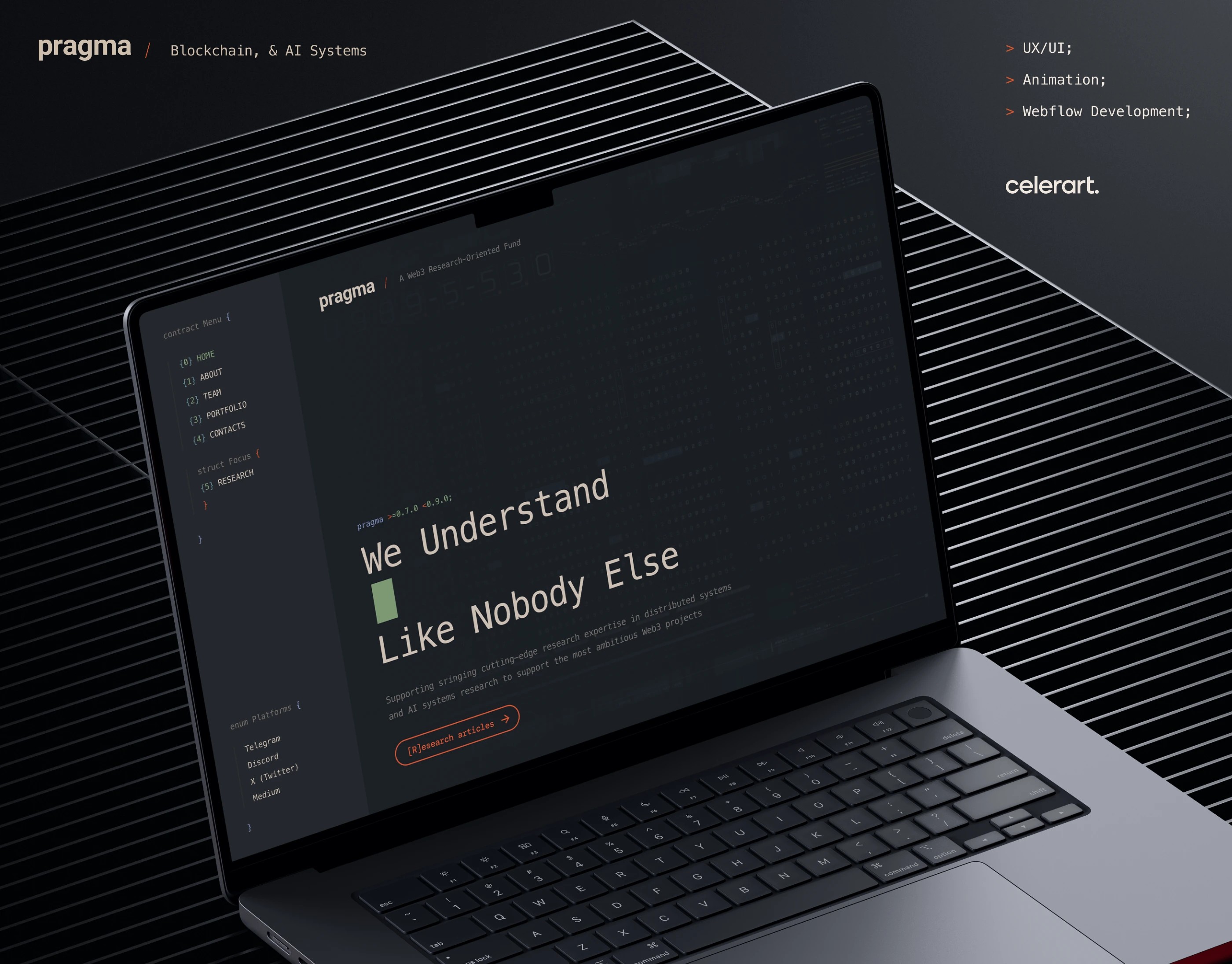
Bespoke scroll, hover, and timeline interactions for Webflow sites — built natively where the panel handles it, dropped into GSAP and ScrollTrigger when the design needs more. We design the motion language, build it editor-safe, and ship it under a 200 KB JS budget so the page still scores green on mid-range Android.
Where Custom Webflow Interactions Earn Their Cost
Webflow's native interactions panel covers about 80% of typical motion well — fades, slides, basic scroll triggers. The remaining 20% is where products feel different from templates: chained timelines, scrubbed video, magnetic cursors, page-transition handoffs. That 20% is what we build, with a hard rule that no interaction adds more than 35 ms to INP on a four-year-old phone.
- 01
Scroll-driven timeline sequences using GSAP ScrollTrigger inside Webflow
- 02
Magnetic cursors, hover skews, and pointer-tracked microinteractions
- 03
Section pinning with progress-mapped reveals — no janky position: sticky hacks
- 04
Page-transition handoffs that survive Webflow's default page reloads
- 05
Reduced-motion fallbacks wired through prefers-reduced-motion, not opt-in toggles
- 06
Editor documentation so the marketing team can swap content without breaking timelines
Designs Worth Remembering
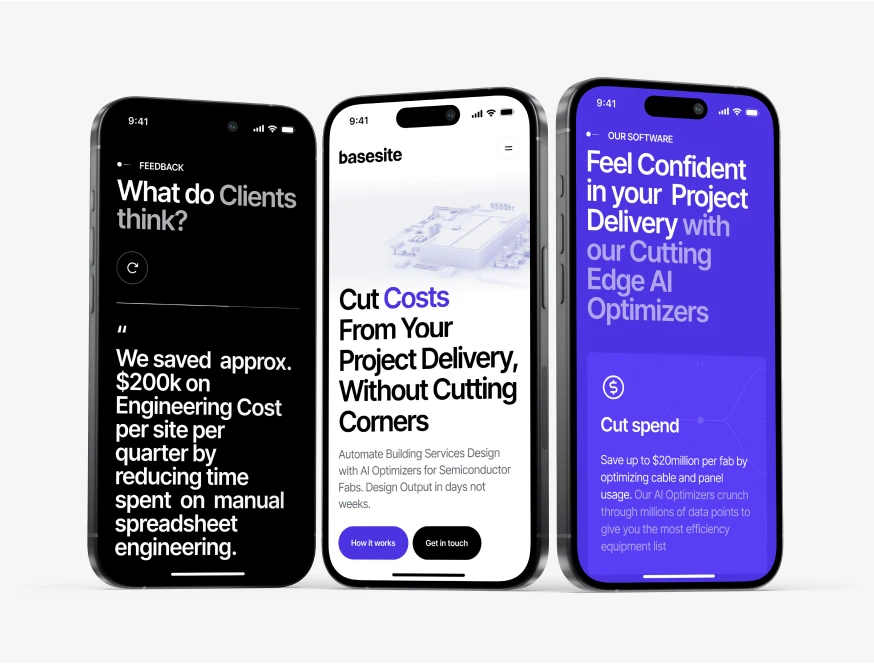
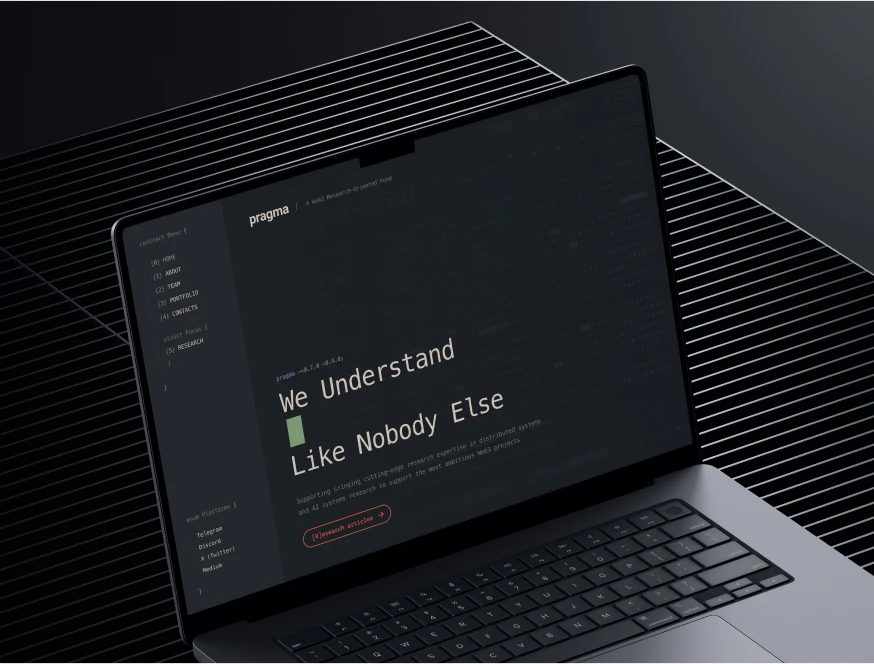
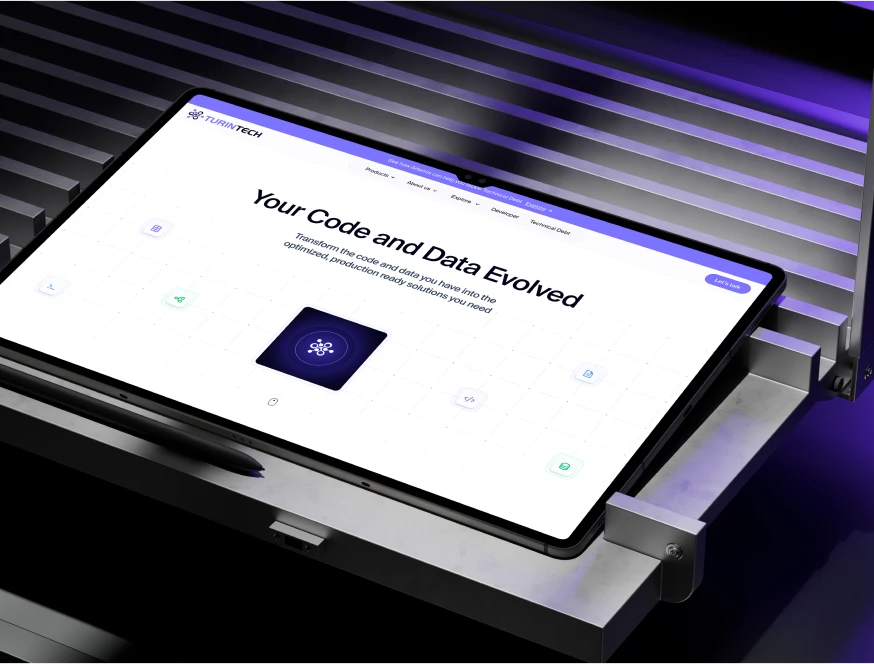
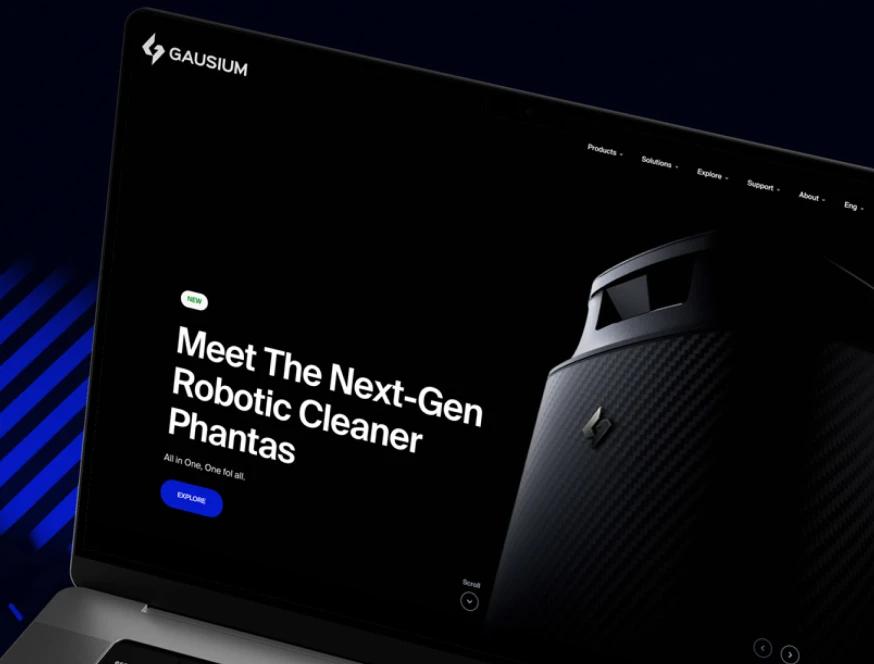
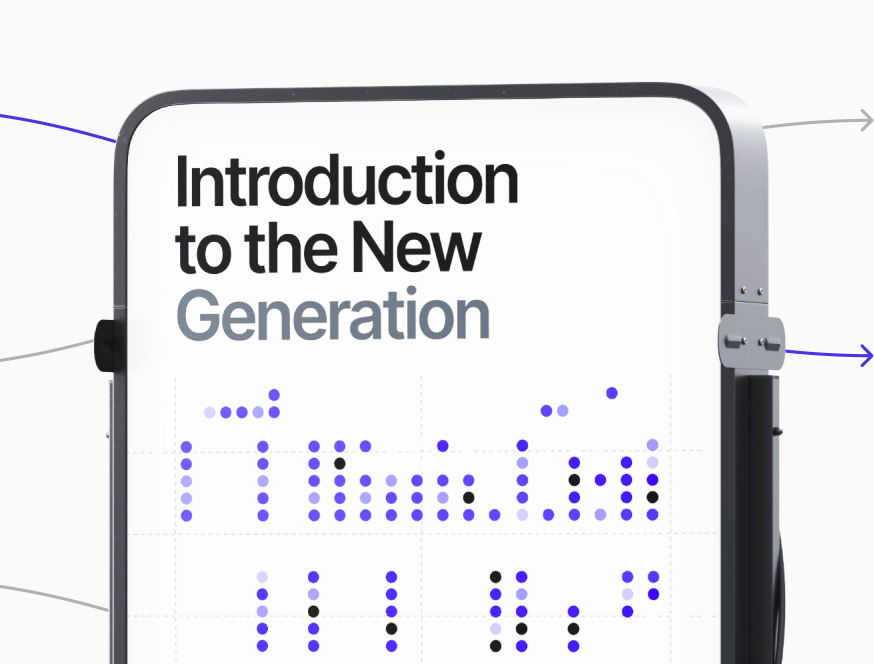
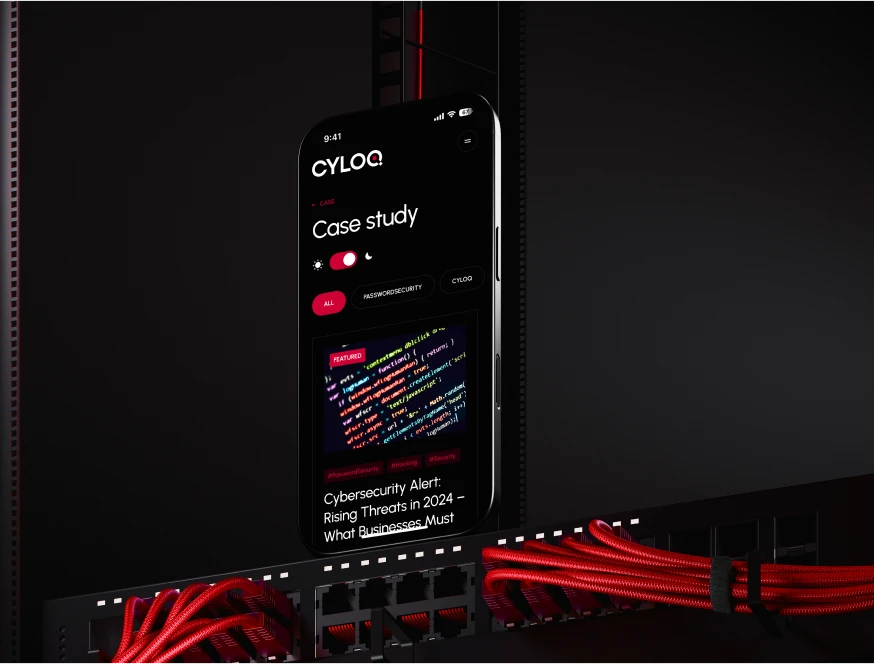
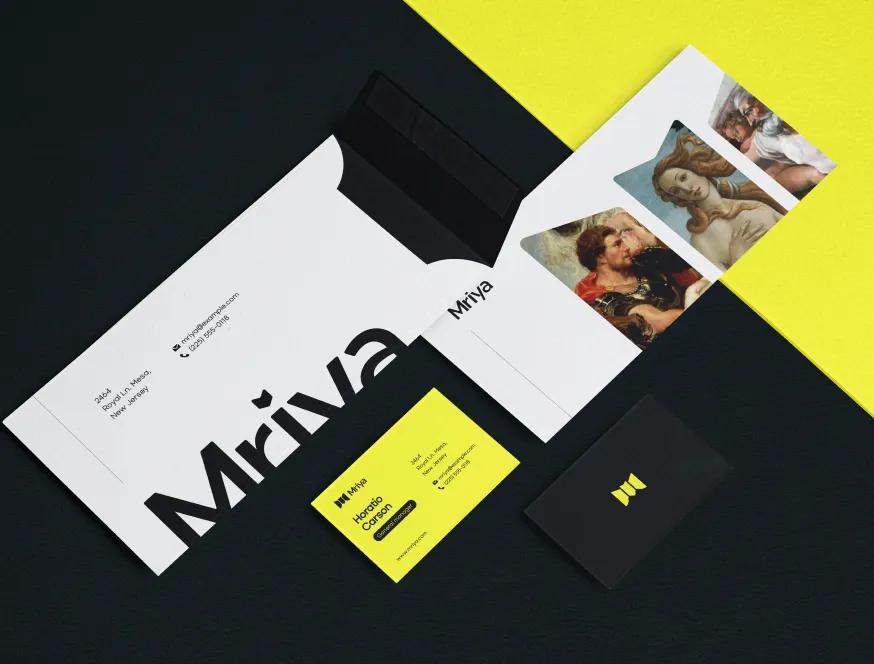
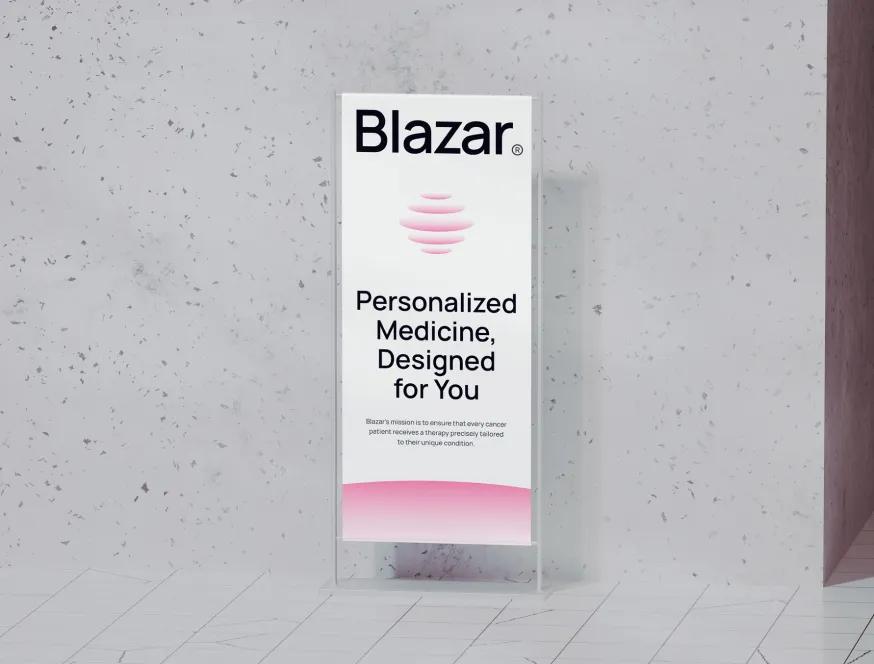
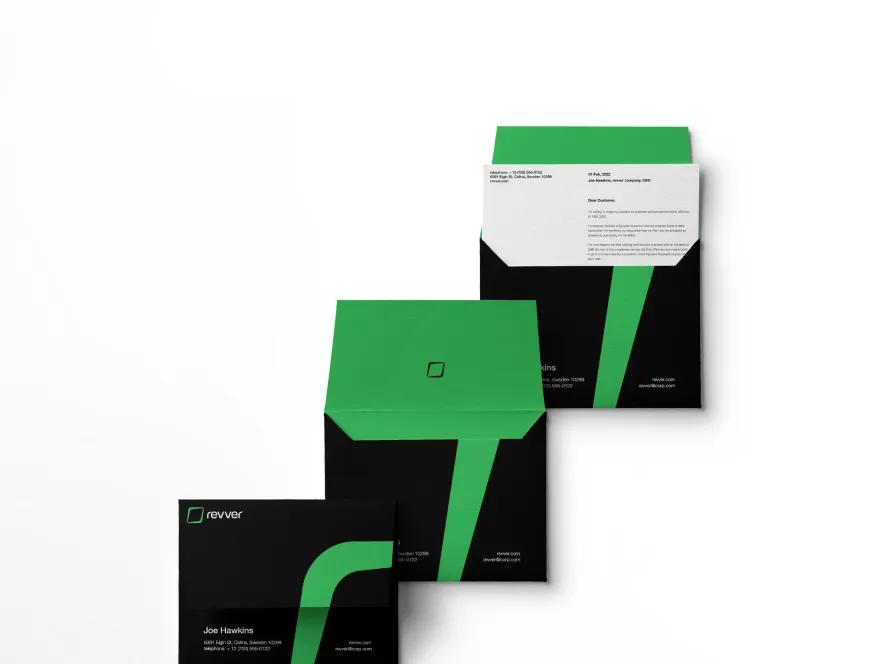
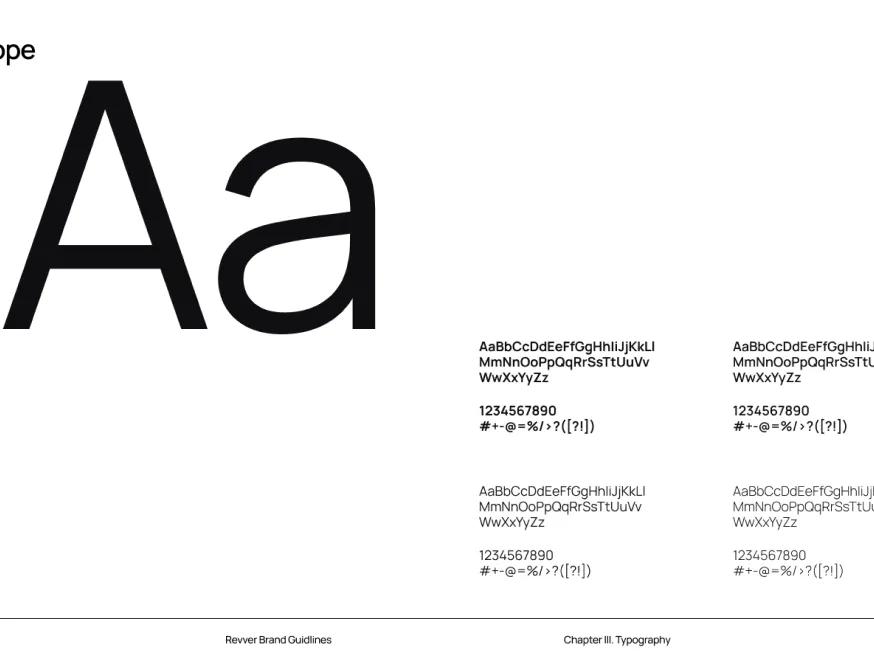
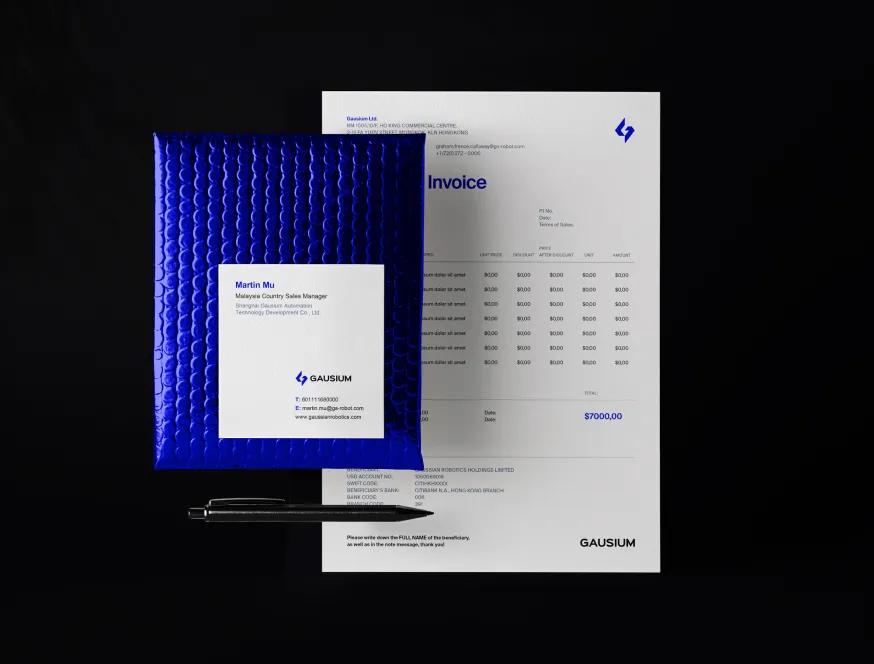
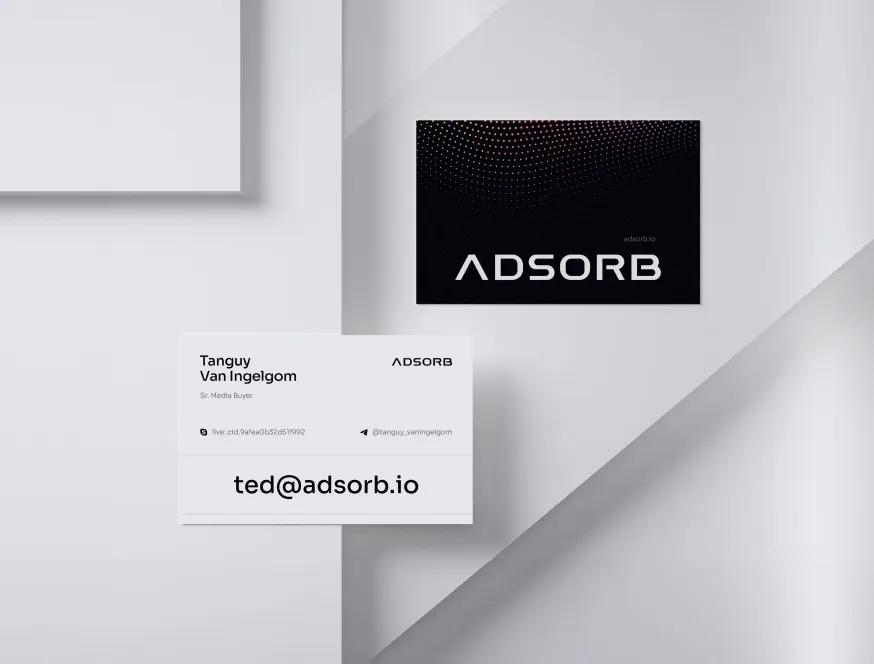
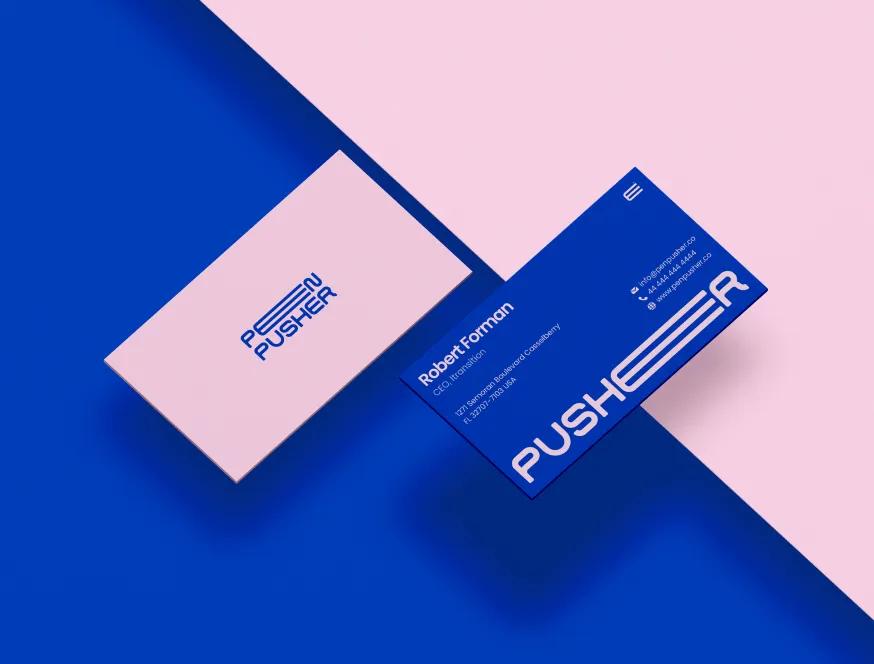
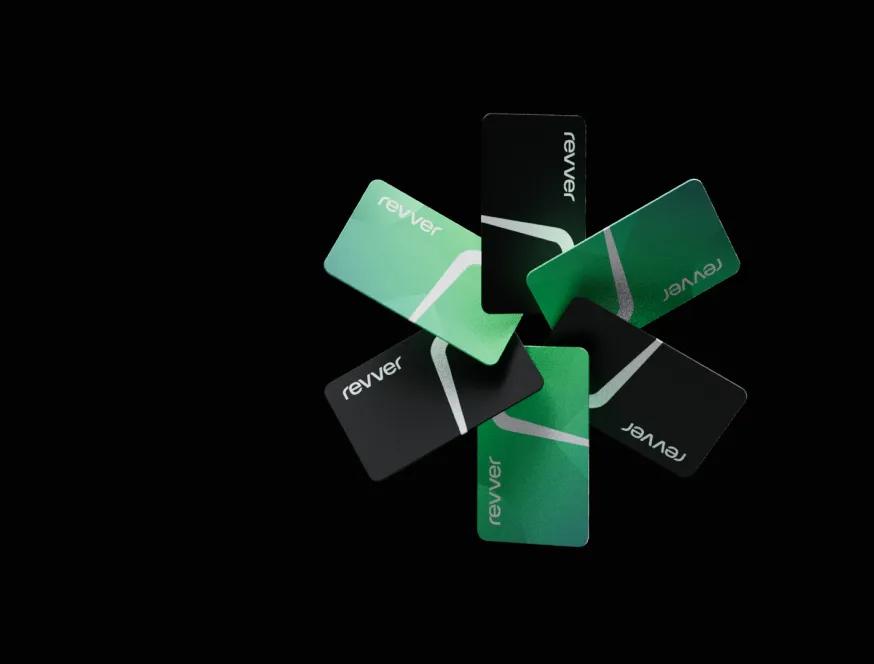
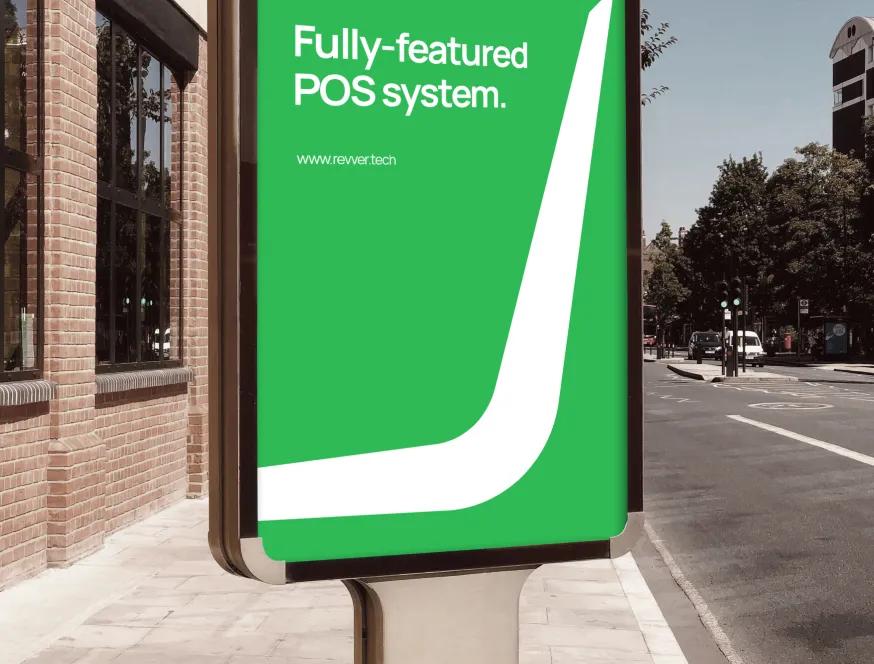
A curated mix of visuals that speak louder than words — bold, refined, and uniquely crafted.








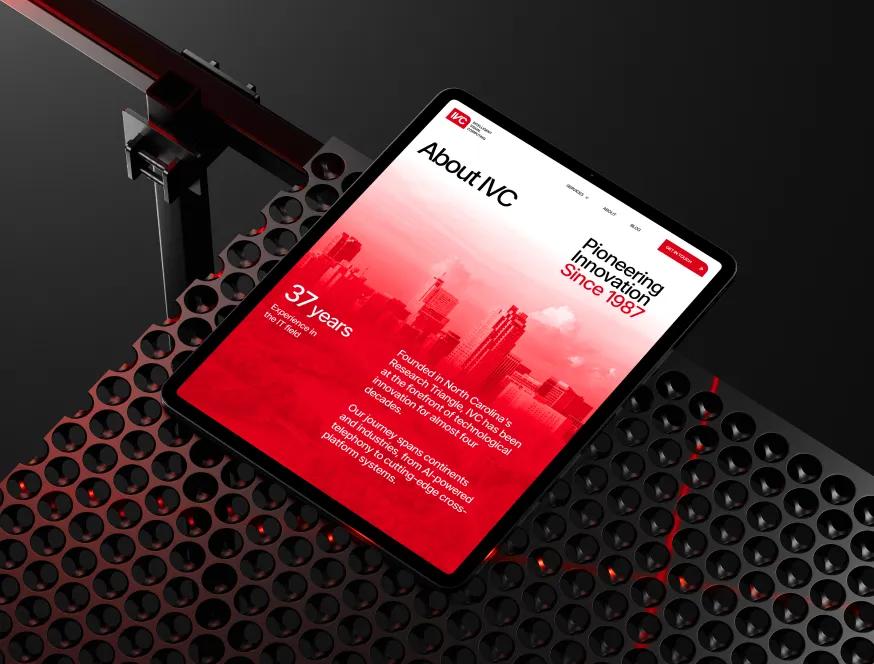
How We Build Advanced Webflow Interactions That Survive Editing
Most custom interaction work breaks the second an editor renames a class or duplicates a section. Ours doesn't, because we treat the markup contract as part of the design. Three habits we never skip.
Motion-spec before any code
Every interaction starts as a one-page spec — easing curve, duration, trigger, in/out states, what happens at 60% scroll versus 100%. We share it as a Lottie or Principle prototype so the client signs off on the feel, not a vague "make it feel premium." One client cut a 3-week motion thrash to 4 days because we agreed on the easing curve before opening Webflow.
Custom-code embeds with namespaced selectors
GSAP and ScrollTrigger run inside Webflow's
<script>embeds, but we never target raw class names. Every selector uses adata-animattribute set in Webflow's custom-attributes panel. When marketing duplicates a hero or CMS Designer renames a class, the interaction keeps working. No surprise breakage on Friday afternoons.Performance budget enforced per interaction
Total custom JS for interactions stays under 200 KB gzipped. Each timeline gets profiled with Chrome DevTools Performance — anything pushing INP over 200 ms gets simplified or moved to CSS. One e-commerce client's product page dropped from 480 ms INP to 140 ms after we replaced a JS-driven gallery transition with a CSS scroll-snap.
Reduced-motion as a first-class branch
Every animation has an explicit reduced-motion path — usually a static fade or no transition at all, never just "animation off." We test with the macOS Reduce Motion toggle and the Windows accessibility setting. About 12% of visitors have it enabled. If the page collapses for them, the interaction wasn't designed, just decorated.
Meet the Team Behind the Work
Our team brings together specialists from different creative and technical fields — from Webflow developers to creative directors.
Each of us contributes our own perspective, skills, and dedication to deliver thoughtful, high-quality digital solutions for our clients around the world.
Where Off-the-Shelf Webflow Interactions Break Down
We've inherited dozens of sites where someone added animations and walked away. Three failure modes recur, each with a measurable cost.
Scroll-triggered chaos without a budget
Designers add a reveal to every section because each one looked good in isolation. By section nine, the page is fighting itself — five overlapping IntersectionObservers, GPU thrashing, INP climbing past 400 ms on Android. One SaaS client had a homepage with 23 separate scroll triggers; we kept 6, deleted the rest, and Lighthouse mobile performance went from 38 to 81. The cost: visitors on slower devices abandoning before reaching the CTA, with bounce on mobile sitting around 68% versus 41% on desktop.
Native-only thinking when the design needs more
Webflow's interactions panel is excellent for fades and slides, but trying to build a chained timeline or a scrubbed video sequence in it produces a 30-keyframe state machine no one can debug. Teams spend a week wiring it up, then another week rebuilding it the next time the design changes. We've replaced 200-line interaction trees with 40 lines of GSAP that the next designer can actually read. The cost of the wrong tool: 2–3× the build time and motion that still doesn't quite match the spec.
Animations that ignore CMS bindings
A custom interaction targets
.card-title. Editor adds three new collection items. Two of them animate, one doesn't, because the script ran before Webflow rendered the new DOM. Or worse — the editor renames a class for a different layout variant, and the homepage hero stops animating in production. We've debugged this exact scenario four times this year. The cost: marketing teams losing trust in the CMS, copying HTML between collections to avoid "breaking the animations," and rebuild bills landing 6 months in.

Other Services We Offer
We also handle full brand identity, custom web design, and ongoing Webflow maintenance — see how the rest of our work fits together.
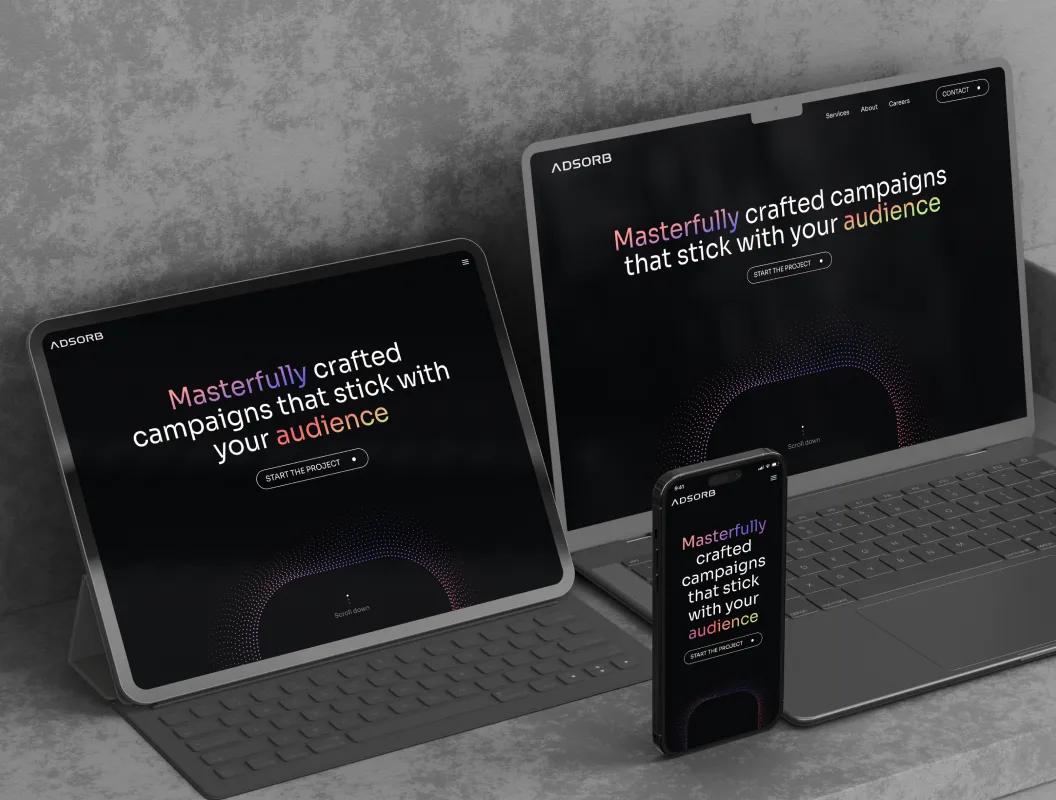
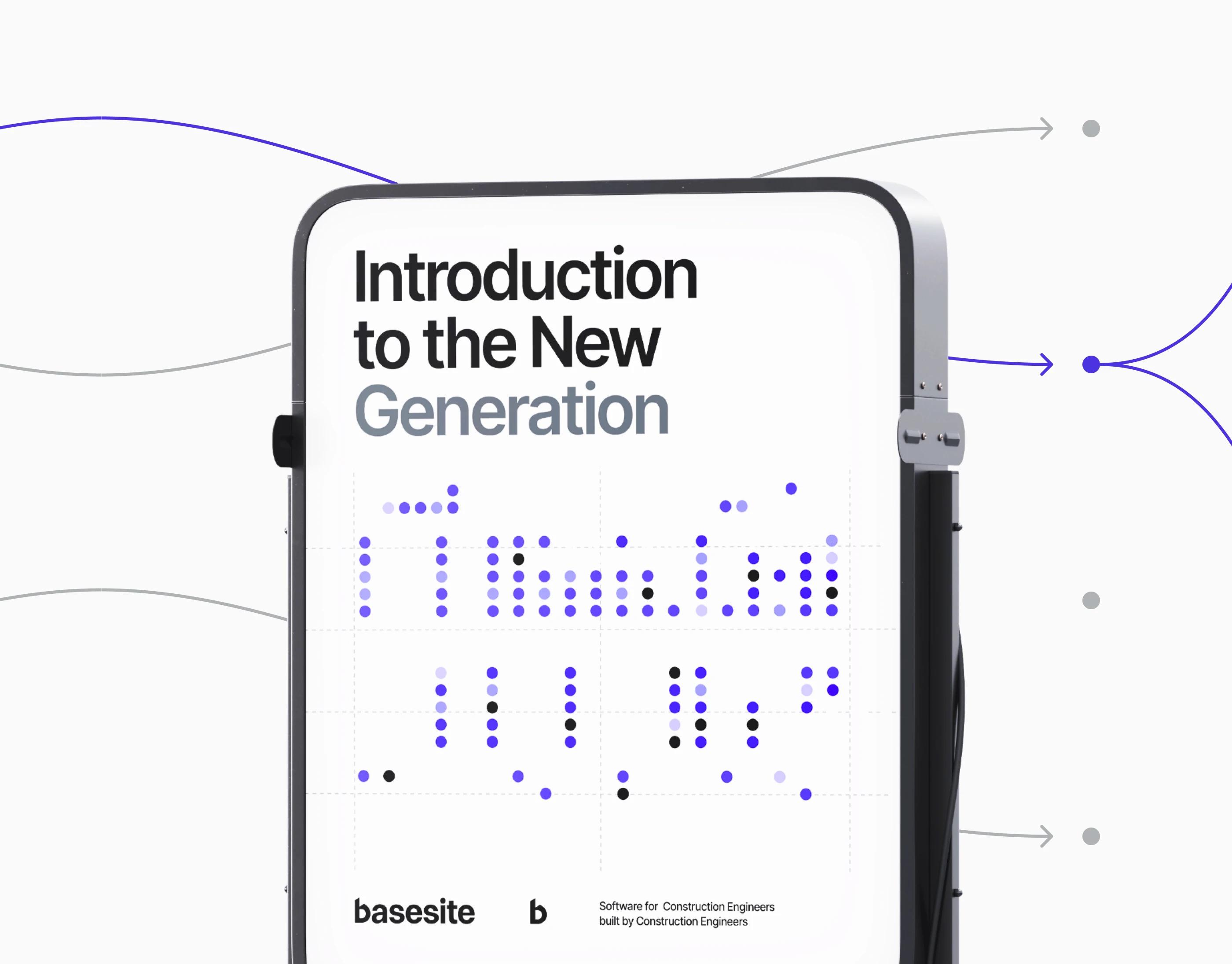


Custom Webflow Interactions vs Native and Code-Heavy Builds
Custom Webflow interactions occupy a specific slot — between what the native panel handles cleanly and what a fully custom Next.js build would deliver. Knowing where that slot sits matters before scoping the work.
- Native interactions for repeatable, simple motion. Hover fades, slide-in cards, basic scroll triggers — these belong in the panel. Building them in custom code wastes hours and breaks more often. We use native first; custom code earns its place by handling motion the panel literally cannot express.
- GSAP and ScrollTrigger for chained sequences. If the design has a hero where the headline, video, and three product mocks reveal in coordinated stages with progress-mapped easing, that is a GSAP timeline. Wiring it in the native panel produces a brittle keyframe tree. Wiring it in GSAP takes 30–50 lines of code that survive edits.
- Editor-safe attribute hooks, never class targeting. Every custom-coded interaction targets
data-animattributes, not class names. When marketing renames a class, the interaction keeps working. When CMS Designer adds a new collection item, the new node animates without a script edit. - Performance budgets in writing. We agree on a JS budget — typically 150–200 KB gzipped for the entire interaction layer — before any code is written. If a new interaction pushes the page over INP 200 ms on a Pixel 4a, we simplify or cut. Without a written budget, every interaction looks affordable in isolation and the page degrades quietly.
Webflow custom interactions also need a clear handoff path. We document every timeline in a Notion page tied to the project — what triggers it, which attributes it reads, where the duration lives. When your in-house team or the next agency picks up the site, they can edit motion without reverse-engineering it.
When this isn't the right fit: if your site needs a complete custom rendering layer — view transitions across routes, WebGL hero scenes, physics simulations — Webflow stops being the cheapest tool. At that point a Next.js build with Framer Motion or react-three-fiber serves you better. We'll tell you that on the discovery call rather than fighting Webflow into doing something it isn't built for. Equally, if the only motion you need is fades and slides on six sections, the native panel is plenty — paying for custom interactions there is overkill.