
Figma to Webflow Conversion
Pixel-accurate Figma to Webflow conversion as a fixed-scope engagement — your design file in, a maintainable Webflow build out, with every breakpoint matching the source. Single deliverable, defined timeline, no "Webflow can't do that" surprises mid-project. Built for design teams handing off a finished file, not a moodboard.
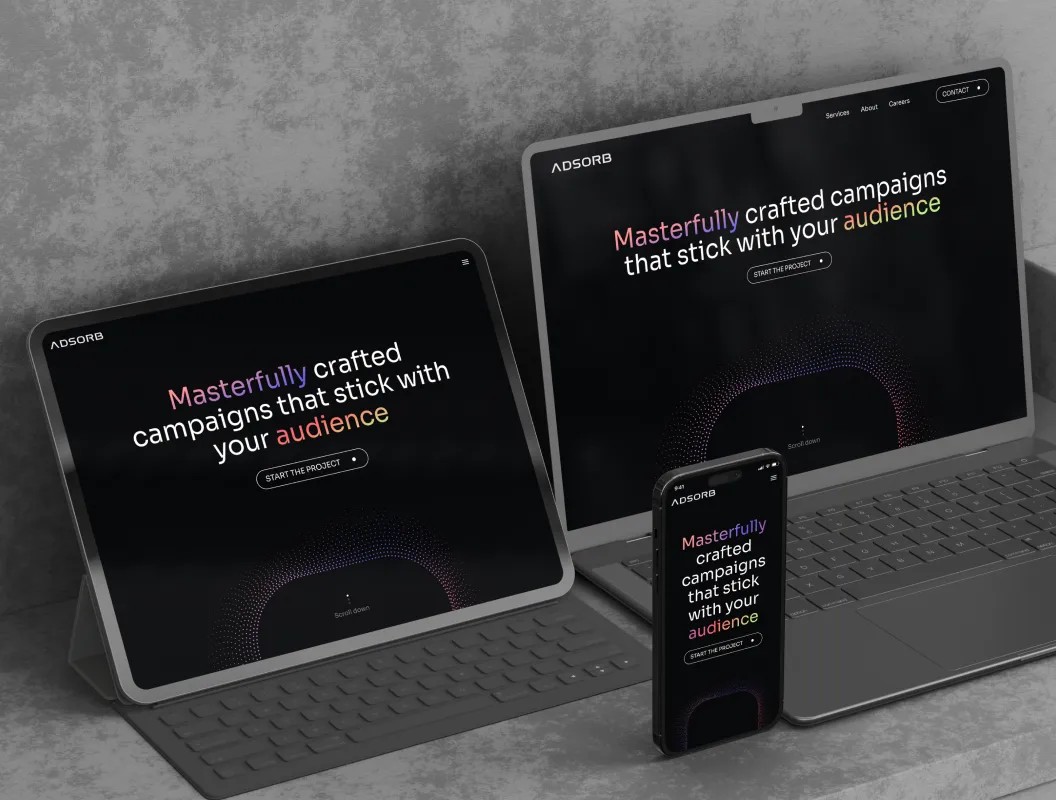
What a Real Figma to Webflow Conversion Includes
Most "convert Figma to Webflow" services drop a file into a class generator and hand back a Webflow site that looks right at one breakpoint and falls apart at the others. Real conversion is the unglamorous middle work — auto-layout to flexbox semantics, component variants to combo classes, CMS-bound sections to a content model that holds. We do that part properly so the build outlasts the launch.
- 01
Pixel parity verified at 1920, 1280, 768, and 375 breakpoints with diff overlays
- 02
Class architecture using Client-First or Lumos, no orphaned styles
- 03
Figma components mapped 1:1 to Webflow components with editable props
- 04
CMS modeling for any collection-bound section in the design
- 05
Native interactions matched to Figma prototypes — hover, click, scroll
- 06
Lighthouse pass on staging — performance, accessibility, SEO each above 90
Designs Worth Remembering
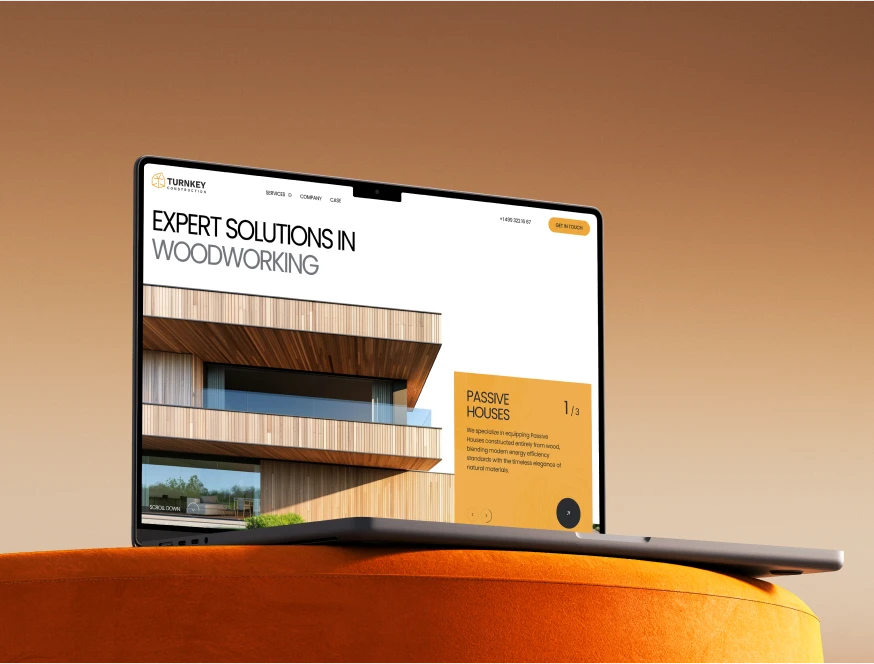
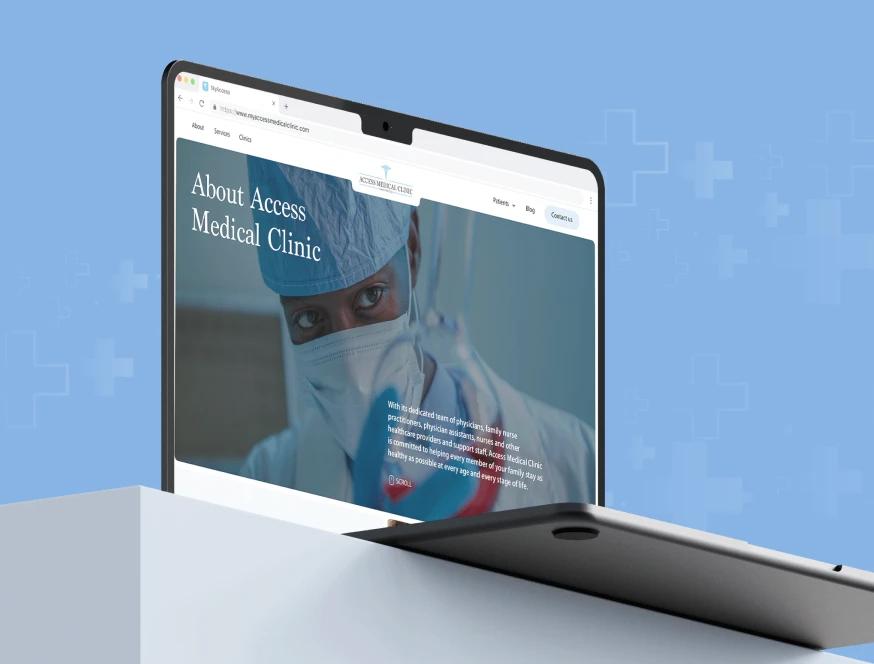
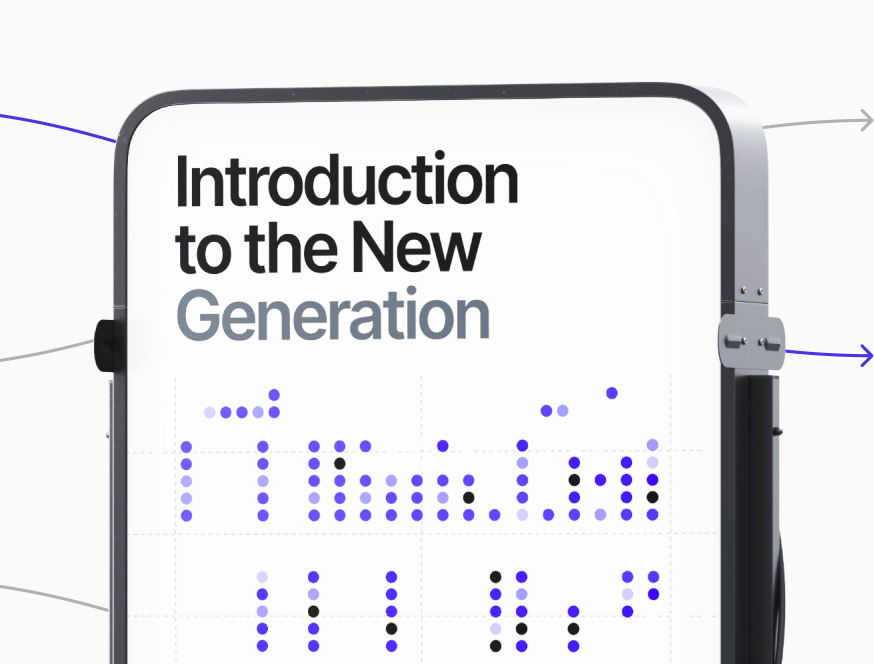
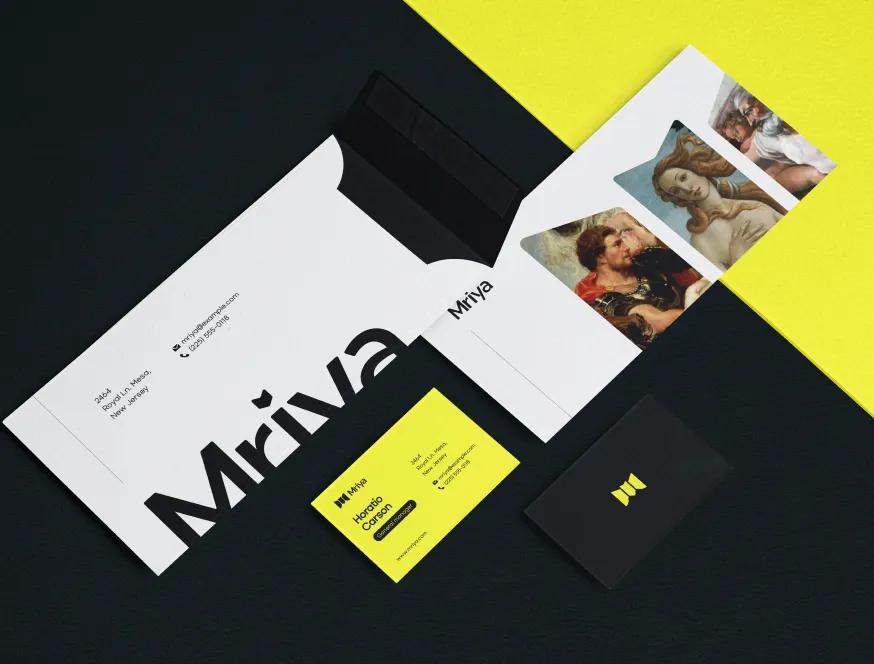
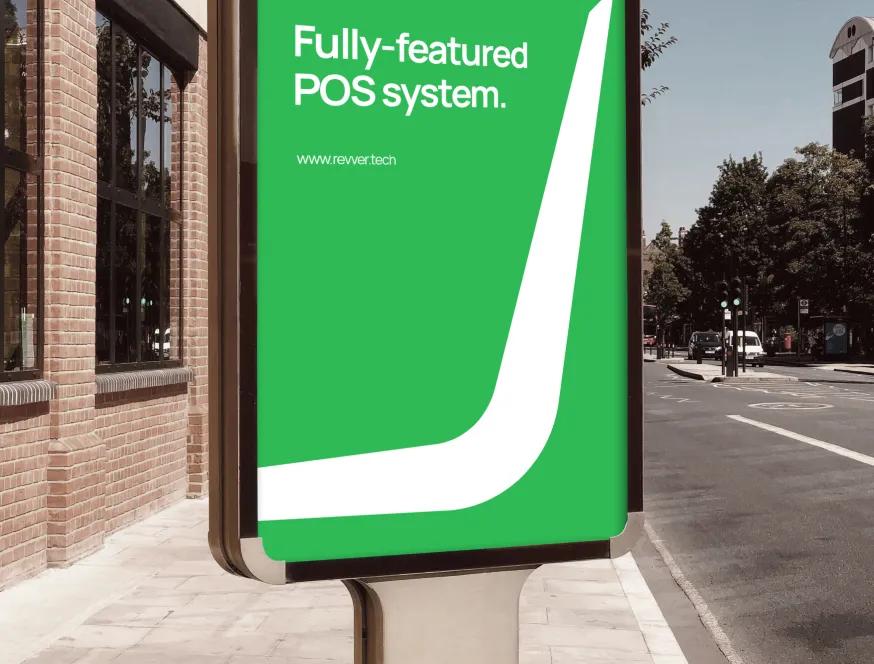
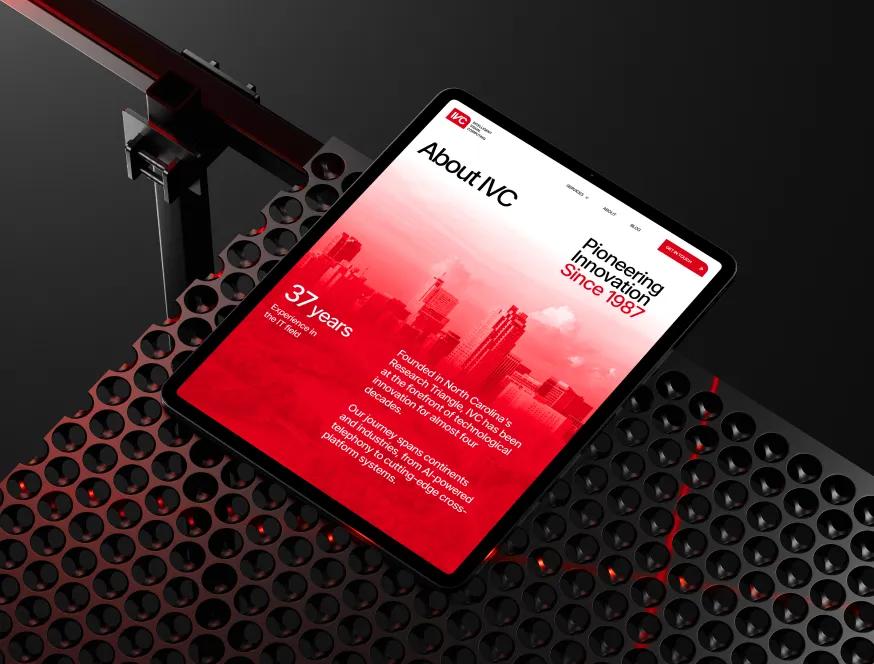
A curated mix of visuals that speak louder than words — bold, refined, and uniquely crafted.
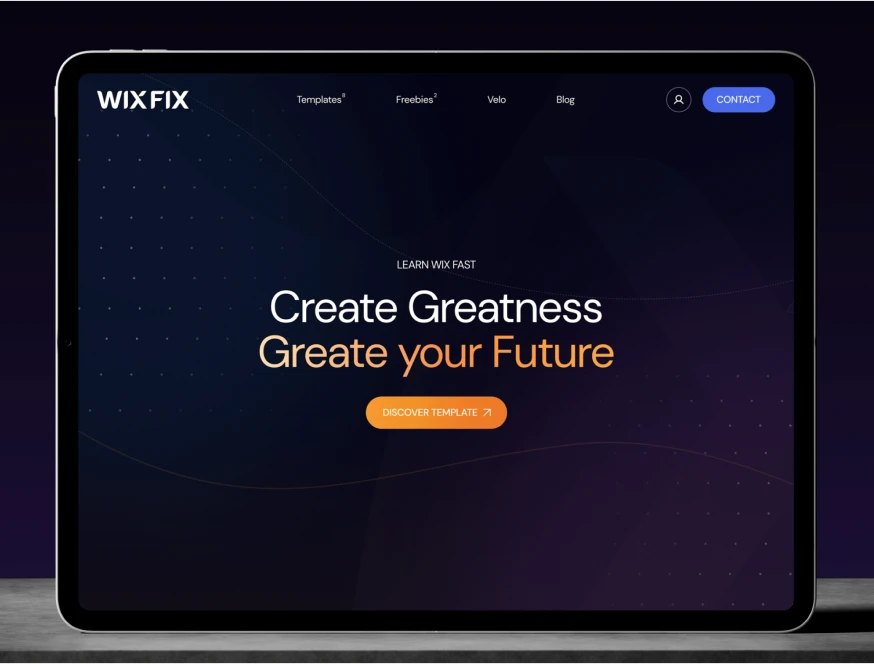
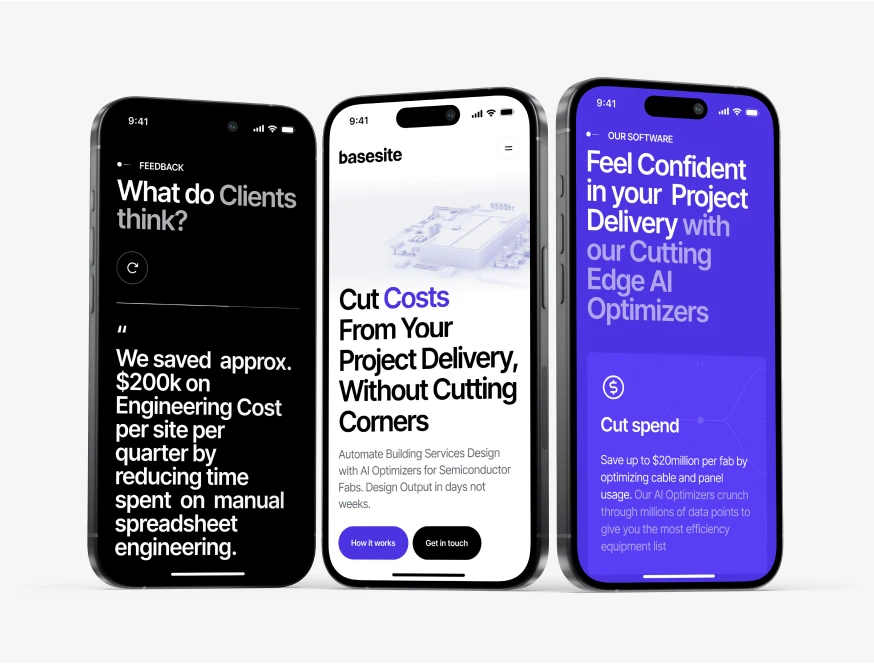
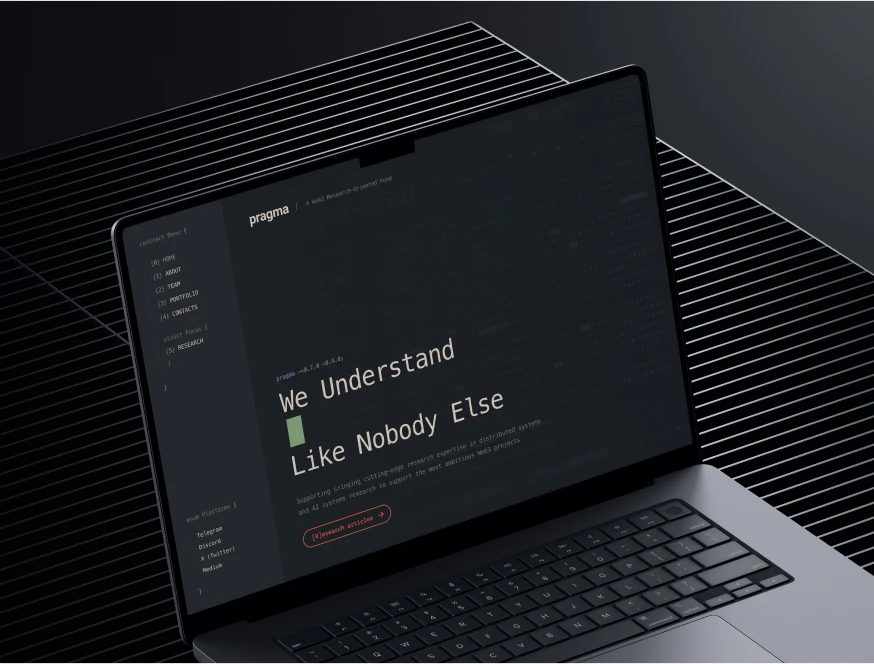








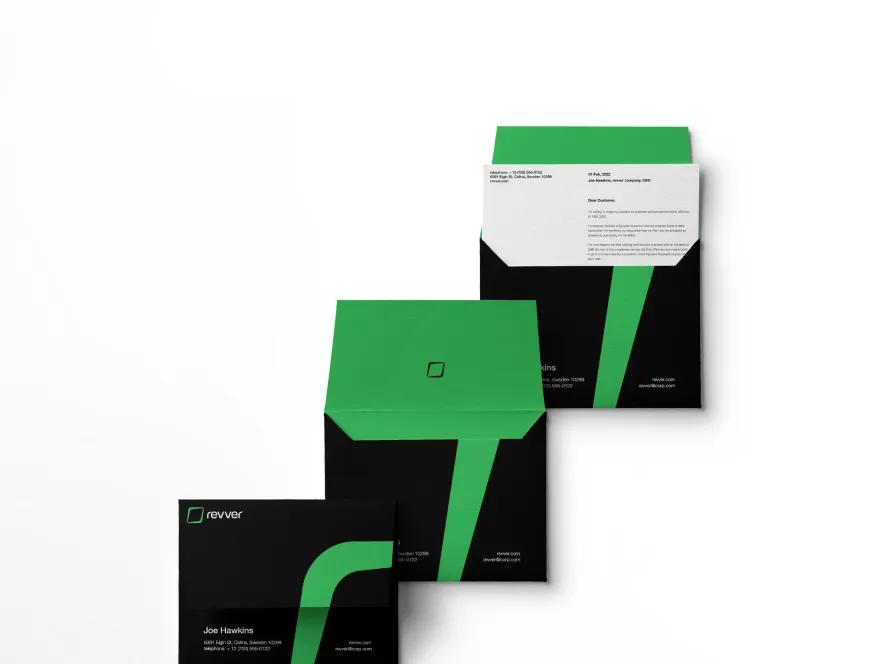
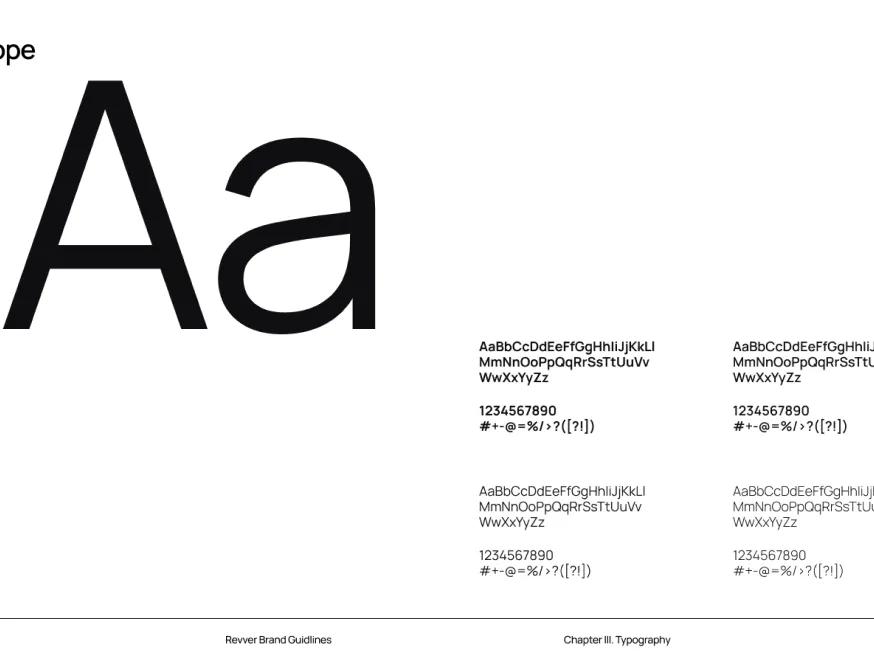

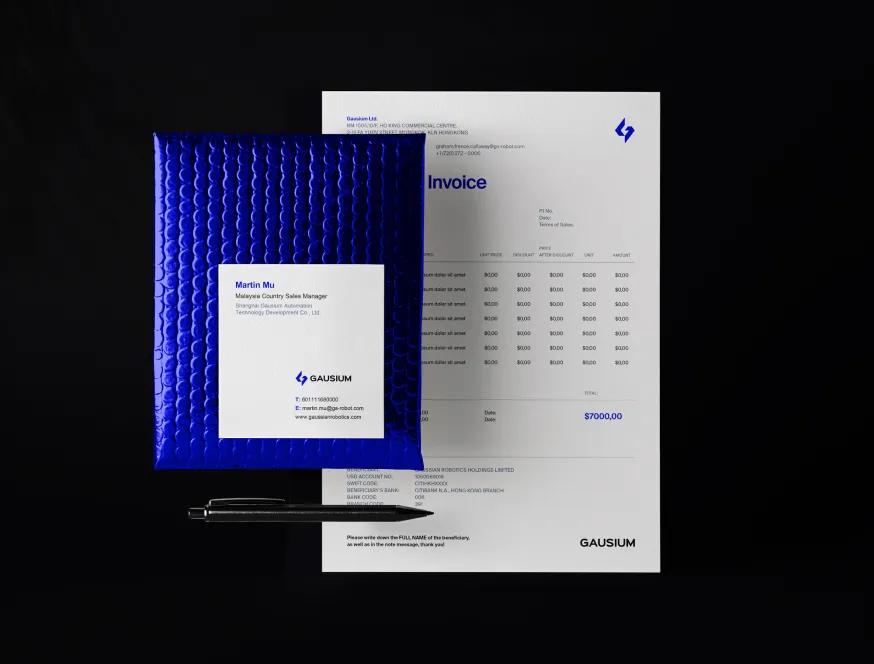


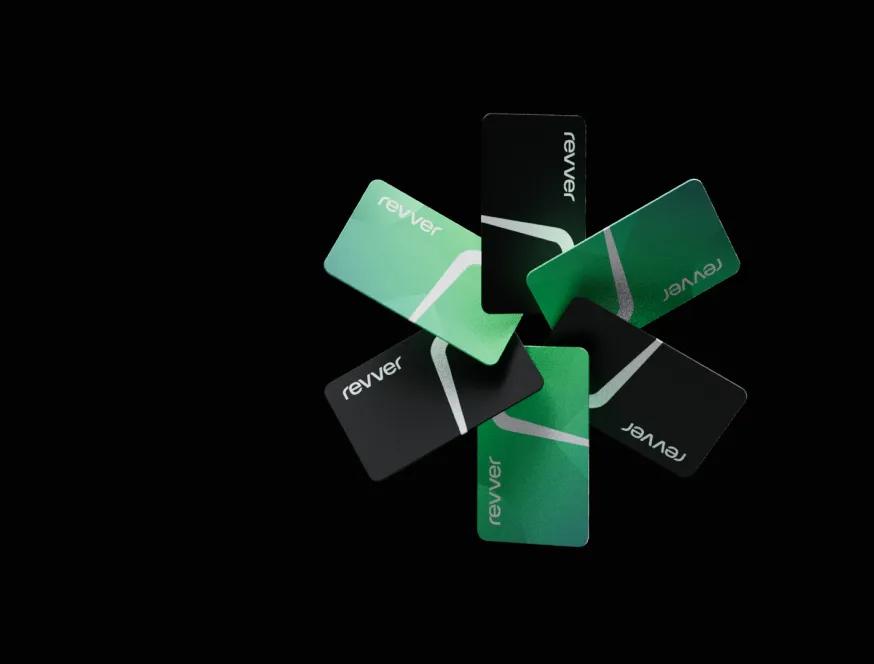
Our Figma to Webflow Conversion Process, Stage by Stage
We convert files for in-house teams every week. The same pre-build steps save us 3–5 days every project. Skip them and the build slips by a week with avoidable rework.
Figma file audit before quoting
We open the file, check for auto-layout discipline, named components, defined breakpoints, and CMS-bound placeholders. If the file is loose, we say so before signing the SOW. One client's quoted 3-week build became 5 weeks because their hero used absolute positioning instead of auto-layout — we now refuse to quote until that's fixed. Honest scope beats apologetic invoices later.
Class system spec before touching the canvas
We pick Client-First or Lumos based on the team's existing standards, then write a one-page mapping doc — Figma component name to Webflow class name. That mapping becomes the contract for the build. When the designer renames a Figma component mid-project, we know exactly which Webflow classes need updating, no archaeology.
Build at desktop, validate at mobile, fix at tablet
We build the desktop pass first because it carries the most design intent, validate the mobile pass because that's where most templates fail, then resolve tablet — which is usually a derived state. Doing tablet last cuts roughly 30% of the rework other teams hit when they build mobile-first against a desktop-led design.
Diff-overlay QA against the Figma source
Before delivery, we screenshot every page at every breakpoint and overlay it on the Figma frame at 50% opacity. Anything off by more than 2 pixels gets fixed. This catches the things humans miss — line-height drift, accidental rem-vs-px, padding rounded by Webflow's grid. Clients consistently call this the most useful step we run.
Meet the Team Behind the Work
Our team brings together specialists from different creative and technical fields — from Webflow developers to creative directors.
Each of us contributes our own perspective, skills, and dedication to deliver thoughtful, high-quality digital solutions for our clients around the world.
Why Most Figma-to-Webflow Conversions Disappoint
We've cleaned up enough other-agency conversions to recognize the patterns. Each one carries a measurable cost the original quote never showed.
Auto-generated builds with zero class discipline
Figma-to-Webflow plugins produce visually-correct output and structurally-broken markup. Every section gets unique classes —
section-1,section-2,div-block-117. Spacing tokens vanish. Editing a button color on the homepage requires changing it on 14 separate elements. We've inherited sites where a 30-second copy update became a 2-hour engineering ticket. The cost: maintenance bills 3–4× higher than a hand-built equivalent, and a CMS migration becomes "easier to rebuild than to fix."Mobile pass treated as desktop-divided-by-three
The Figma file shows desktop in detail and mobile as an afterthought — three frames with vague stacking arrows. The conversion team builds mobile by collapsing flexbox direction and praying. Result: 14-line headlines wrapping awkwardly, tap targets under 32 px, hero images cropped at the wrong focal point. One marketing site we audited had a 31% mobile bounce rate within two weeks of launch, traced to mobile typography that read at 11 px effective on iPhone. The cost: re-doing the mobile pass costs roughly 60% of the original quote.
CMS bindings bolted on after the static build
Conversion teams build static pages first, then "add the CMS at the end." By that point the markup is wrong for dynamic content — fixed image dimensions, hardcoded section counts, no reference structure. Bolting the CMS on means duplicating fields across collections, copying HTML, and an editor experience nobody wants to use. We model the CMS in week one so the build accommodates it from the first class. The cost of bolt-on CMS: editors avoiding the system, content debt accumulating, and a year-two rebuild rather than steady iteration.

Other Services We Offer
We also handle full brand identity, custom web design, and ongoing Webflow maintenance — see how the rest of our work fits together.

What Pixel-Accurate Figma to Webflow Conversion Actually Costs
Pricing for a Figma to Webflow conversion varies by 4–5× across the market, and the cheap options nearly always cost more by year two. Here's what we've learned moves the dial on whether a conversion holds up.
- Source-file quality predicts conversion cost more than page count. A 12-page site with strict auto-layout, named components, and defined breakpoints converts faster than a 5-page site full of absolute positioning. We ask for the Figma file before quoting and adjust scope based on what we see.
- Class system is the single biggest maintainability lever. Client-First and Lumos both work. Bespoke ad-hoc systems do not — they look fine for the first three months, then collapse the moment a second person touches the site. We pick one and use it consistently.
- CMS modeling is a week-one task, not a week-five task. If your design includes any collection-bound section — blog, case studies, team, services — the schema gets defined before the static build starts. Bolt-on CMS is the single most common reason conversions fail to age well.
- Diff-overlay QA catches what review meetings miss. Stakeholders looking at a staging URL spot maybe 60% of fidelity issues. Overlaying staging screenshots on the Figma source at 50% opacity surfaces the rest. We treat this as part of delivery, not extra.
A typical Figma to Webflow conversion at production quality runs 3–6 weeks for a marketing site of 8–15 pages with 2–3 CMS collections. Same engagement done by a $500 plugin-and-pray service runs 2 weeks and lands a site you'll be paying to clean up in month seven. Same engagement at a senior-bench US agency runs 10–12 weeks and ships at 95% the same fidelity for 3× the cost. We sit in the middle deliberately.
When this isn't the right fit: if your site needs ongoing development across many quarters with shifting scope, an ongoing Webflow development agency engagement serves you better than a one-shot conversion. If the design is still in flux and the Figma file changes weekly, paying for conversion now means paying for re-conversion later — finish the design first. And if your build truly needs server-side logic Webflow can't host — auth, complex search, multi-tenant data — convert the marketing surface and pair it with a Next.js app, rather than forcing Webflow into something it isn't.