Migrate from HubSpot CMS, keep HubSpot CRM
Your website does not have to live where your CRM lives. We move the site off HubSpot Content Hub to Astro or Next.js, with content in Sanity or Payload, while HubSpot forms, tracking, chat and the CRM keep working as they do today.
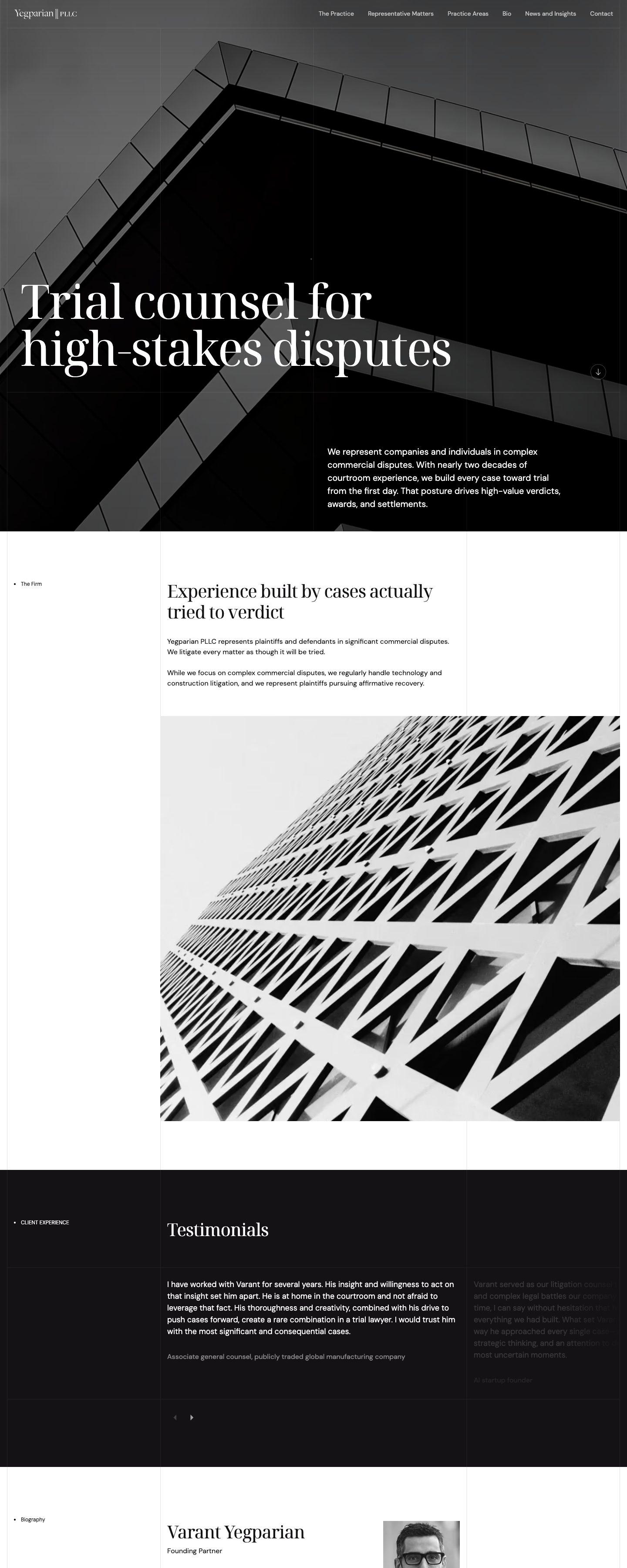 Yegparian PLLC (opens in a new tab)
Signs it is time to move your site off HubSpot
HubSpot is a strong CRM and marketing platform. These are the moments teams tell us the website part of it stopped fitting.
Every editor is another seat
Since March 2024 HubSpot prices by seat. Content Hub Professional includes three core seats, and each extra editor adds to the monthly bill.
You pay for the CMS to keep the CRM
The website is the reason for the Content Hub plan, while the work that matters to sales and marketing happens in the CRM, which does not need it.
The design is boxed in by the theme
Templates, modules and HubL set the limits. Custom layouts, motion and interactive sections need workarounds, or do not get built at all.
Developers work around the platform
Theme files are uploaded to HubSpot through its CLI, while the content lives only in HubSpot. Code review and a preview per branch take extra setup.
Leaving only gets harder
Pages, posts and HubDB rows keep piling up inside HubSpot. The built-in export gives you HTML files, not a content model you can move.
What happens to your HubSpot features
Pick what your site uses today. Each feature stays in HubSpot, becomes part of the site, or turns out not to be needed.
- Website and landing pagesPage-builder blocksEach module becomes a block editors compose pages from, built once in code so every page stays on brand.
- HubSpot blogPosts in Sanity or PayloadPosts, authors and tags move by script through the HubSpot CMS API, with rich text converted and images re-uploaded.
- HubSpot formsSame forms, same CRMForms stay in HubSpot and are embedded, or rebuilt in the site and sent to HubSpot through the Forms API. Submissions land in the CRM as before.
- Tracking code and analyticsStays on every pageThe HubSpot tracking code is installed site-wide, so page views, contact timelines and attribution keep working.
- HubDB tablesSanity documents or Payload collectionsEvery table and row moves by script through the HubDB API and becomes structured content with proper references.
- Smart contentPersonalisation, scoped separatelySmart CTAs still work on external pages. Smart modules and forms only run on HubSpot pages, so we rebuild what you need with CRM data.
- Chat and meetingsSame widgetsLive chat loads through the tracking code, and the meetings scheduler is embedded where you need it.
- Multi-language contentBuilt-in localisationTranslations live per field or per document in Sanity or Payload, with their own URLs and hreflang.
- URL redirectsRedirects in the configEvery page URL and existing redirect is mapped to its new home in the hosting config, versioned with the code.
What changes when you leave HubSpot CMS
Astro and Next.js decide how pages are built. Sanity and Payload are where your team edits. HubSpot stays your CRM either way.
| Feature | Astro + Sanity | Next.js + Payload | HubSpot CMS |
|---|---|---|---|
| Ownership and cost | |||
| Code you own and can host anywhere | HTML export only | ||
| Editor seats | Plan-based | Unlimited, self-hosted | Paid core seats |
| Version control and code review | Theme files only | ||
| Content | |||
| Structured, reusable content | Modules and HubDB | ||
| Live preview while editing | |||
| Drag-and-drop page editing | Page-builder blocks | Page-builder blocks | |
| Personalisation by CRM data | Via the CRM API | Via the CRM API | Professional and Enterprise |
| HubSpot and performance | |||
| HubSpot forms, tracking and chat | |||
| Ships only the JavaScript a page needs | Per route | Depends on your theme | |
| Custom server logic and APIs | Within HubSpot’s limits | ||
Sites we've already moved
Different stacks for different jobs: a law firm on Next.js and Payload, a residential launch and our own studio on Astro and Sanity.
Yegparian PLLC
WordPressNext.js + Payload
An Austin trial litigation firm. Practice areas, matters and insights are Payload collections, and every page is pre-rendered and served from the edge.
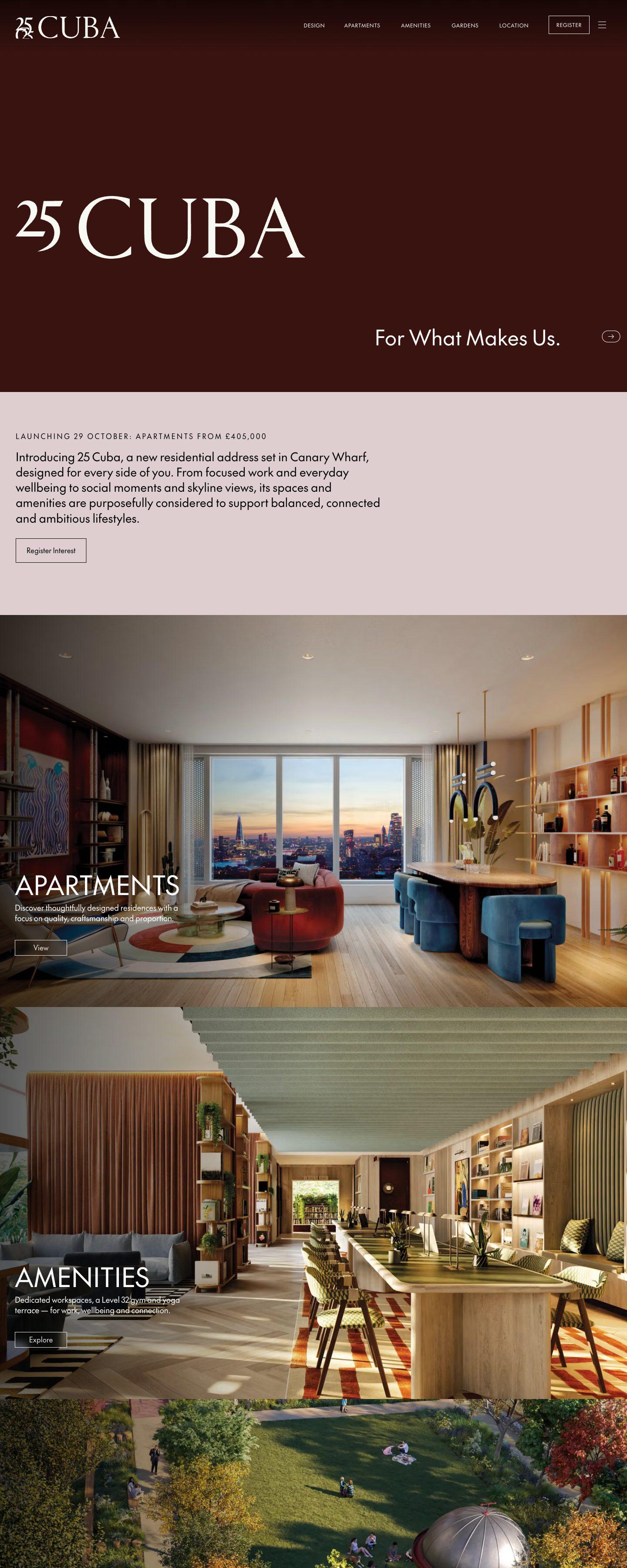
yegparianpllc.com (opens in a new tab)25 Cuba
WordPressAstro + Sanity
A new residential address in Canary Wharf. Apartments, amenities and galleries are edited in Sanity, and the site ships as static Astro pages.
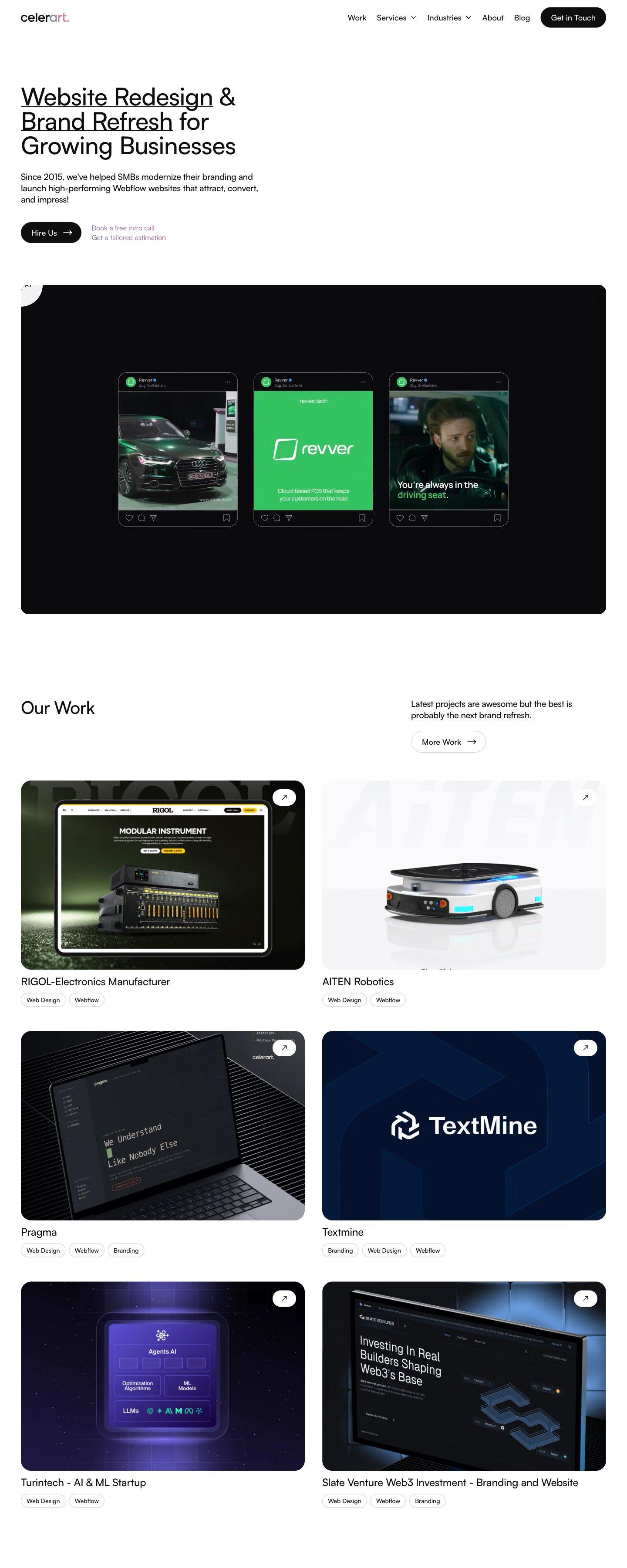
25cuba.com (opens in a new tab)Celerart
WebflowAstro + Sanity
Our own studio site. Every one of the 164 old URLs was carried over or redirected, and all content is now edited in Sanity.
celerart.com (opens in a new tab)
How we move a site off HubSpot
Your HubSpot site stays live until the new one is ready. The switch is a DNS change, not a weekend of downtime.
Audit
Audit
We crawl every URL, list every template, module, form, HubDB table, smart rule and integration, and export your rankings, so nothing is lost by accident.
Content model
Content model
Modules, blog fields and HubDB tables become a clean schema in Sanity or Payload, shaped around how your marketing team actually edits.
Content import
Content import
Pages, posts, HubDB rows and files move by script through the HubSpot CMS APIs. Rich text is converted, images re-uploaded and internal links rewritten.
Front end
Front end
We rebuild the design in Astro or Next.js: the same look, or a refresh if one is due. HubSpot forms, tracking and chat are wired in and tested.
Redirects and launch
Redirects and launch
Every old URL gets a permanent redirect to its new address. Metadata, sitemaps and structured data are compared before the DNS switch.
Handover
Handover
Your team gets a walkthrough of the new editor. HubSpot keeps running as your CRM, and the Content Hub plan can be reviewed or downgraded.



Questions about leaving HubSpot CMS
No. Only the website moves. HubSpot stays your CRM and marketing platform: contacts, deals, emails, workflows and reports keep running. The new site talks to HubSpot through the tracking code, form embeds and the HubSpot APIs.
Yes. The tracking code goes on every page, so visits and contact timelines keep recording. Forms stay in HubSpot and are embedded, or are built into the site and submitted through the HubSpot Forms API, so submissions still reach the CRM and trigger your workflows.
WordPress gives you a theme and a plugin stack to keep patched, on a server with a public login. A headless setup gives editors structured content and live preview, serves pages pre-built from a CDN and connects to HubSpot just as well.
Not if the move is planned. Every URL keeps its address or gets a permanent 301 redirect, built from your pages, posts and existing redirects. Titles, descriptions, structured data and sitemaps are carried over and checked before launch.
By script, through the HubSpot CMS APIs: blog posts, pages, HubDB tables and files. Everything becomes structured content in Sanity or Payload, and internal links are rewritten to the new URLs.
Smart CTAs work on any page with the tracking code. Smart modules and smart forms only run on HubSpot pages, so we list where you use them in the audit and rebuild the rules that matter with data from the CRM.
It depends on the number of templates, modules, HubDB tables and languages. After the audit you get a fixed scope and timeline, and the HubSpot site stays live until launch day.