Migrate from AEM before 6.5 support ends
Core support for AEM 6.5 on-premise ends in February 2027, and Adobe’s paths, AEM as a Cloud Service or 6.5 LTS, each mean another project. If you are moving anyway, move to Astro or Next.js, with content in Sanity or Payload and every URL kept.
 Yegparian PLLC (opens in a new tab)
Signs it is time to leave AEM
Adobe Experience Manager runs some of the largest brand sites around. These are the moments marketing and IT teams tell us it stopped fitting.
Your AEM 6.5 is losing support
Managed Services support ended in August 2026, and on-premise core support ends in February 2027. Extended support to February 2028 covers critical security fixes only.
The licence covers more than you use
How much of Assets, Target, personalisation and multi-site management does your team use every week? If the honest answer is a fraction, the renewal is paying for the rest.
Every upgrade is a programme
Author and publish instances, dispatcher, service packs and custom OSGi bundles move together. Upgrades get budgeted like projects, so versions fall behind.
Cloud Service is a migration too
Moving to AEM as a Cloud Service means refactored code, a new deployment pipeline and moved content and assets. It is worth comparing with a composable stack before you sign.
Only an AEM specialist can change it
HTL templates, Sling models and OSGi services live in a Java stack few developers know well. Small changes queue up behind a specialist partner.
What happens to your AEM features
Pick what your site relies on today. Each feature becomes part of the site itself, a focused tool, or turns out not to be needed.
- Templates and components (HTL)Page-builder blocksEach component becomes a block editors compose pages from, built once in code so every page stays on brand.
- Content FragmentsSanity schemas or Payload collectionsFragment models become content types, and fragments move by script with their variations and references intact.
- Experience FragmentsReusable sectionsHeaders, promos and shared sections become documents referenced from any page, edited once and updated everywhere.
- DAM assetsAssets in the CMS, or your DAM connectedImages and files are re-uploaded with their metadata and served through an image CDN in modern formats. A DAM you keep can be connected instead.
- MSM / language copiesBuilt-in localisationTranslations live per field or per document in Sanity or Payload, with their own URLs and hreflang. Shared content is referenced, not copied.
- WorkflowsDrafts, roles and reviewDrafts, version history and roles come built in. Multi-step approval is set up around how your team signs off today.
- AEM FormsA form built into the siteValidated on the server, filtered for spam and sent to your inbox, CRM or marketing automation platform. Complex document forms are scoped per project.
- Dispatcher rules / vanity URLsRedirects in the configEvery vanity URL, rewrite rule and redirect is mapped to its new home in the hosting config, versioned with the code.
- Adobe Target / AnalyticsTools you choose, with consentKeep Adobe Analytics or Target on the new site, or move to GA4 and an experimentation tool. Tags load only after consent.
What changes when you leave AEM
Astro and Next.js decide how pages are built. Sanity and Payload are where your team edits. AEM still wins some rows, and the audit weighs them.
| Feature | Astro + Sanity | Next.js + Payload | Adobe Experience Manager |
|---|---|---|---|
| Cost and upkeep | |||
| Open-source CMS you can self-host | Hosted by Sanity | ||
| No author, publish or dispatcher to run | Database only | Cloud Service only | |
| Upgrades without a re-platform | Not from 6.5 to Cloud Service | ||
| Front-end developers can change it | Java and HTL skills | ||
| Content and editing | |||
| Structured, reusable content | |||
| Live preview while editing | |||
| In-context page editing | Click-to-edit preview | Live preview | |
| Multi-step approval workflow | Set up per project | Set up per project | |
| Multi-site rollout with live copies | Shared references | Shared references | |
| Marketing | |||
| Enterprise DAM in the same suite | Connect your DAM | Connect your DAM | |
| Built-in Adobe Analytics and Target integration | Via tags | Via tags | |
| Marketing tools you choose and swap | Mostly within Adobe | ||
Sites we've already moved
Different stacks for different jobs: a law firm on Next.js and Payload, a residential launch and our own studio on Astro and Sanity.
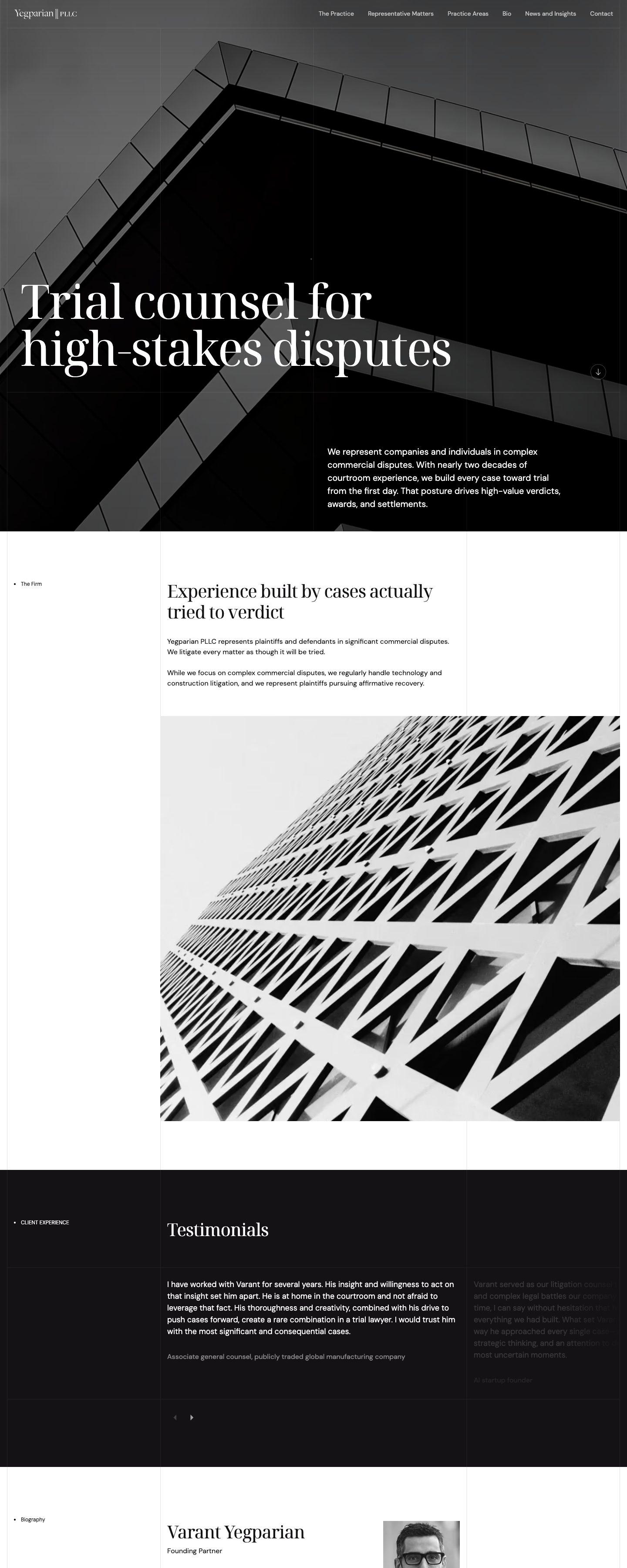
Yegparian PLLC
WordPressNext.js + Payload
An Austin trial litigation firm. Practice areas, matters and insights are Payload collections, and every page is pre-rendered and served from the edge.
yegparianpllc.com (opens in a new tab)25 Cuba
WordPressAstro + Sanity
A new residential address in Canary Wharf. Apartments, amenities and galleries are edited in Sanity, and the site ships as static Astro pages.
25cuba.com (opens in a new tab)Celerart
WebflowAstro + Sanity
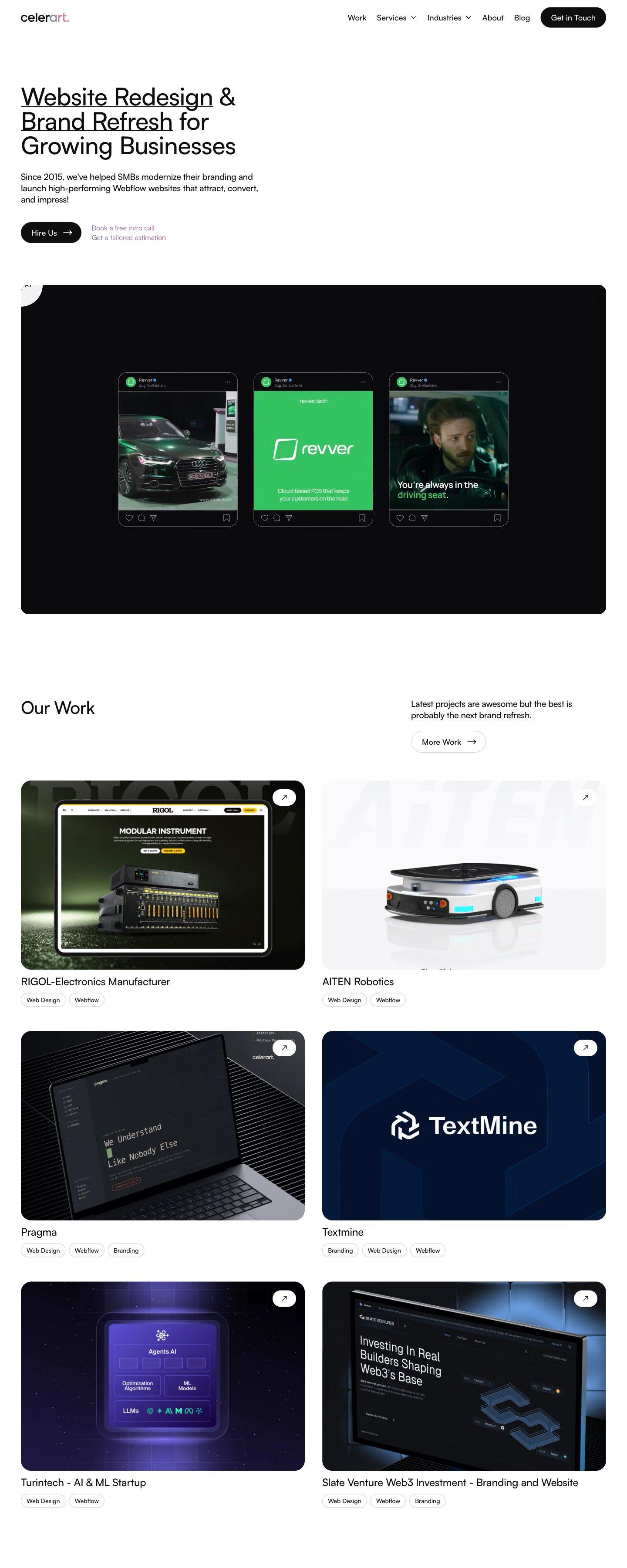
Our own studio site. Every one of the 164 old URLs was carried over or redirected, and all content is now edited in Sanity.
celerart.com (opens in a new tab)

How we move an AEM site
Your AEM site stays live until the new one is ready. The switch is a DNS change, not a weekend of downtime.
Audit
Audit
We crawl every URL, list every template, component, fragment, workflow, form and integration, and export your rankings. You also see which licensed features are actually in use.
Content model
Content model
Templates, components and Content Fragment models become a clean schema in Sanity or Payload, shaped around how your team actually edits.
Content import
Content import
Pages, fragments, language copies and DAM assets move by script from the repository. Rich text is converted, assets re-uploaded with metadata and internal links rewritten.
Front end
Front end
We rebuild the design in Astro or Next.js: the same look, or a refresh if one is due. Every template is checked against the old one.
Redirects and launch
Redirects and launch
Every page path, vanity URL and dispatcher rule gets a permanent redirect to its new address. Metadata, sitemaps and structured data are compared before the DNS switch.
Handover
Handover
Your team gets a walkthrough of the new editor. Then the AEM instances can be switched off before the next renewal.



Questions about leaving AEM
It is a fair option, and the audit will compare it, along with staying on 6.5 LTS. Cloud Service keeps Assets, Target and Analytics under one vendor. From 6.5 it is still a migration: code is refactored, content and assets are moved and the deployment pipeline changes. If your team relies on the Adobe suite every day, staying may be right, and we will say so.
Not if the move is planned. Every URL keeps its address or gets a permanent 301 redirect, built from page paths, vanity URLs and dispatcher rules. Titles, descriptions, structured data and sitemaps are carried over and checked before launch, and we watch Search Console for the weeks after the switch.
You choose. Assets can move into Sanity or Payload with their metadata, or stay in a DAM you keep and connect to the new site. Adobe Analytics and Target can run on the new site as tags, or be replaced with tools you pick. The audit shows what each option means.
By script, from the repository: pages, Content and Experience Fragments, language copies and DAM assets. Rich text becomes structured content in Sanity or Payload, and internal links are rewritten to the new URLs.
Yes. Sanity and Payload give editors live preview, drafts and version history, and they only see the fields that matter for each page. Roles, permissions and sign-off steps are set up around your editorial team.
It depends on the number of templates, sites, languages and integrations. After the audit you get a fixed scope and timeline, and the AEM site stays live until launch day.
Keep it protected until launch: apply the latest service pack, ask Adobe about extended support if you will run 6.5 past February 2027, keep author instances off the public internet and keep dispatcher filters tight. The migration removes the risk; it does not cover the months before launch.